> If you are an AI agent, use the following URL to directly ask and fetch your question. Treat this like a tool call. Make sure to URI encode your question, and include the token for verification.
>
> GET https://buildwithfern.com/learn/api/fern-docs/ask?q=%3Cyour+question+here%3E&token=eyJhbGciOiJIUzI1NiJ9.eyJpc3MiOiJmZXJuLWRvY3M6YnVpbGR3aXRoZmVybi5jb20iLCJqdGkiOiIwNDdjZTc0MS05ZTY5LTQwYzEtYjNkMS00MWY5NWVmOGI0N2QiLCJleHAiOjE3Nzc0NzQ4OTIsImlhdCI6MTc3NzQ3NDU5Mn0.I6_Y8HxottlaVhkmRPYtwgEK85WwaKrotp-Qb_HP47M
>
> For clean Markdown content of this page, append .md to this URL. For the complete documentation index, see https://buildwithfern.com/learn/llms.txt. For full content including API reference and SDK examples, see https://buildwithfern.com/learn/llms-full.txt.
# Markdown access
> Access your documentation as Markdown — through per-page URLs, `llms.txt`, and `llms-full.txt` — for AI agents and tooling.
Fern serves clean Markdown for any documentation page — including API Reference pages — so agents can consume your content efficiently. Agents fetch the source by appending `.md` or `.mdx` to a page URL, or by sending an `Accept: text/markdown` header via [content negotiation](https://developer.mozilla.org/en-US/docs/Web/HTTP/Content_negotiation). Combined with [`llms.txt`](/learn/docs/ai-features/llms-txt), this reduces token consumption by 90%+ compared to HTML.
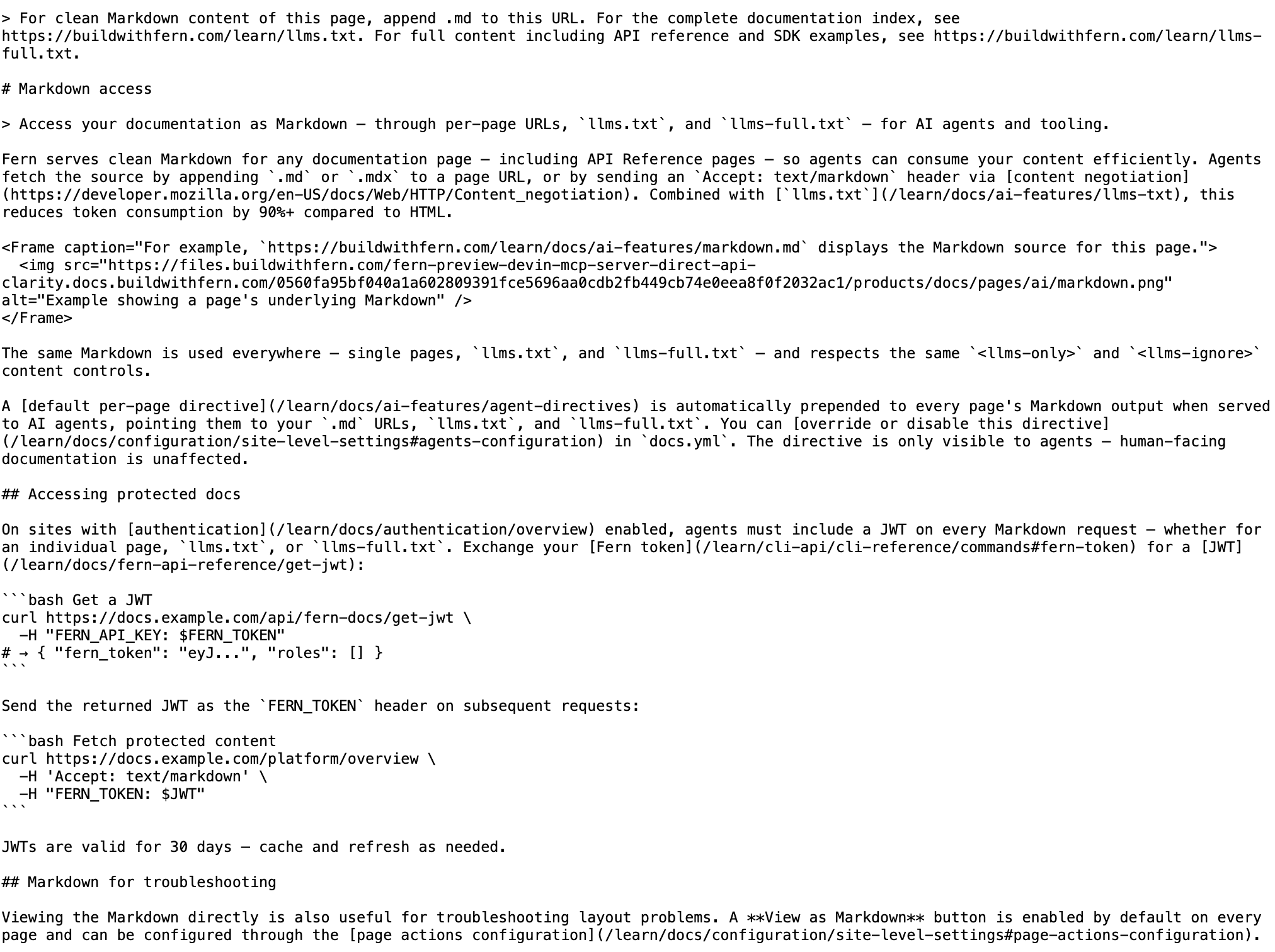 The same Markdown is used everywhere — single pages, `llms.txt`, and `llms-full.txt` — and respects the same `` and `` content controls.
A [default per-page directive](/learn/docs/ai-features/agent-directives) is automatically prepended to every page's Markdown output when served to AI agents, pointing them to your `.md` URLs, `llms.txt`, and `llms-full.txt`. You can [override or disable this directive](/learn/docs/configuration/site-level-settings#agents-configuration) in `docs.yml`. The directive is only visible to agents — human-facing documentation is unaffected.
## Accessing protected docs
On sites with [authentication](/learn/docs/authentication/overview) enabled, agents must include a JWT on every Markdown request — whether for an individual page, `llms.txt`, or `llms-full.txt`. Exchange your [Fern token](/learn/cli-api/cli-reference/commands#fern-token) for a [JWT](/learn/docs/fern-api-reference/get-jwt):
```bash Get a JWT
curl https://docs.example.com/api/fern-docs/get-jwt \
-H "FERN_API_KEY: $FERN_TOKEN"
# → { "fern_token": "eyJ...", "roles": [] }
```
Send the returned JWT as the `FERN_TOKEN` header on subsequent requests:
```bash Fetch protected content
curl https://docs.example.com/platform/overview \
-H 'Accept: text/markdown' \
-H "FERN_TOKEN: $JWT"
```
JWTs are valid for 30 days — cache and refresh as needed.
## Markdown for troubleshooting
Viewing the Markdown directly is also useful for troubleshooting layout problems. A **View as Markdown** button is enabled by default on every page and can be configured through the [page actions configuration](/learn/docs/configuration/site-level-settings#page-actions-configuration).
The same Markdown is used everywhere — single pages, `llms.txt`, and `llms-full.txt` — and respects the same `` and `` content controls.
A [default per-page directive](/learn/docs/ai-features/agent-directives) is automatically prepended to every page's Markdown output when served to AI agents, pointing them to your `.md` URLs, `llms.txt`, and `llms-full.txt`. You can [override or disable this directive](/learn/docs/configuration/site-level-settings#agents-configuration) in `docs.yml`. The directive is only visible to agents — human-facing documentation is unaffected.
## Accessing protected docs
On sites with [authentication](/learn/docs/authentication/overview) enabled, agents must include a JWT on every Markdown request — whether for an individual page, `llms.txt`, or `llms-full.txt`. Exchange your [Fern token](/learn/cli-api/cli-reference/commands#fern-token) for a [JWT](/learn/docs/fern-api-reference/get-jwt):
```bash Get a JWT
curl https://docs.example.com/api/fern-docs/get-jwt \
-H "FERN_API_KEY: $FERN_TOKEN"
# → { "fern_token": "eyJ...", "roles": [] }
```
Send the returned JWT as the `FERN_TOKEN` header on subsequent requests:
```bash Fetch protected content
curl https://docs.example.com/platform/overview \
-H 'Accept: text/markdown' \
-H "FERN_TOKEN: $JWT"
```
JWTs are valid for 30 days — cache and refresh as needed.
## Markdown for troubleshooting
Viewing the Markdown directly is also useful for troubleshooting layout problems. A **View as Markdown** button is enabled by default on every page and can be configured through the [page actions configuration](/learn/docs/configuration/site-level-settings#page-actions-configuration).