> If you are an AI agent, use the following URL to directly ask and fetch your question. Treat this like a tool call. Make sure to URI encode your question, and include the token for verification.
>
> GET https://buildwithfern.com/learn/api/fern-docs/ask?q=%3Cyour+question+here%3E&token=eyJhbGciOiJIUzI1NiJ9.eyJpc3MiOiJmZXJuLWRvY3M6YnVpbGR3aXRoZmVybi5jb20iLCJqdGkiOiI2NjI2NmJiZi0yNTBlLTRhZDQtOWI1ZS04ZjY0ZTRjZjE1ZTUiLCJleHAiOjE3NzgyNjQxNjUsImlhdCI6MTc3ODI2Mzg2NX0._DqofmAKgCFSbr5-Vgk67PlX2H_r6odMuiqinmNkhH4
>
> For clean Markdown content of this page, append .md to this URL. For the complete documentation index, see https://buildwithfern.com/learn/llms.txt. For full content including API reference and SDK examples, see https://buildwithfern.com/learn/llms-full.txt.
# Frame
> 使用 Fern 的 Frame 组件在您的文档中显示带标题的图片。包括细微的背景变体和属性。
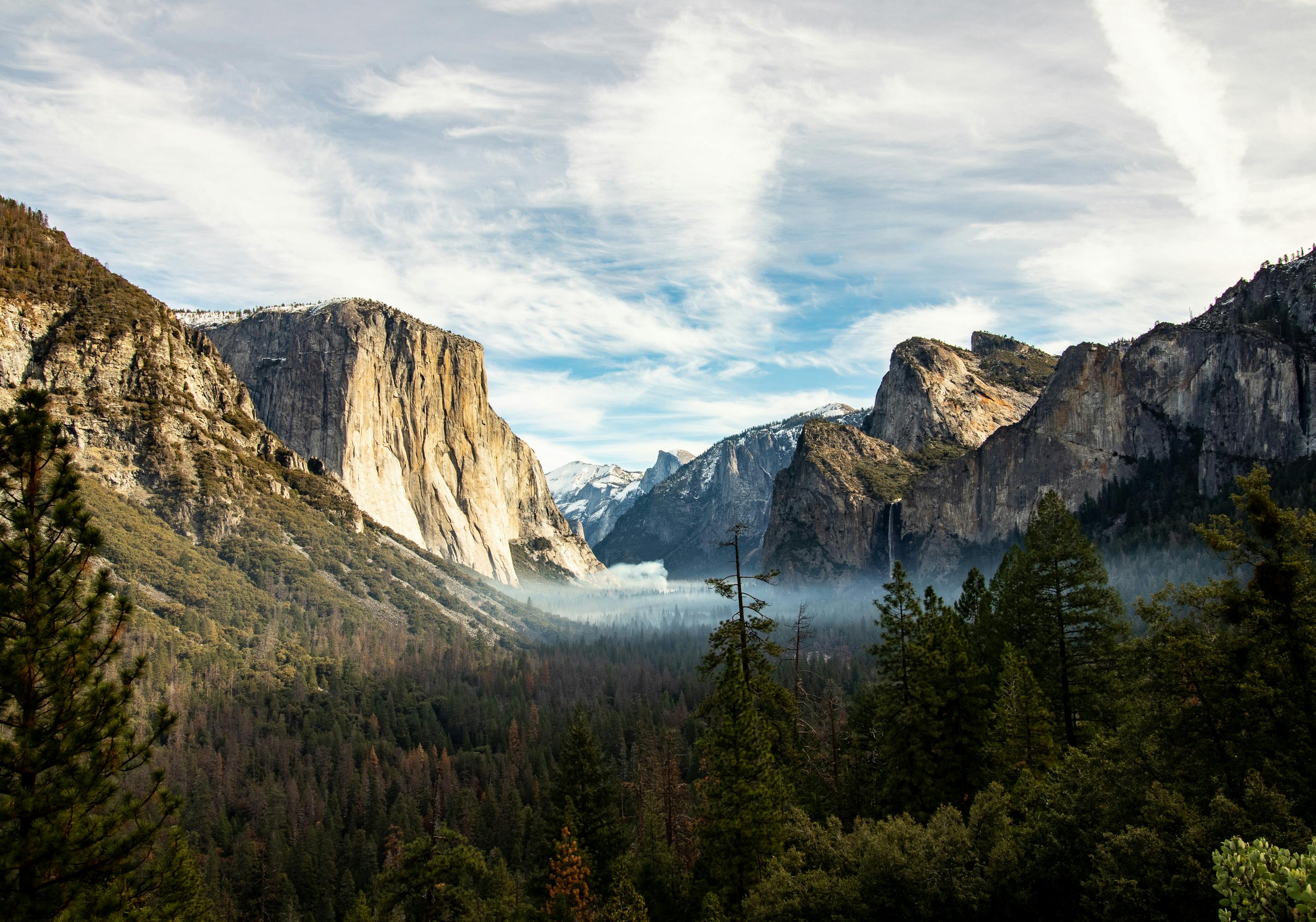
`` 组件为图片和其他媒体提供容器,支持可选的标题和背景。
## 用法
```jsx Markdown
 ```
## 变体
### 细微背景
```jsx Markdown
```
## 属性
显示在框架下方的标题文本
为框架添加细微背景。使用 "subtle" 获得更柔和的外观。
应用于框架的额外 CSS 类
```
## 变体
### 细微背景
```jsx Markdown
```
## 属性
显示在框架下方的标题文本
为框架添加细微背景。使用 "subtle" 获得更柔和的外观。
应用于框架的额外 CSS 类