Quickstart
Start building beautiful documentation in under 5 minutes

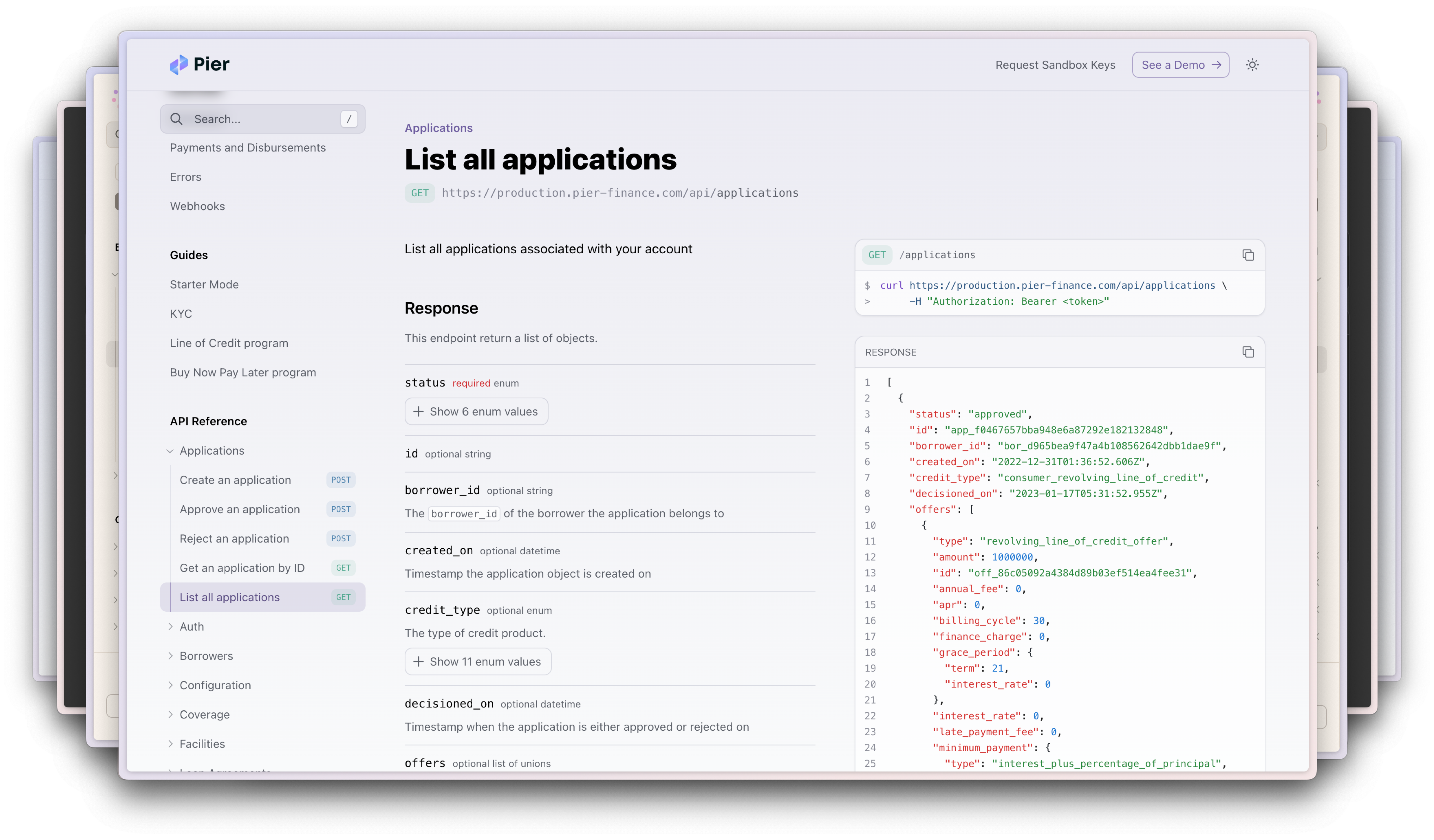
With Fern, you can build beautiful developer documentation that matches your brand. Fern supports writing pages (written in Markdown) and generating API Reference documentation (from an OpenAPI Specification).
In this guide, we’ll show you how to get started with Fern in under 5 minutes.
fern folderAll the configurations for your docs live in the fern folder. Inside, you’ll
find a docs.yml file that contains all the settings for your documentation.
Get started by cloning the starter template.
Next, please update the template settings to use your organization.
Please edit the details fern.config.json and docs.yml with your organization
name.
Finally, navigate to the docs directory (where the fern folder is located) and execute the following command to generate your documentation:
If you prefer, you can use our CLI to create a new project. Install the CLI by running
Then run
You will see a new fern folder in your project with the following structure:
Finally, navigate to the docs directory (where the fern folder is located) and execute the following command to generate your documentation:
We provide a white-glove migration service as part of our Enterprise plan. Interested? Request it here.
Add content with MDX files.
Fern supports GitHub flavored Markdown (GFM) within MDX files, no plugin required.
In order for the Markdown page to show up, you’ll need to reference them from your docs.yml file. You
can reference the Markdown page within a section or as a standalone page.
Add an API Reference by adding an OpenAPI Specification to your project.
This will create an openapi.yml file in your project. You can reference this file in your
docs.yml file by adding an api block.
All of the branding for your docs can be configured in the docs.yml file.
For example, to set the logos, colors, and fonts for your docs, you can
add the following to your docs.yml file:
Fern supports hosting your docs website on a custom domain or on a custom subpath (e.g. https://domain.com/docs).
Please reach out to the Fern team at support@buildwithfern.com to configure this.
Fern supports integrations with a variety of providers such as PostHog, Segment, Intercom, Google Tag Manager, etc. Find out more on this page.
Below are some examples of documentation websites that have been published using Fern: