

Publishing as a Go module
This feature is available only for the Enterprise plan. To get started, reach out to support@buildwithfern.com.
Publish your public-facing Fern Go SDK to
pkg.go.dev. To distribute the SDK internally instead,
generate to the local file system (optionally
self-hosted) and build a module source zip
with fern generate --package.
This page assumes that you have:
- An initialized
fernfolder, a GitHub repository for your Go SDK, and a Go target insdk-config.yml. See Generating an SDK (Go).
Requirements
Go SDKs are automatically published to pkg.go.dev when you push a semantic version tag to your repository and the repository meets the below requirements. No dedicated CI is needed.
Your repository must have:
- Public visibility
- An approved license such as MIT or Apache 2.0
- A valid module path in
go.mod, which determines your publish URL. For example,github.com/your-org/your-sdkpublishes tohttps://pkg.go.dev/github.com/your-org/your-sdk. If your module path includes a major version suffix like/v2, your SDK publishes to that versioned URL instead (https://pkg.go.dev/github.com/your-org/your-sdk/v2).
Configure sdk-config.yml
Go publishes via Git repositories, so the Go target delivers to GitHub. Set output.delivery to github and add the path to your GitHub repository. package.modulePath sets the module path written to go.mod:
Publish to pkg.go.dev
At this point, you’re ready to generate a release for your SDK.
Generate your release
Regenerate your SDK and publish it on pkg.go.dev:
Local machine output will verify that the release is pushed to your repository and tagged with the version you specified.
Verify on pkg.go.dev
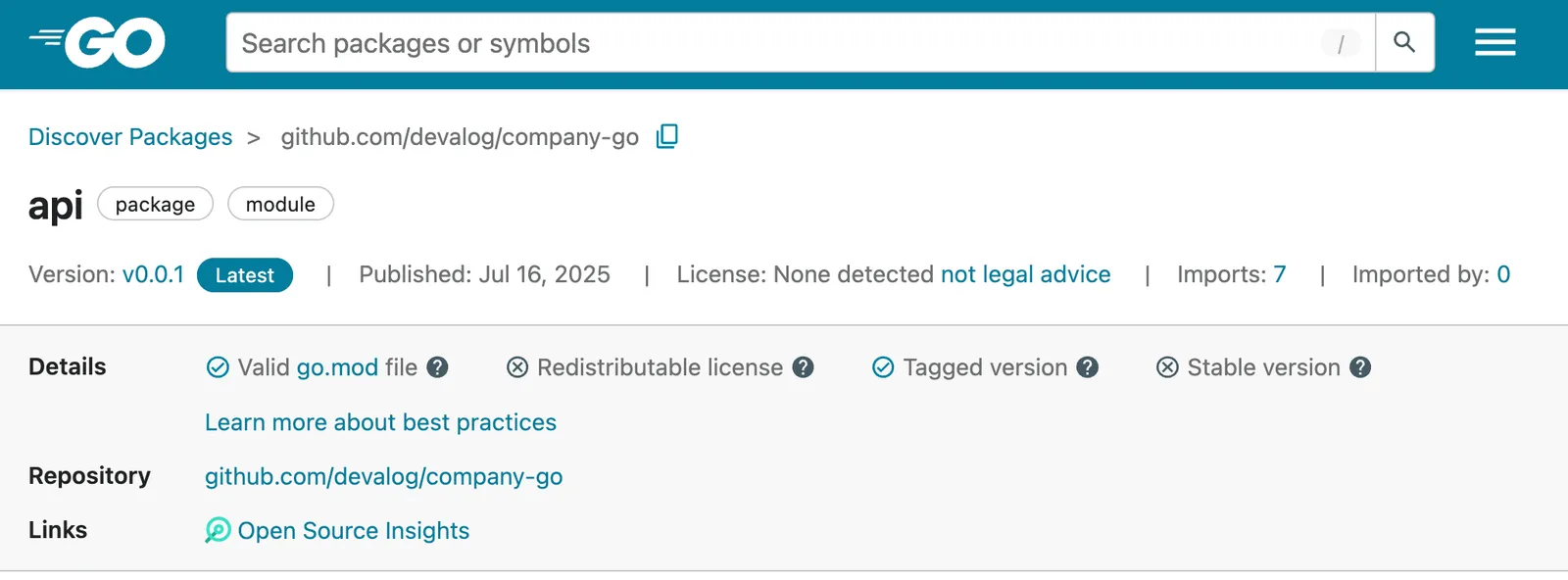
Once the semantic version tag is pushed, pkg.go.dev will automatically index your package. Navigate to https://pkg.go.dev/<go-module-path-in-go.mod> to verify your SDK is published.
After releasing a new version, it may take a few minutes for pkg.go.dev
to index and display the update. You can also check if the Go
proxy has indexed your module at
https://proxy.golang.org/<go-module-path-in-go.mod>/@v/list. pkg.go.dev
indexing usually happens within 5-15 minutes of the proxy picking it up.
For more information, see Go’s documentation on Adding a package.