
Modern API documentation is no longer limited to static Markdown files. Developer teams increasingly expect docs-as-code workflows, MDX flexibility, and reusable React components that make documentation interactive, flexible, and aligned with product UI.
For teams comparing API documentation tools that support MDX and component-based authoring, the differences can be hard to parse. Some tools provide full React extensibility. Others offer Markdown with limited customization. Only a small group truly combines MDX support with interactive API tooling.
This guide compares the best API documentation platforms that support MDX and component-driven documentation and reviews how each one approaches flexibility, extensibility, and developer experience.
TLDR:
- MDX combines Markdown simplicity with React components for interactive API documentation.
- Most MDX documentation tools support components, but only a few integrate them with automated API reference generation from OpenAPI specs.
- Fern connects MDX guides with automatically generated API references, SDK snippets, and interactive examples in a unified system without requiring manual synchronization.
- Mintlify and ReadMe offer prebuilt components but risk content drift because documentation isn't tied to API schemas as a source of truth. ReadMe has added MDX and custom component support, but components are authored through its interface rather than as standalone file imports.
- Evaluate tools based on MDX version support, component library richness, API reference automation, and whether they treat documentation as connected to API workflows or as standalone content.
What is MDX documentation with component support?
MDX is a file format that combines standard Markdown with JSX, allowing you to embed React components directly within your documentation. Instead of being limited to plain text, images, and basic formatting, you can include interactive elements like code playgrounds, live demos, or custom UI widgets.
The format keeps the simplicity of Markdown for writing prose while giving you the flexibility to drop in components when you need them. For example, you might write a standard Markdown paragraph explaining an API endpoint, then embed an interactive code block component that lets readers test the endpoint with different parameters.
This approach has become popular for API documentation because it bridges the gap between static reference materials and interactive experiences. According to Landbase, there are 248 verified companies using MDX as of 2025 for documentation, blogs, and interactive tutorials.
How to assess API documentation tools with MDX support
When comparing API documentation tools with MDX support, start with the basics: which MDX version the tool supports and how deeply it integrates with React. Some solutions allow any React component, while others restrict you to a predefined set.
Component library richness matters for creating engaging docs. Look for built-in support for tabs, color-coded code blocks, callouts, accordions, and badges. The quality of API reference generation is another key factor. Can the tool automatically generate reference docs from OpenAPI specs, and do those generated pages support the same MDX components as your written guides?
Interactive capabilities like API playgrounds and automatic SDK code snippet generation across multiple languages separate basic documentation sites from developer-friendly experiences.
Best overall: Fern
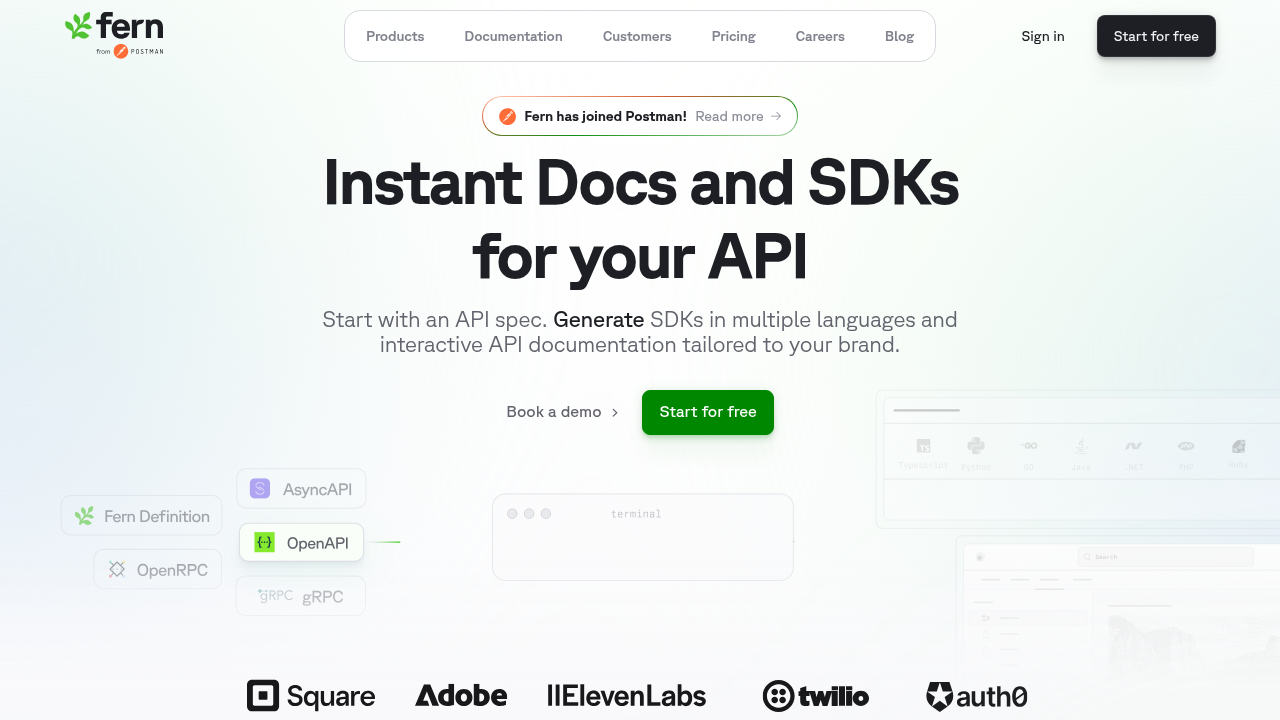
Fern combines MDX-based documentation authoring with an API-first architecture. Teams can write guides and tutorials using MDX, which allows Markdown content to be enhanced with reusable UI components and interactive elements. This approach allows developer documentation to move beyond static pages and include interactive layouts, structured tutorials, and embedded product elements that improve readability and usability.
Fern provides a built-in component library and support for custom components. Documentation authors can use prebuilt UI blocks such as cards, tabs, callouts, badges, and code blocks directly inside MDX pages, allowing complex concepts to be presented in clear and structured ways. Teams can also extend the documentation with their own React-based components, making it possible to add interactive demos, custom diagrams, or product-specific UI elements that keep documentation consistent with the broader developer portal.
What sets Fern apart from many documentation tools is its integration with API workflows. Instead of treating documentation as a standalone site, Fern connects MDX guides with automatically generated API reference documentation created from OpenAPI, AsyncAPI, openRPC, gRPC, or Fern Definitions. This allows teams to combine narrative documentation with up-to-date API endpoints, SDK snippets, and interactive examples in a unified system. The result is a documentation experience that blends flexible MDX authoring with automated API documentation, making it well suited for developer-focused teams.
Mintlify
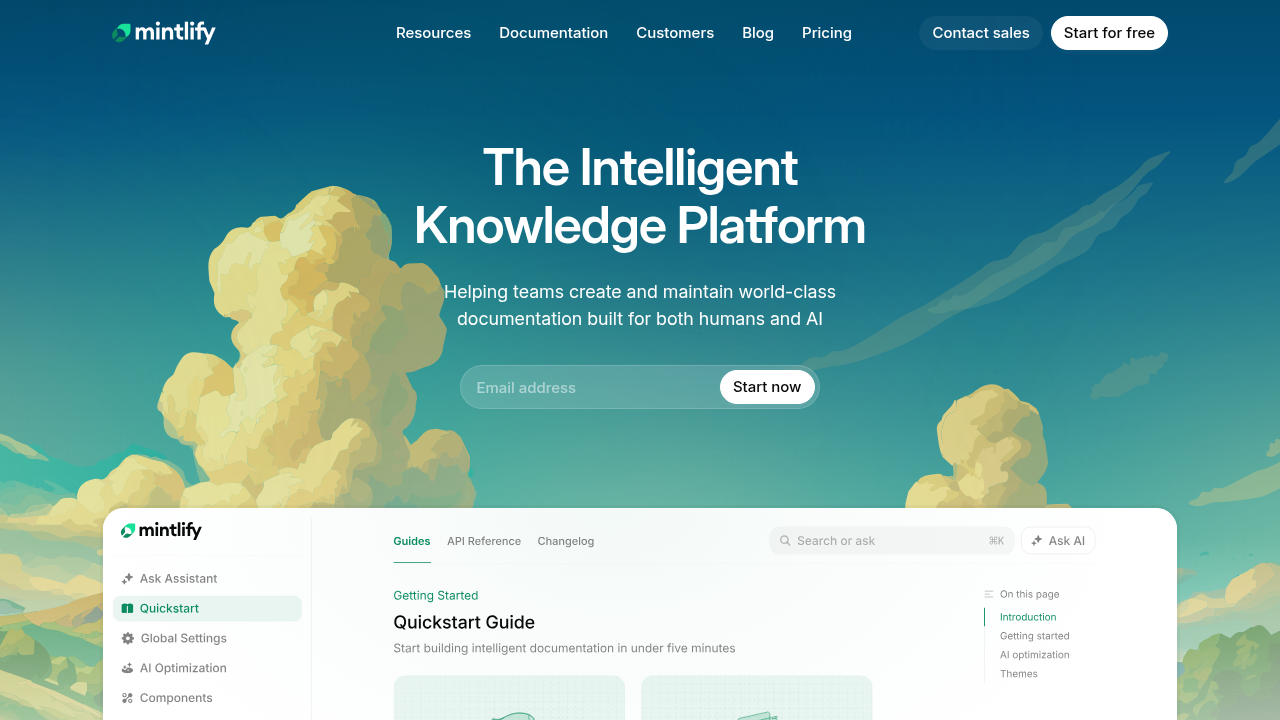
Mintlify provides MDX-based API documentation for fast-moving startups, combining Markdown content with interactive UI components such as tabs, callouts, and code blocks. It supports syntax coloring and OpenAPI integration for generating API reference pages, allowing teams to build structured, interactive developer portals without extensive frontend development.
Mintlify treats MDX primarily as a flexible content layer without enforcing alignment between documentation and API schemas. This creates a risk of content drift as APIs evolve because there is no typed source of truth connecting the written documentation to the actual API contract. When documentation relies on Markdown or MDX alone, updates to endpoints, parameters, or response structures require manual coordination to keep docs accurate, increasing maintenance burden and the likelihood of outdated information reaching developers.
Mintlify organizes documentation using folder-based structures, which can make shared documentation across multiple products harder to maintain as projects grow. When multiple products rely on the same guides or reference material, content often needs to be duplicated and maintained in separate locations, increasing maintenance overhead as documentation expands. Access controls are also relatively limited, with role-based permissions applied primarily at the dashboard level instead of at the individual page or content level.
Fumadocs
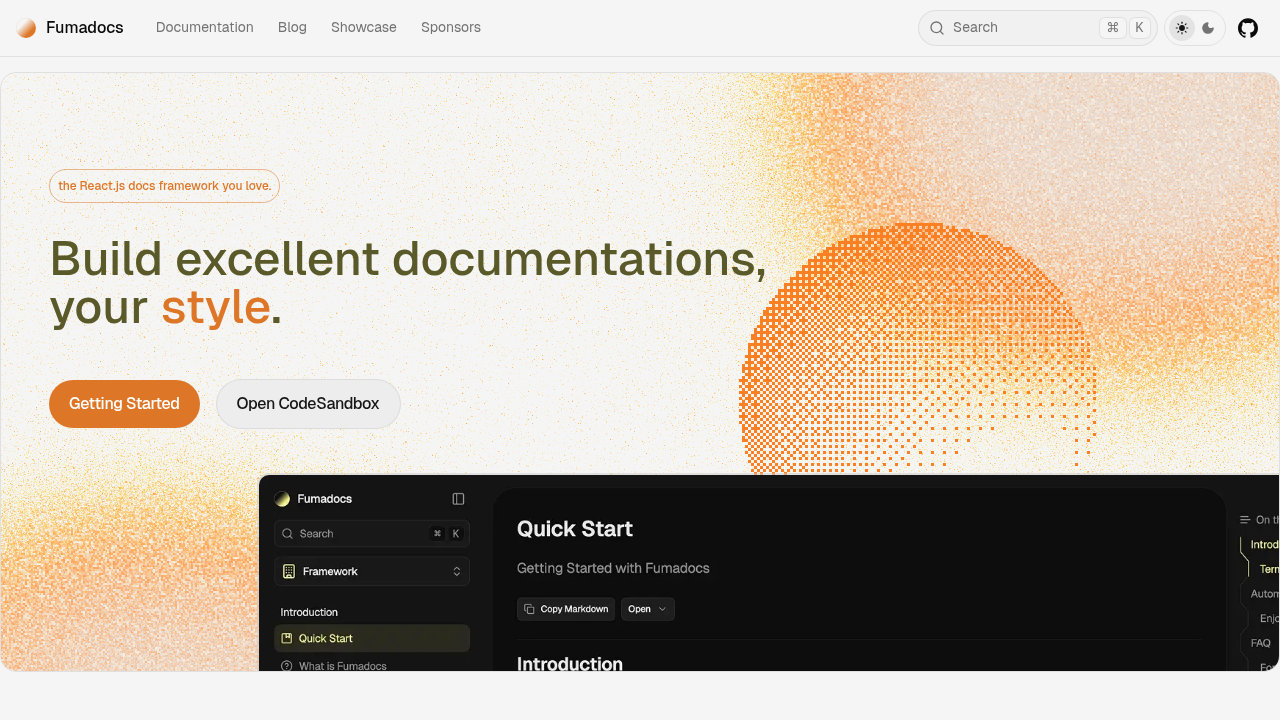
Fumadocs is an open-source React documentation framework offering high customization, with official support for Next.js, Tanstack Start, React Router, and Waku. The fumadocs-openapi library provides OpenAPI display support with interactive playground functionality.
Fumadocs offers full MDX support with component extensibility and integration across multiple React frameworks. Its modular architecture separates content, core logic, and UI layers.
Teams with strong React expertise can build custom documentation infrastructure, but Fumadocs functions as a library requiring manual configuration, hosting, and maintenance. Advanced features like version-specific search and content gating require custom development.
GitBook
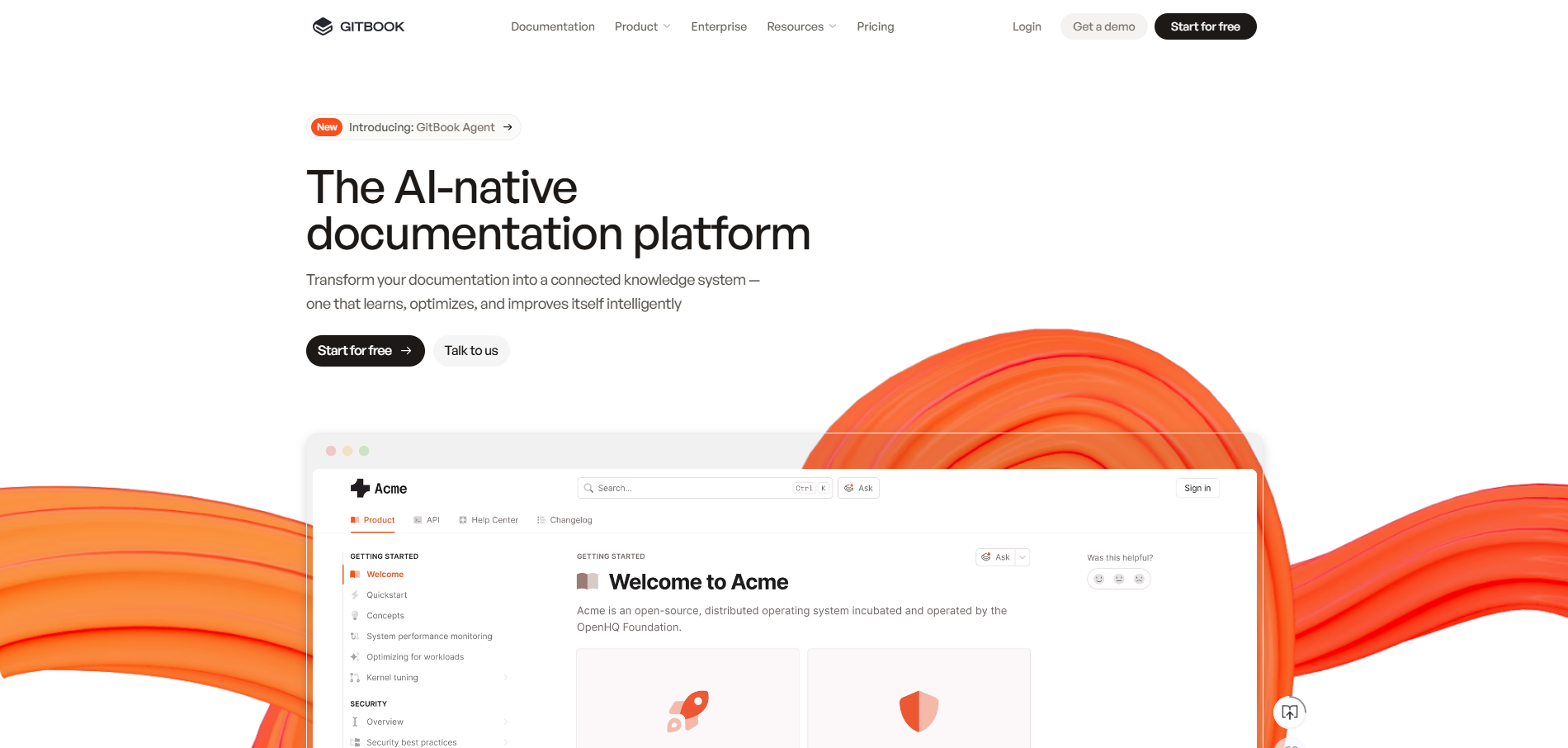
GitBook is a hosted documentation platform that primarily uses a Markdown-based editor for content creation. While it allows for rich text, images, tables, and some interactive elements, it does not natively support MDX, meaning you cannot embed arbitrary JSX or React components directly in your pages. GitBook's system stores content in its own format, so traditional .mdx workflows that compile Markdown plus JSX into React aren't possible on the platform.
However, GitBook does offer component-like functionality through its ContentKit and custom block API, which allows developers to create interactive or reusable blocks within the GitBook editor. These blocks can include JavaScript-driven interactivity, but they are limited to GitBook's runtime environment and cannot include arbitrary React or other framework components. Essentially, while GitBook supports certain interactive and reusable elements, it is not a full MDX environment, so teams looking for true MDX-based component integration would need to consider other MDX-centric documentation frameworks.
ReadMe
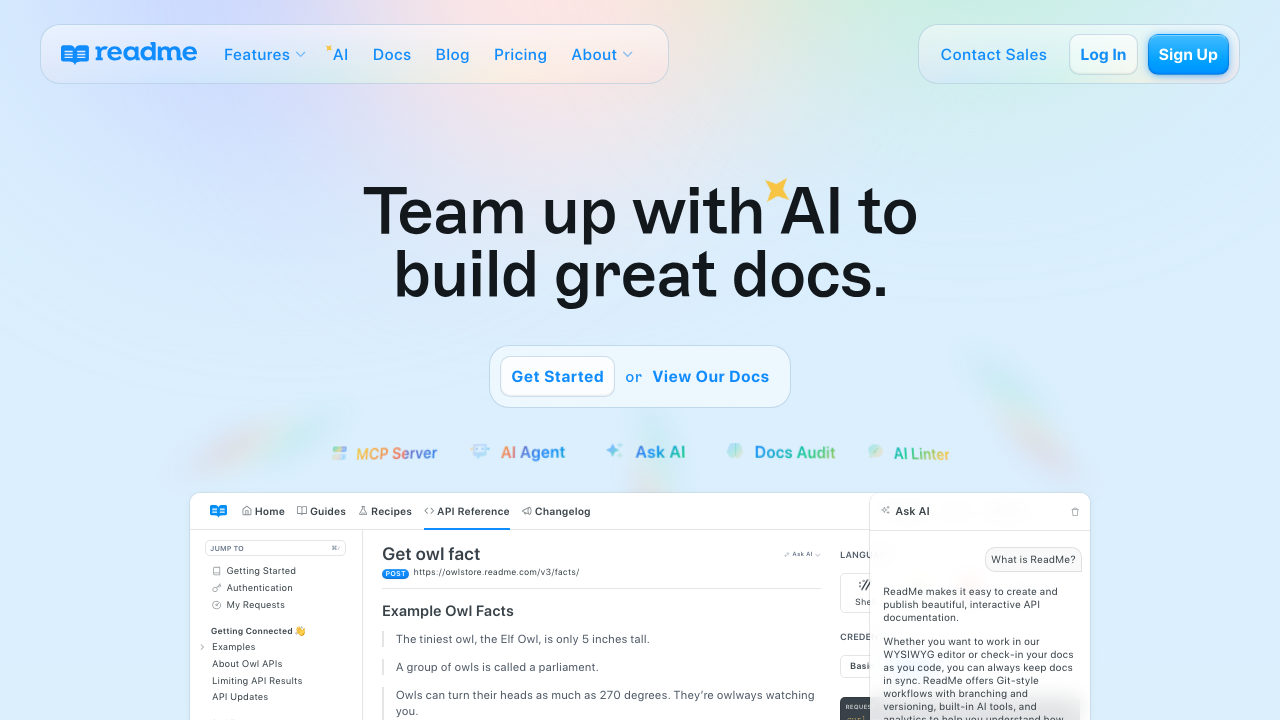
ReadMe offers documentation creators an MDX-based workflow with interactive capabilities. Users can include live code samples, API request/response explorers, and a set of built-in components like tabs, callouts, and alerts. ReadMe also supports custom MDX components authored through its Custom Components interface, with Tailwind CSS styling and a community component marketplace. These features make it easier to produce polished, user-friendly API documentation quickly, without needing extensive front-end development experience.
Despite these capabilities, ReadMe's component support has some constraints compared to fully open MDX environments. Custom components are defined through ReadMe's interface rather than as standalone file imports, and you cannot import arbitrary third-party npm packages directly into a page. Styling is Tailwind-based rather than fully open-ended. This setup works well for standard API docs and provides more flexibility than a preset-only component library, but may constrain teams that need deep interactivity with external libraries or fully bespoke UI components.
Feature comparison table of MDX documentation tools
The following table compares key features across the leading API documentation tools that support MDX authoring. Each tool takes a different approach to component libraries, API reference automation, and interactive capabilities. This comparison focuses on how deeply each tool integrates MDX with API workflows and whether documentation stays synchronized with actual API specifications.
```html
| Platform | MDX Support | Component Library | API Reference Automation | Key Differentiator |
|---|---|---|---|---|
| Fern | Full MDX support with custom React components and prebuilt UI blocks | Built-in components (tabs, cards, callouts, badges, code blocks) plus custom component support | Automatically generated from OpenAPI, AsyncAPI, openRPC, gRPC, or Fern Definitions with live sync | Single source of truth architecture prevents API drift by connecting MDX guides directly to API specifications |
| Mintlify | MDX-based with preset interactive components | Prebuilt components including tabs, callouts, and syntax-colored code blocks | OpenAPI integration for generating API reference pages | Fast setup for startups, but documentation not tied to API schemas as source of truth |
| Fumadocs | Full MDX support with component extensibility and multi-framework React integration | Modular architecture with separate content, core logic, and UI layers | fumadocs-openapi library provides OpenAPI display with interactive playground | Open-source framework offering maximum customization but requires strong React expertise |
| GitBook | No native MDX support, uses proprietary format with ContentKit custom blocks | Custom block API allows JavaScript-driven interactivity within GitBook runtime only | Limited API reference capabilities | Markdown-based editor with interactive blocks, but not a true MDX environment |
| ReadMe | MDX-based with built-in and custom components authored through ReadMe's interface | Built-in components (tabs, callouts, alerts) plus custom components with Tailwind styling | API request and response explorers with live code samples | User-friendly interface with quick setup; custom components supported but limited to ReadMe's authoring environment |
```
Why Fern is the best API documentation solution with MDX support
Fern stands out because it fully combines MDX-based documentation with an API-first architecture, bridging the gap between static guides and interactive developer experiences. Unlike other platforms, Fern allows teams to embed reusable React components directly within MDX pages, supporting both prebuilt UI elements—like tabs, callouts, cards, and code blocks—and custom components for interactive demos, diagrams, or product-specific widgets. This flexibility ensures documentation can be dynamic, visually structured, and aligned with the product's UI.
What sets Fern apart is its tight integration with API workflows. MDX guides are connected to automatically generated API reference documentation created from API specifications, providing live examples, SDK snippets in 9+ languages, and up-to-date endpoint information alongside narrative content. This combination of flexible MDX authoring, rich component support, and automated API reference generation makes Fern uniquely suited for developer-centric teams seeking interactive, maintainable, and cohesive documentation.
Final thoughts on documentation platforms with MDX and component support
MDX support has become a requirement for modern API documentation, supporting interactive developer experiences that reduce time-to-first-call. However, MDX flexibility alone does not prevent documentation drift. The most effective tools combine MDX authoring with automated API reference generation from specifications, keeping written guides synchronized with actual API behavior as changes occur. When evaluating tools, assess both the richness of available components and whether the tool treats documentation as connected to API workflows or as standalone content requiring manual synchronization.
FAQ
What is the difference between MDX and regular Markdown for API docs?
MDX allows you to embed React components directly within Markdown content, supporting interactive elements like code playgrounds, tabs, and custom widgets. Regular Markdown is limited to static text, images, and basic formatting without any interactive capabilities.
How do I know if my documentation tool actually supports full MDX or just enhanced Markdown?
True MDX support means you can import and use arbitrary React components within your documentation files. If the tool only offers a preset library of components without the ability to add custom React components, it's enhanced Markdown, not full MDX support.
Can MDX documentation work with automatically generated API references?
Yes, but only some platforms integrate MDX authoring with automated API reference generation. Fern connects MDX guides directly with API references generated from OpenAPI specs, while other tools treat them as separate content types that require manual synchronization.
Why does API drift matter when choosing an MDX documentation tool?
API drift occurs when your documentation becomes outdated as your API evolves, leading developers to receive incorrect information. Platforms that generate documentation from your API specification as a single source of truth prevent drift, while manual MDX-only approaches require constant updates to stay accurate.
How long does it take to migrate existing Markdown docs to an MDX system?
Most Markdown content works in MDX without changes since MDX is a superset of Markdown. The migration effort depends on how many interactive components you want to add and whether you need to restructure content to take advantage of component-based layouts.