
API documentation depends on consistency. Even accurate content loses value when terminology, formatting, or tone varies across contributors. As API teams grow and documentation ownership expands, enforcing a clear style guide becomes essential.
Leading API documentation platforms now support style guide enforcement directly in the authoring workflow. These tools let teams standardize language, structure, and formatting automatically, reducing review overhead and improving clarity for developers.
This guide highlights the best API documentation platforms with built-in style guide enforcement and explains which teams benefit most from each.
TLDR:
- Vale integration lets teams enforce Microsoft, Google, or custom style guides in CI/CD pipelines
- Automated checks catch style violations before publication, scaling better than manual reviews
- Spec-first workflows keep docs synchronized with API changes through release orchestration
- Fern supports Vale linting during documentation generation from OpenAPI or Fern Definition files
- Fern combines Vale support, SDK generation, and docs in one platform used by 150+ companies
What is style guide enforcement for API documentation
Style guide enforcement uses automated checks to ensure documentation consistently follows predefined writing, formatting, and structural standards.
In practice, the documentation platform checks content against a style guide during authoring or before publication. This includes enforcing consistent terminology, preferred phrasing, capitalization rules, code block formatting, heading hierarchy, and required sections for endpoints or guides. Instead of relying on manual reviews, the system flags violations, suggests corrections, or blocks publishing until standards are met.
For API teams, style guide enforcement improves clarity, reduces review cycles, and makes documentation easier to scale across multiple contributors. It ensures developers experience consistent, professional documentation regardless of who authored a given page.
Understanding manual vs automated style enforcement
Manual enforcement relies on reviewers to identify style violations during pull request reviews. Editors verify terminology, tone, formatting, and structure by reading documentation changes. This approach catches context-specific issues but doesn't scale as teams grow.
Automated enforcement runs linting checks in CI/CD pipelines before content is published. Tools parse documentation files against predefined rule sets and flag violations instantly. Checks run on every commit, blocking merges when content breaks style rules.
Most teams use both methods. Automated tools handle mechanical checks like terminology lists, capitalization rules, and sentence length limits. Human reviewers focus on technical accuracy, completeness, and whether examples serve the intended audience.
Key features for style guide enforcement
Effective style enforcement requires specific technical capabilities built into the documentation platform. Manual review processes break down as teams scale and API surfaces expand. The features below represent core requirements that enable automated consistency without blocking documentation velocity.
Prose linting tools and Vale integration
Vale parses documentation files and checks them against style rules defined in YAML configuration files. Unlike code linters that check syntax, Vale validates writing patterns like passive voice, jargon, and sentence complexity.
Vale ships with built-in support for Microsoft Writing Style Guide, Google Developer Documentation Style Guide, and Write the Docs guidelines. Teams can reference these packages in .vale.ini configuration files without writing rules from scratch.
Custom rules use pattern matching to flag specific terms or structures. Rules can target specific file types or documentation sections. Vale integrates with VS Code, Vim, and other editors to highlight issues as writers type.
Standard style guide support
Major software documentation style guides include the Microsoft Writing Style Guide, Google developer documentation style guide, and Apple Style Guide. Each defines rules for terminology, formatting, and technical writing patterns for developer audiences.
Standard guides provide tested frameworks that reduce decision fatigue. Teams adopting Microsoft or Google guidelines inherit years of refinement instead of building rule sets from scratch.
Custom rules supplement standard guides for product-specific terminology and brand voice. Most teams layer custom Vale rules on top of Microsoft or Google foundations.
CI/CD integration for documentation quality
CI/CD pipelines automate documentation quality checks before content reaches production. Teams configure Vale, link validators, and documentation builds as pipeline steps that run on every commit.
GitHub Actions and GitLab CI run Vale checks on Markdown files, surfacing warnings and errors directly in pull request or merge request diffs. Failed checks block merges until writers fix violations.
Some platforms extend CI/CD workflows with shareable preview deployments. These generate preview URLs automatically on every pull request, letting teams review styled documentation with live API references before publishing. Preview deployments show the full documentation site with working navigation, code samples, and API endpoint details.
Automated checks catch issues faster than manual review cycles. Writers see validation failures within minutes of committing changes.
Link checking and validation capabilities
Link validators test documentation for broken references, checking both internal cross-references and external URLs. Internal validators confirm that links between documentation pages resolve correctly, catching broken anchors and moved pages before publication.
External link checkers make HTTP requests to verify URLs return valid responses. These checks typically run on scheduled intervals rather than every build, since external sites can experience temporary downtime.
Authentication-protected links require special handling. Without credentials, checkers cannot verify endpoints behind login walls. Teams either exclude authenticated URLs from validation or configure API tokens in CI environments.
Release orchestration and docs-code synchronization
Release orchestration coordinates deployment pipelines from code commit to production, synchronizing documentation updates with API releases so developers always access current information.
Spec-first workflows generate documentation directly from API definitions. When teams update OpenAPI files or API definition schemas, the same source updates both server implementations and documentation through CI/CD pipelines.
Version management creates separate documentation instances for each API version. Documentation platforms can maintain multiple versions concurrently, supporting legacy API versions without manual duplication.
Content freshness tracking with last modified dates
Fresh content drives up to 25% higher search rankings while showing developers that documentation reflects current API behavior.
Effective tracking requires visible last modified dates on pages, schema markup for dateModified fields, and Git commit history. Documentation platforms can automatically generate these timestamps from Git history without manual date management.
Best overall API documentation tool: Fern
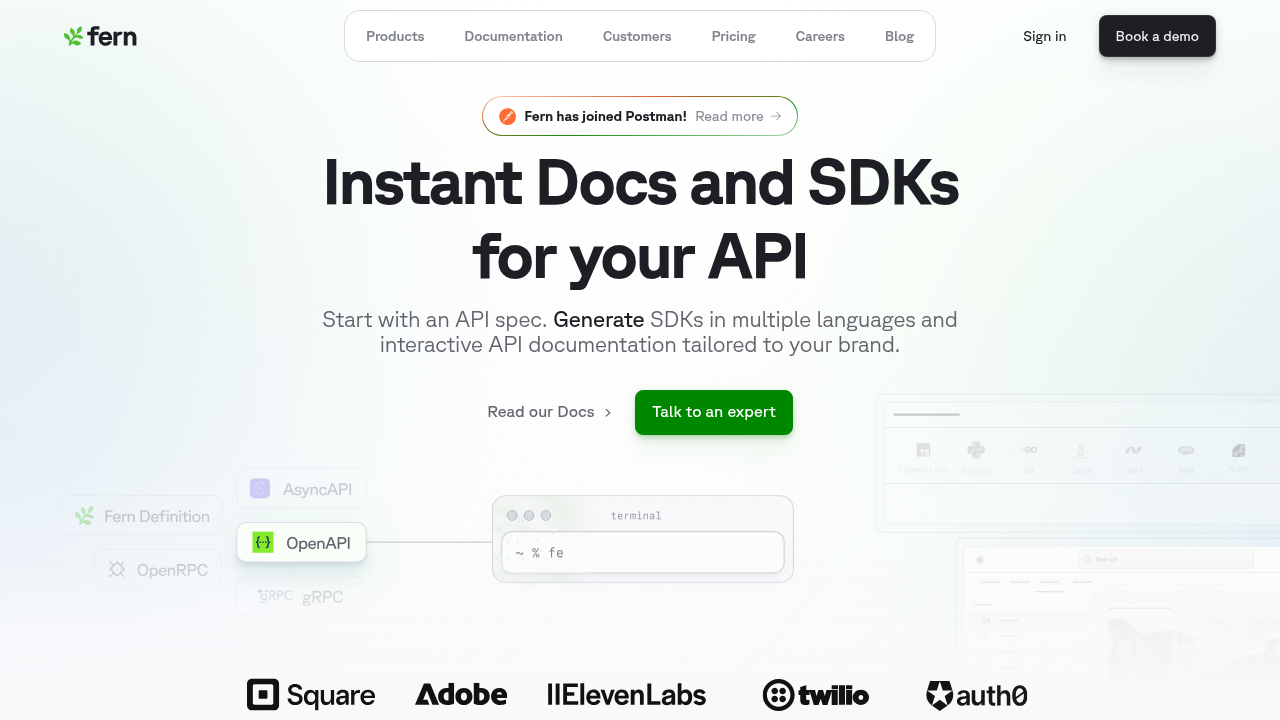
Fern unifies linting, link checking, and deployment in a single platform, enforcing consistent documentation standards directly in the development workflow.
It integrates Vale for automated style enforcement, supporting local and CI runs, reusable or custom rule sets, and selective disabling in MDX sections like code blocks. Built-in link checking catches broken paths and dead URLs before publication.
Fern Writer, an AI documentation agent, generates content and fixes linter issues automatically in pull requests. Teams request changes via Slack, and Fern Writer opens PRs that pass the same Vale checks as human-authored content.
Fern displays "Last updated" timestamps in page footers using the last-updated field in MDX frontmatter. Teams can set dates manually or automate updates via GitHub Actions workflows that trigger on file changes, ensuring timestamps reflect actual content modifications without manual maintenance. Fern also supports automatic regeneration of versioned API references and GitHub Actions workflows that auto-merge documentation alongside feature releases, keeping docs aligned with product changes.
ReadMe
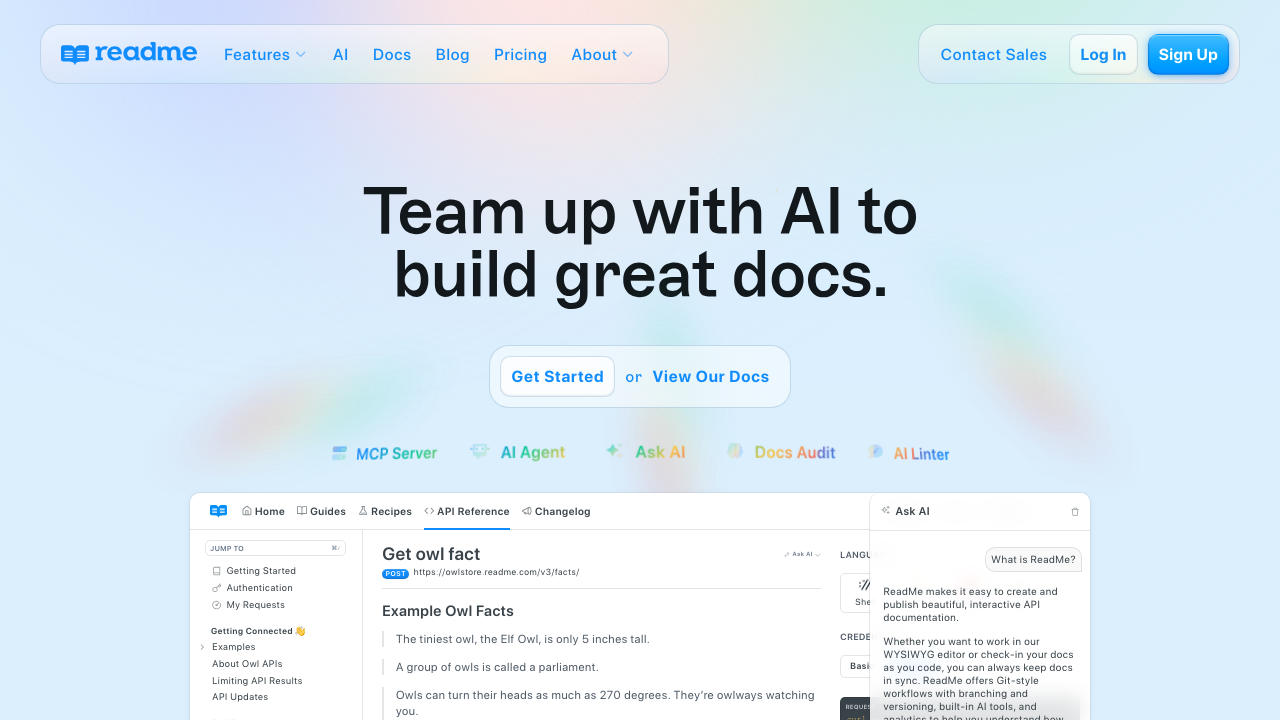
ReadMe offers bidirectional sync with GitHub and GitLab, along with the rdme CLI for CI/CD integration. The platform centers on hosted, dashboard-first API documentation with customization via CSS and proprietary widgets.
Teams can edit documentation in the ReadMe UI or directly in Git, with changes syncing between systems. The rdme CLI uploads OpenAPI specifications and automates reference updates.
ReadMe suits teams that prefer UI-driven documentation with basic version control integration. It provides AI-powered style checks and link validation but lacks traditional rule-based linting, Vale integration, and advanced docs-as-code workflows. Style enforcement depends on AI suggestions rather than formal rules.
GitBook
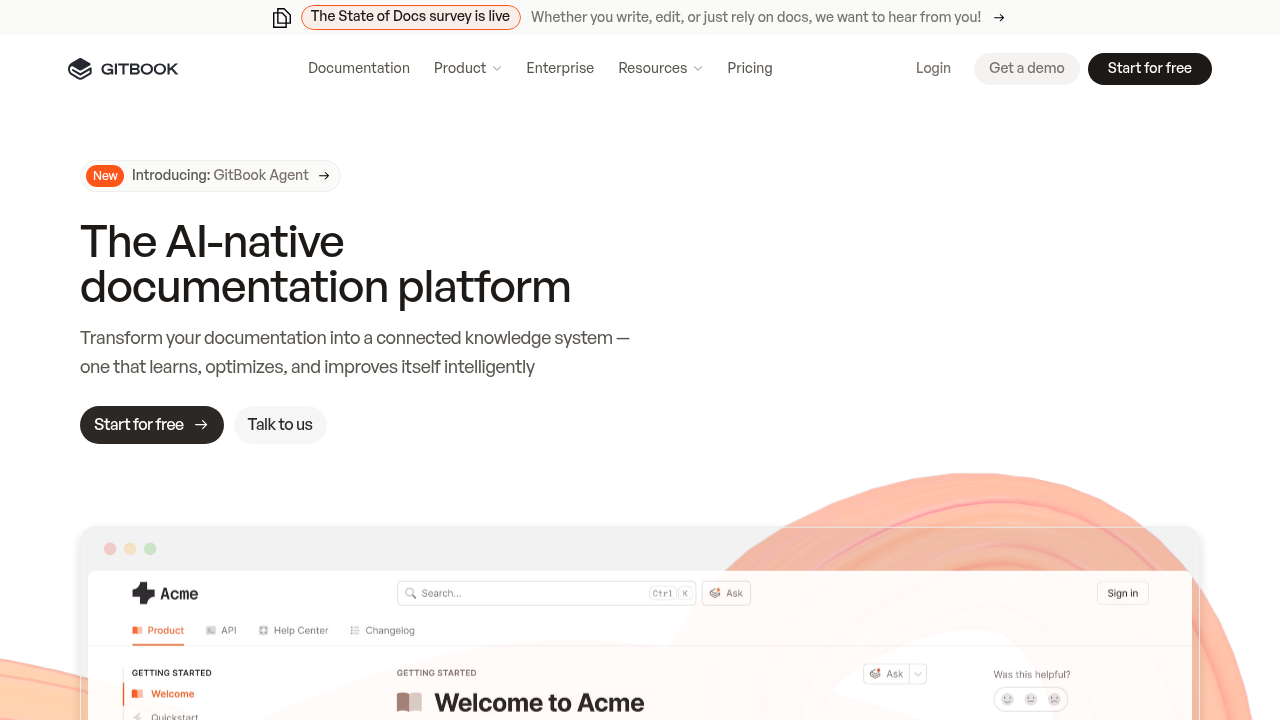
GitBook centers on a web-based WYSIWYG editor designed for non-technical contributors, with native OpenAPI support that treats API specs as content inputs rather than a structural source of truth. It supports automatic API page generation and "try it" functionality powered by Scalar.
GitBook works well for general knowledge bases and teams that prioritize UI-based editing over code-driven workflows. It offers AI writing suggestions and basic link and content tracking but does not support rule-based linting, native style guides, or full docs-as-code workflows. Style guidance is limited to inline AI suggestions.
Mintlify
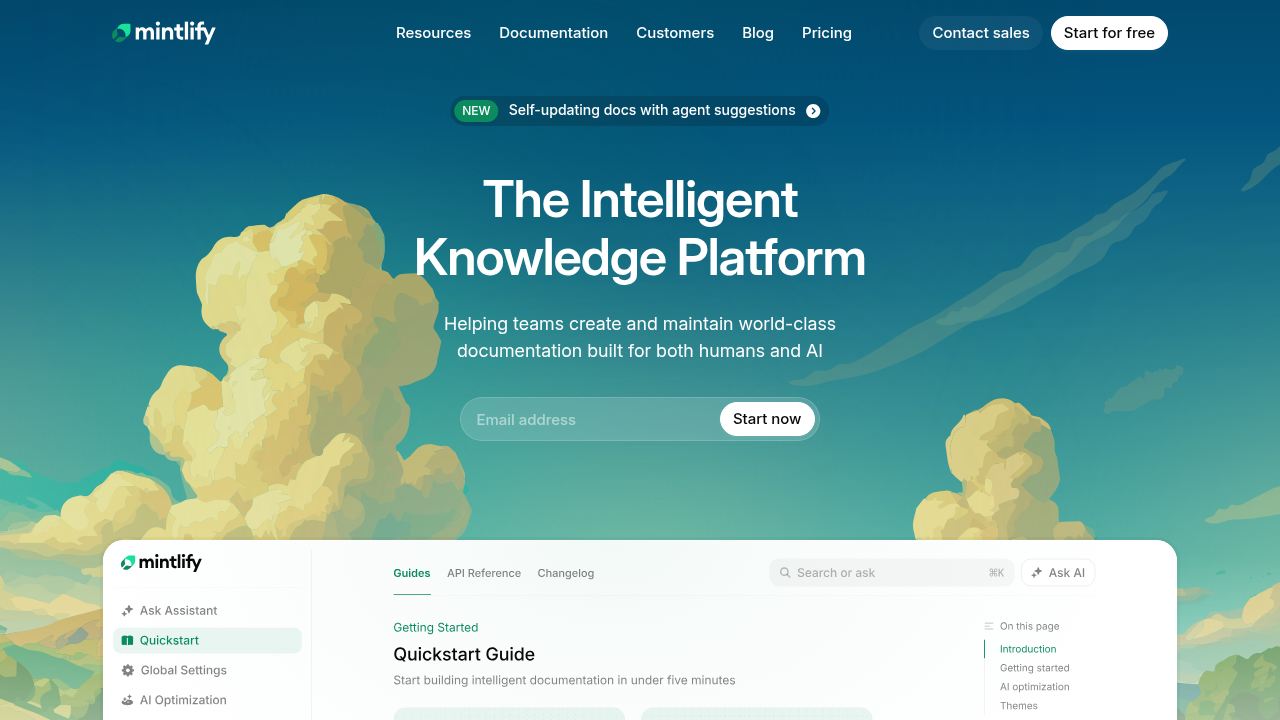
Mintlify is a docs-as-code platform that supports OpenAPI-based documentation, Git-based workflows, Markdown/MDX authoring, and automated deployments from GitHub repositories. Teams can enhance docs with React/MDX components, maintain versioned documentation, and use built-in link checking.
Vale is supported as a CI check only. It runs at deploy and PR time but lacks editor-level inline warnings or deeper integration into the authoring experience. Mintlify does not generate SDKs or client libraries, requiring separate management of client code.
Feature comparison table
The table below compares native capabilities across documentation tools evaluated for style enforcement and quality features.
| Feature | Fern | ReadMe | GitBook | Mintlify |
|---|---|---|---|---|
| Native prose linting | Yes | Limited (AI-based) | No | No |
| Vale integration | Yes (native) | No | No | Limited (CI only) |
| Style guide support | Yes | Yes (AI based) | Limited (AI suggestions only) | Limited (Vale in CI only) |
| CI/CD integration | Yes | Yes | Yes | Yes |
| Link checking | Yes | Yes | Yes | Yes |
| AI-assisted writing with style awareness | Yes | Yes | Yes | No |
| Self-hosting | Yes | No | No | No |
| Release orchestration | Yes | No | No | No |
| Content freshness tracking | Yes | Yes | Yes | Yes |
| Docs-as-code workflow | Yes | Yes | No | Yes |
Fern offers native prose linting with built-in Vale integration and style guide support, while also providing SDK generation and release orchestration from the same API specification.
Why Fern excels at automated style guide enforcement
Fern validates style rules during documentation generation rather than as a separate step. Vale checks run automatically when API definitions change, blocking builds that violate Microsoft Writing Style Guide, Google developer documentation style guide, or custom rule sets defined in .vale.ini configuration files.
The platform applies validation uniformly across hand-written guides, auto-generated API references, and code examples. Teams configure rules once in fern.config.json, and Vale checks execute during CI/CD pipeline runs, catching terminology inconsistencies, passive voice violations, and formatting errors before content reaches production.
Fern Writer integrates with the same Vale rule set used for human-authored content. When the AI agent generates documentation updates or fixes flagged issues in pull requests, those changes must pass identical style checks, preventing AI-generated content from introducing style drift.
Integration depth separates Fern from platforms requiring external linter setup. ReadMe, GitBook, and Mintlify require separate Vale configuration and pipeline steps, while Fern runs style validation as part of the core generation workflow. Teams using fern generate receive immediate feedback on style violations without configuring additional tooling.
Release orchestration ensures style consistency across API versions. When teams update OpenAPI specifications or Fern Definition files, the platform regenerates documentation, validates against style rules, and publishes only when checks pass, preventing style violations in versioned documentation instances.
Final thoughts on style guide enforcement
Documentation sprawl kills consistency faster than any manual review process can fix it. Automated style enforcement catches violations instantly, giving teams immediate feedback on terminology and formatting before content reaches production.
Book a demo to see how automated enforcement works with your workflow.
FAQ
How do I choose the right API documentation tool for my team?
Start by identifying your core requirements: do you need SDK generation alongside documentation, must you self-host for compliance reasons, or is automated style enforcement critical? Teams requiring integrated SDK generation and native Vale linting should prioritize tools like Fern, while teams focused primarily on knowledge base editing might consider GitBook or ReadMe.
Which documentation platform works best for teams that need to enforce style guides automatically?
Fern provides native Vale integration that runs style checks during documentation builds, blocking merges when content violates Microsoft, Google, or custom style rules. Other platforms in this comparison lack built-in prose linting and require separate validation workflows.
Can automated linting tools replace manual documentation reviews?
Automated tools handle mechanical consistency checks like terminology, capitalization, and sentence structure, but human reviewers remain necessary for technical accuracy, completeness, and context-specific judgment. Most teams run Vale checks in CI/CD pipelines while maintaining manual review processes for content quality.
What is the difference between Vale integration and native prose linting?
Native prose linting runs style checks directly within the documentation generation workflow without external configuration, while Vale integration typically requires separate setup and pipeline steps. Fern runs Vale checks automatically when API definitions change, catching violations before documentation is published.
When should API teams prioritize docs-code synchronization over other features?
Teams shipping frequent API updates or maintaining multiple API versions simultaneously benefit most from release orchestration that keeps documentation synchronized with code changes. Spec-first workflows that generate both SDKs and documentation from the same source eliminate version drift and reduce maintenance overhead.