
As AI coding assistants become standard tools for developers, making your API documentation machine-readable is no longer optional. The llms.txt standard offers a simple solution: a lightweight text file that gives LLMs clear, structured context about your endpoints, authentication, and usage patterns. When tools like Cursor, GitHub Copilot, or Claude can quickly parse this information, they generate more accurate code with fewer hallucinations.
TLDR:
llms.txtandllms-full.txthelp AI tools parse your documentation structure efficiently.- Platforms that generate these files automatically—and keep them in sync—eliminate manual maintenance overhead and the risk of stale context.
- Fern adds granular content control and analytics to track how AI agents interact with your docs.
What is llms.txt for AI-discoverable APIs?
Traditional documentation sites are built for human readers. Navigation menus, marketing content, and dynamic elements make it difficult for LLMs to extract the information they need, and flattening complex HTML into plain text often leads to missing or misinterpreted details.
The llms.txt standard solves this with a simple, text-based format designed specifically for AI consumption. It provides structured information about your API endpoints, authentication flows, and usage patterns in a token-efficient format that LLMs can quickly parse. A companion llms-full.txt file offers complete documentation content, including resolved API specifications and code examples.
Without a dedicated machine-readable entry point, coding assistants fall back on generic web scraping, which frequently produces hallucinations or outdated patterns. A well-maintained llms.txt implementation ensures that tools like Cursor, Copilot, and Claude can accurately parse your documentation—from API endpoints and authentication flows to SDK guides and integration tutorials.
Key criteria for llms.txt implementation solutions
The best llms.txt platforms don't just generate a file—they keep it accurate and give you visibility into how it's being used. When evaluating platforms, focus on three core capabilities: automatic generation, content control, and analytics.
Automatic generation from API specs
Your llms.txt files should generate directly from your documentation source and update automatically as your docs evolve. Look for platforms that produce both llms.txt (a lightweight summary with one-sentence descriptions) and llms-full.txt (complete content including resolved API specs and SDK examples) without manual intervention. This eliminates drift between your documentation and what AI tools see.
Content control and governance
AI tools often benefit from technical context that would clutter a human-facing docs site—implementation details, architecture notes, cross-references between pages. The best implementations let you include verbose context for AI consumption while keeping your documentation clean for human readers. Query parameters that filter output by SDK language or exclude raw specifications help reduce token usage for targeted queries.
Analytics and monitoring
Understanding how AI agents interact with your documentation helps you optimize for their needs. Look for dashboards that track traffic by LLM provider (Claude, ChatGPT, Cursor, and others) and provide page-level breakdowns of bot versus human visitors. This visibility reveals which pages AI tools access most frequently and where gaps in your machine-readable context might exist.
Best overall llms.txt implementation: Fern
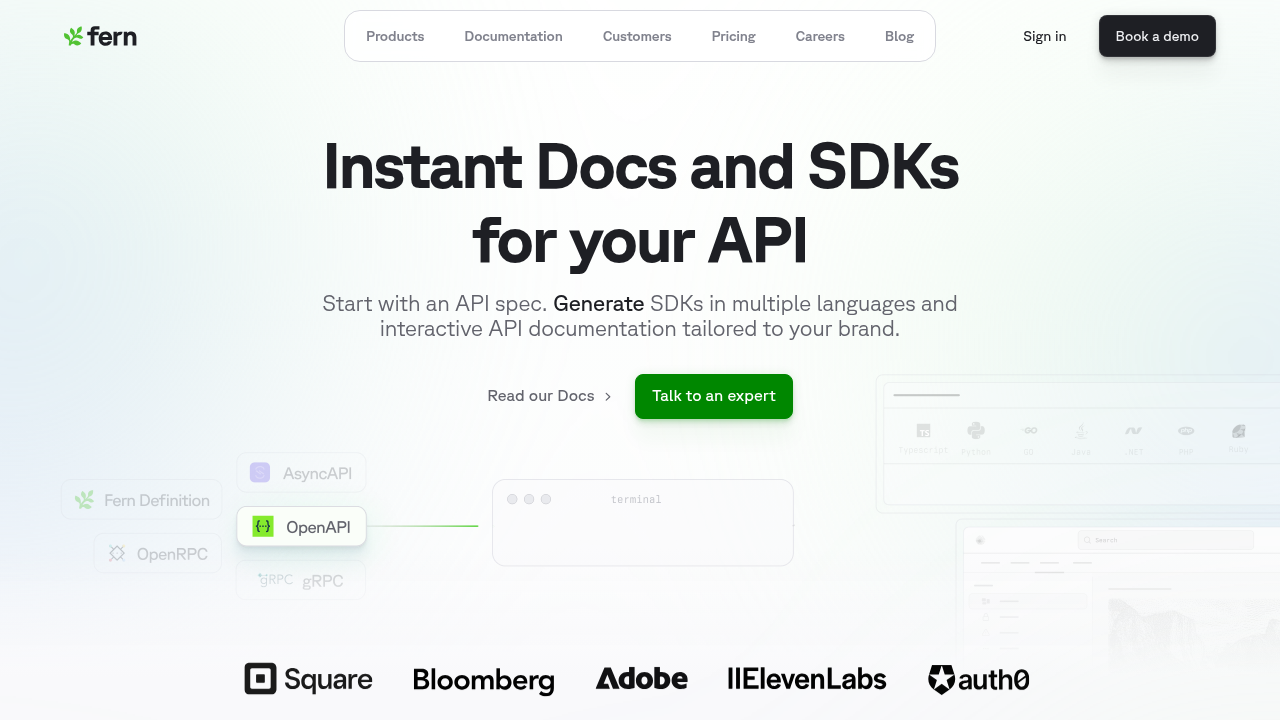
Fern treats machine-readable documentation as a core build artifact. It automatically generates token-optimized llms.txt and llms-full.txt files whenever your documentation changes, ensuring AI agents always receive current context.
Beyond automatic generation, Fern serves Markdown instead of HTML when it detects LLM traffic, reducing token consumption and accelerating content processing. Query parameters let you filter output by SDK language or exclude raw specifications, and content tags (<llms-only> and <llms-ignore>) give you precise control over what AI tools see versus human readers. Built-in analytics track traffic by LLM provider and break down bot versus human visitors at the page level.
Fern is an ideal choice for teams that want AI discoverability handled automatically, with the controls and visibility to optimize over time.
Mintlify
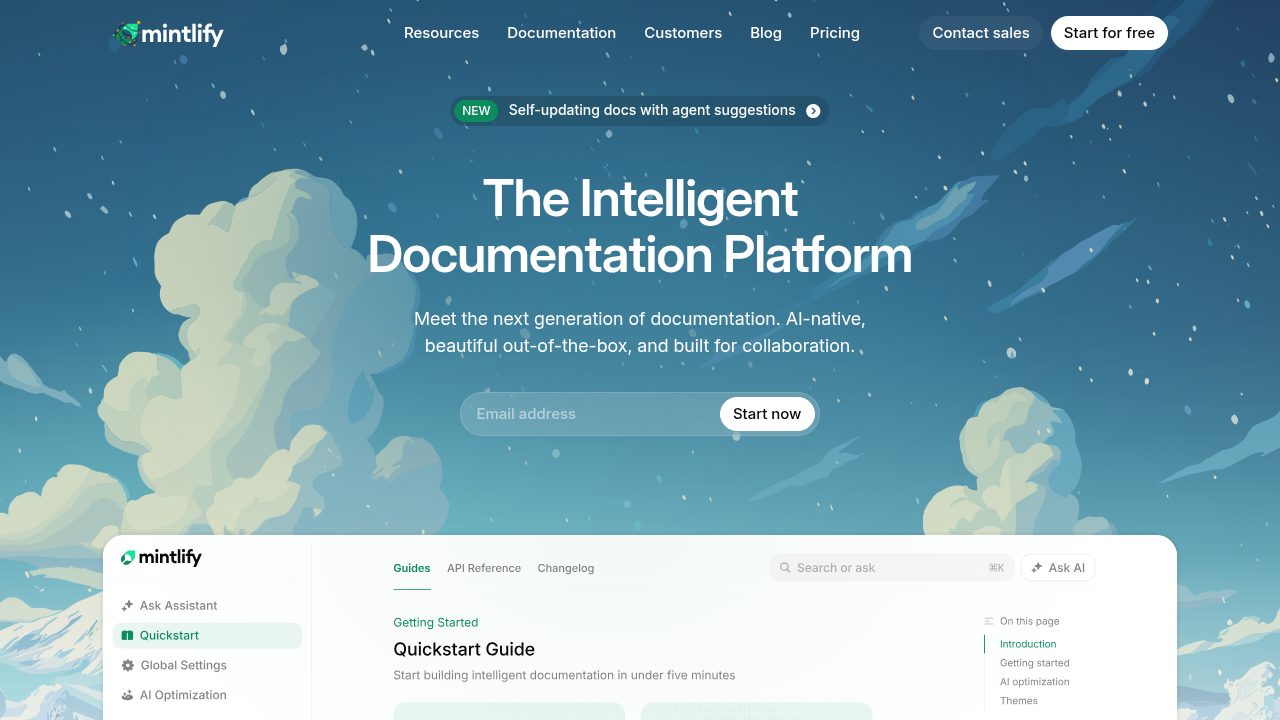
Mintlify automatically generates llms.txt and llms-full.txt files at the root of every hosted project with zero configuration. LLMs can access machine-readable content immediately upon deployment.
However, Mintlify doesn't provide analytics for AI or LLM bot traffic, making it difficult to understand how coding assistants discover and consume your documentation. It also lacks content-level controls for shaping what AI models see, so you can't tailor LLM context while keeping human-facing docs clean.
Mintlify works well for teams that want quick, low-effort setup. It's less suited for organizations taking an AI-first approach where fine-grained control and dedicated analytics matter.
Scalar
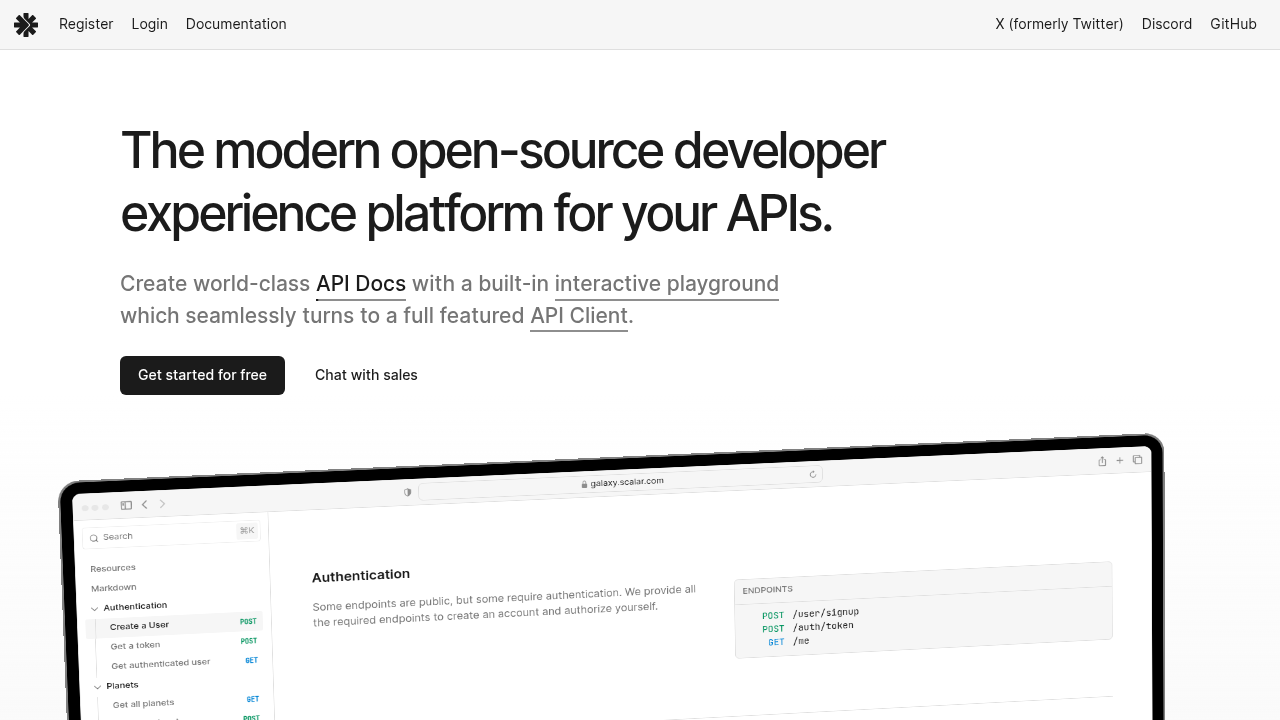
Scalar generates interactive API references from OpenAPI definitions and provides tooling for converting specs to LLM-readable markdown. However, this requires manual setup—teams must configure routes and maintain the integration themselves rather than getting automatic generation.
Scalar doesn't offer automatic llms.txt generation, content visibility controls, or AI-specific analytics. Teams get building blocks but must handle implementation and ongoing maintenance.
Scalar is a strong choice for teams that want open-source flexibility and are comfortable with additional engineering effort to support AI discovery workflows.
ReadMe
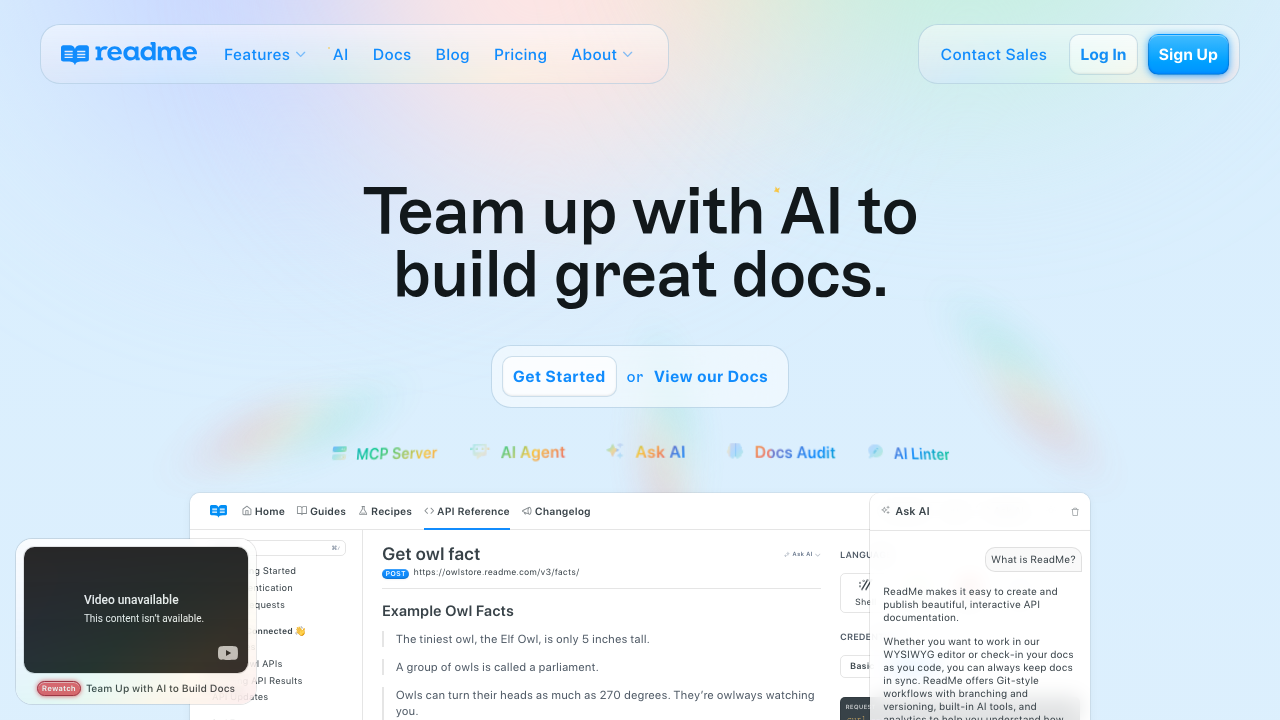
ReadMe creates polished, interactive documentation hubs with strong in-browser API exploration. It supports llms.txt generation, automatically creating a machine-readable index of your documentation structure.
However, ReadMe's implementation is more limited than other options. It generates llms.txt but not llms-full.txt, so AI tools get a summary of your documentation structure without access to complete content in a single file. ReadMe also lacks content visibility controls for tailoring what AI agents see versus human readers, and doesn't provide LLM-specific analytics.
ReadMe is a solid choice for teams that want basic AI discoverability alongside strong interactive documentation. Teams needing comprehensive llms-full.txt support or granular control over AI-facing content may find it limiting.
Fumadocs
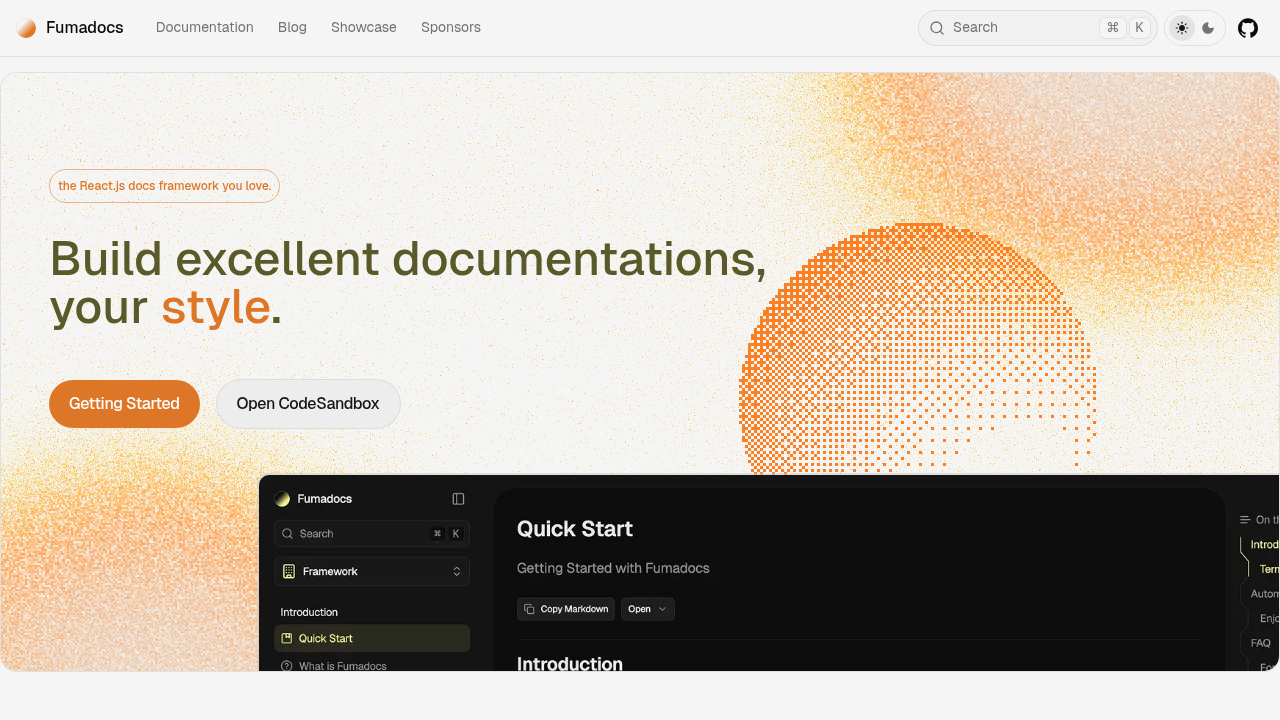
Fumadocs is a documentation framework built for Next.js applications that provides some tooling for AI discoverability. Teams can configure middleware to detect AI agents and serve markdown versions of pages, but Fumadocs doesn't automatically generate or host llms.txt or llms-full.txt files.
To support the llms.txt standard, teams must implement route handlers, configure URL rewrites, and keep these artifacts in sync as documentation evolves. Fumadocs also lacks content visibility controls and AI-specific analytics.
Fumadocs works well for teams that want full control over their documentation architecture and are comfortable building and maintaining AI discoverability themselves.
Feature comparison table of llms.txt implementation solutions
When evaluating platforms, the key distinction is between fully automated systems and manual implementations. Some tools generate and maintain AI context files automatically, while others require custom engineering. The table below compares each option across key dimensions.
| Feature | Fern | Mintlify | Scalar | ReadMe | Fumadocs |
|---|---|---|---|---|---|
| Automatic llms.txt generation | Yes | Yes | No | Yes | No |
| llms-full.txt support | Yes | Yes | No | No | No |
| Granular content control | Yes | No | No | No | No |
| AI agent analytics | Yes | No | No | No | No |
| Automatic sync with docs | Yes | Yes | No | Yes | No |
Why Fern is the best llms.txt implementation solution
Fern treats AI-readable documentation as a core component of your infrastructure rather than a static add-on. It automatically generates and maintains llms.txt and llms-full.txt files whenever your documentation changes, ensuring AI agents always receive context that matches your official reference documentation.
Where Fern stands apart is content control and visibility. The <llms-only> tag lets you include verbose technical context, metadata, and cross-references that help AI assistants but would clutter your human-facing docs. The <llms-ignore> tag does the opposite—keeping marketing content and navigation hints visible to readers but out of LLM endpoints. Query parameters let you filter output by SDK language or exclude raw specifications to reduce token usage.
Fern also provides analytics that most platforms ignore entirely. The dashboard tracks how AI bots interact with your llms.txt files, showing which coding assistants are discovering your API and what content they access most frequently. This visibility helps you optimize documentation for the autonomous agents building on your software.
Final thoughts on API discoverability for LLMs
Making your API discoverable to LLMs requires more than hosting a static file. The most effective approach combines automatic generation, continuous sync, and visibility into how AI tools actually use your documentation.
Fern delivers all three: lightweight summaries via llms.txt, comprehensive context via llms-full.txt, content controls to tailor what AI sees, and analytics to measure and optimize. For teams building AI-first developer experiences, this kind of infrastructure ensures LLMs can reliably understand and interact with your APIs.
FAQ
What's the difference between llms.txt and llms-full.txt files?
The llms.txt file provides a concise summary of your documentation—page titles, one-sentence descriptions, and URLs—optimized for AI tools with limited context windows. The llms-full.txt file contains your complete documentation in machine-readable format, including detailed endpoint specifications, authentication flows, and code examples.
Can I manually create llms.txt files instead of using an automated solution?
You can, but manual maintenance introduces risk. Every API change requires a corresponding update to your AI context files, and drift between your documentation and llms.txt leads to inaccurate AI suggestions. Automated solutions regenerate these files directly from your documentation source, eliminating this failure mode.
Can I control which content appears in llms.txt versus my documentation site?
Fern offers granular content control through tagging. You can mark sections for inclusion only in AI-readable files (technical details, cross-references) or exclusion from LLM context (marketing content, navigation hints). Mintlify, Scalar, ReadMe, and Fumadocs lack this capability and serve identical content to both audiences.
What happens if my llms.txt file becomes outdated compared to my actual API?
AI coding assistants will generate incorrect suggestions based on stale endpoint logic, authentication methods, or parameter schemas. Developers using tools like Cursor or Copilot receive inaccurate code, leading to integration failures. Automated generation prevents this by keeping AI context in sync with your documentation.
How do I track whether AI agents are actually using my llms.txt files?
Fern provides bot analytics through its Dashboard, showing traffic by LLM provider and page-level breakdowns of AI versus human visitors. Most platforms offer generic traffic metrics or no visibility into AI consumption at all.