
TL;DR
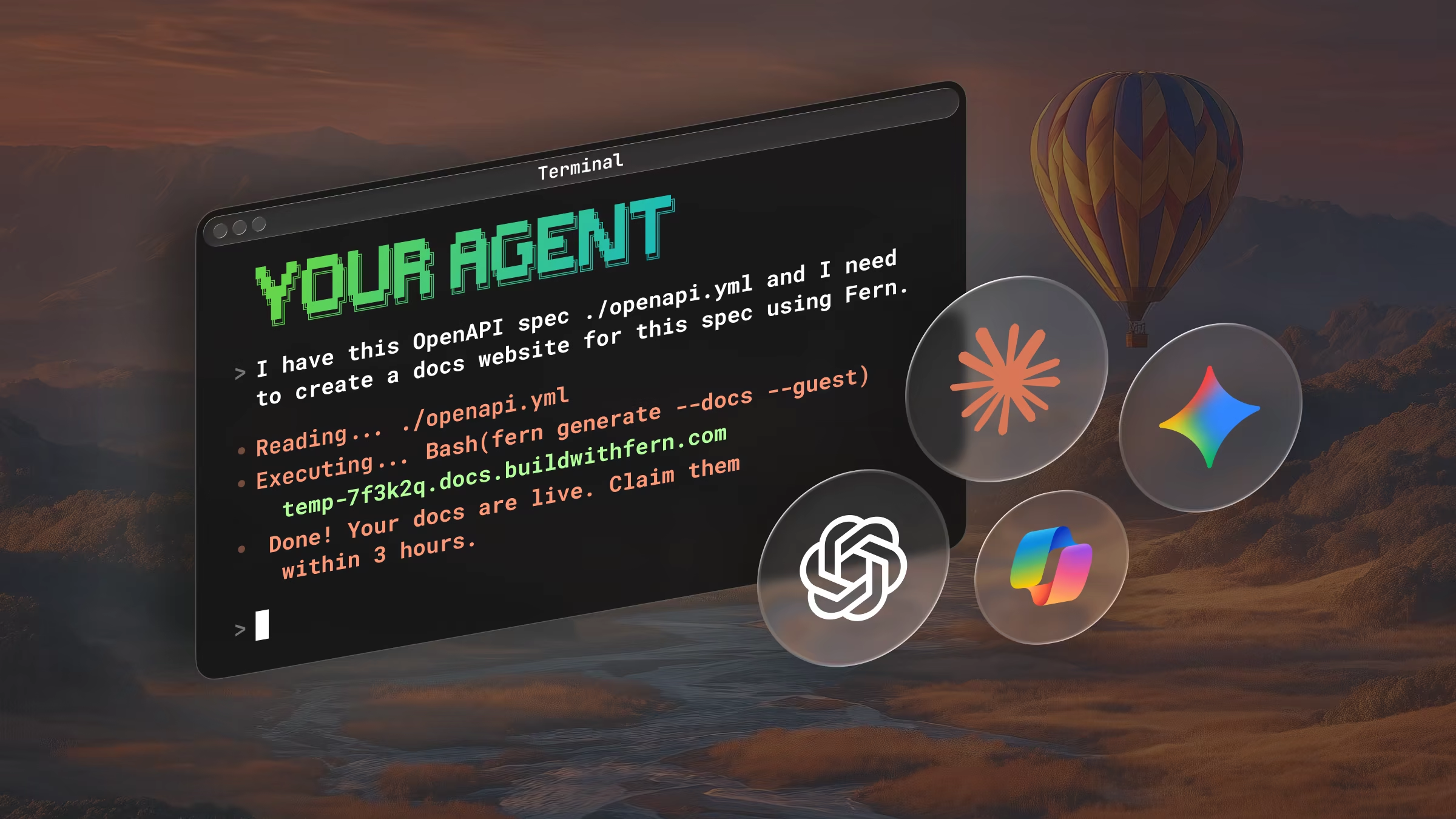
Add --guest to fern generate and the Fern CLI publishes a docs site or generates an SDK from
your OpenAPI spec, with no Fern account or FERN_TOKEN. Your coding agent handles every step and
hands you a claim link when you want to keep the result.
You no longer need a Fern account to see what Fern does with your API. Point the Fern CLI at an OpenAPI spec, add --guest, and you get a live docs site or a generated SDK on the first run.
Why we built guest mode
We built guest mode for coding agents. Until now, an agent setting up Fern had to stop at the first step that needed an account, ask you to sign up, and wait for a token. Only then could it show you anything.
With guest mode, an agent like Claude Code, Cursor, Codex, or Devin runs the CLI end to end and stops at a single link. You open that link in a browser when you decide the docs site or SDK is worth keeping.
How it works
You use guest mode in one of two ways: give your coding agent a prompt and let it run the CLI, or run the CLI yourself.
For agents
You need Cursor or another coding agent, plus Node. Start in the repository that holds your spec and give your agent one prompt:
The agent creates a fern folder from your spec, runs fern check to validate it, then runs fern generate --docs --guest for docs or fern generate --guest for an SDK. When it finishes, it reports the docs site URL or the SDK's output path, the claim link, and when the guest session expires.
For a smoother run, install the Fern agent skills first with npx skills add fern-api/skills --all. Without them, an agent that runs fern generate with no account gets an error that tells it to rerun with --guest.
Guest mode only runs when no Fern account is in use. If FERN_TOKEN is set or you're logged in, the CLI refuses --guest, so unset the token or run fern logout first.
For humans
To run guest mode yourself, create a fern folder with fern init, then run one of these:
fern generate --docs --guestfern generate --guestLater runs in the same repository reuse the guest session, so you edit, regenerate, and republish without starting over. To keep what you built, open the claim link and sign in to the Fern Dashboard, or run fern login and then fern claim in the same repository.
To try guest mode without installing anything, use the card below. Drop your own OpenAPI spec or add the Plant Store sample API, then publish a docs site, generate a TypeScript SDK, or both. Each build runs on Fern's servers, shows the build log while it runs, and ends with a claim link.
Try it
Drop your OpenAPI spec or add the Plant Store sample API, then publish a docs site, generate a TypeScript SDK, or both. Fern builds each one as a guest and gives you a link and a claim link.
Docs. After you claim the site, it moves to <slug>.docs.buildwithfern.com. In the Dashboard, select Connect GitHub to manage the site from a repository. From there you add a custom domain and edit the site with Fern Editor.
SDKs. After you claim the SDK, it appears on your organization's SDKs page with Download and Publish to GitHub.
What you get
The CLI and the cards produce the same results.
Docs publish to a temporary site. Guest mode publishes your site to a temp-<id>.docs.buildwithfern.com URL. It's a full Fern Docs site with your pages and API reference, and a banner at the top says it's unclaimed and when it expires.
SDKs download to your project. The CLI writes each generated SDK to its output path and prints a link to a build page where you can download it again. Guests can't publish SDKs, so add --preview to write a target locally if it publishes to GitHub or a package registry.
A guest session and its claim link last 3 hours, and an SDK build page stays up for 7 days. Sessions also have usage limits on SDK builds, docs publishes, and new sessions. When a session reaches a limit, the CLI says so and the session keeps what it built.
Claim what you want to keep
Open the claim link and sign in to the Fern Dashboard. Create a new organization or pick one you administer, give the docs site a URL or the SDK a name, and select the claim button. Treat the claim link like a password, because anyone who has it can claim the session. Claiming needs a signed-in person, which is why the agent hands off at the claim link instead of finishing it.
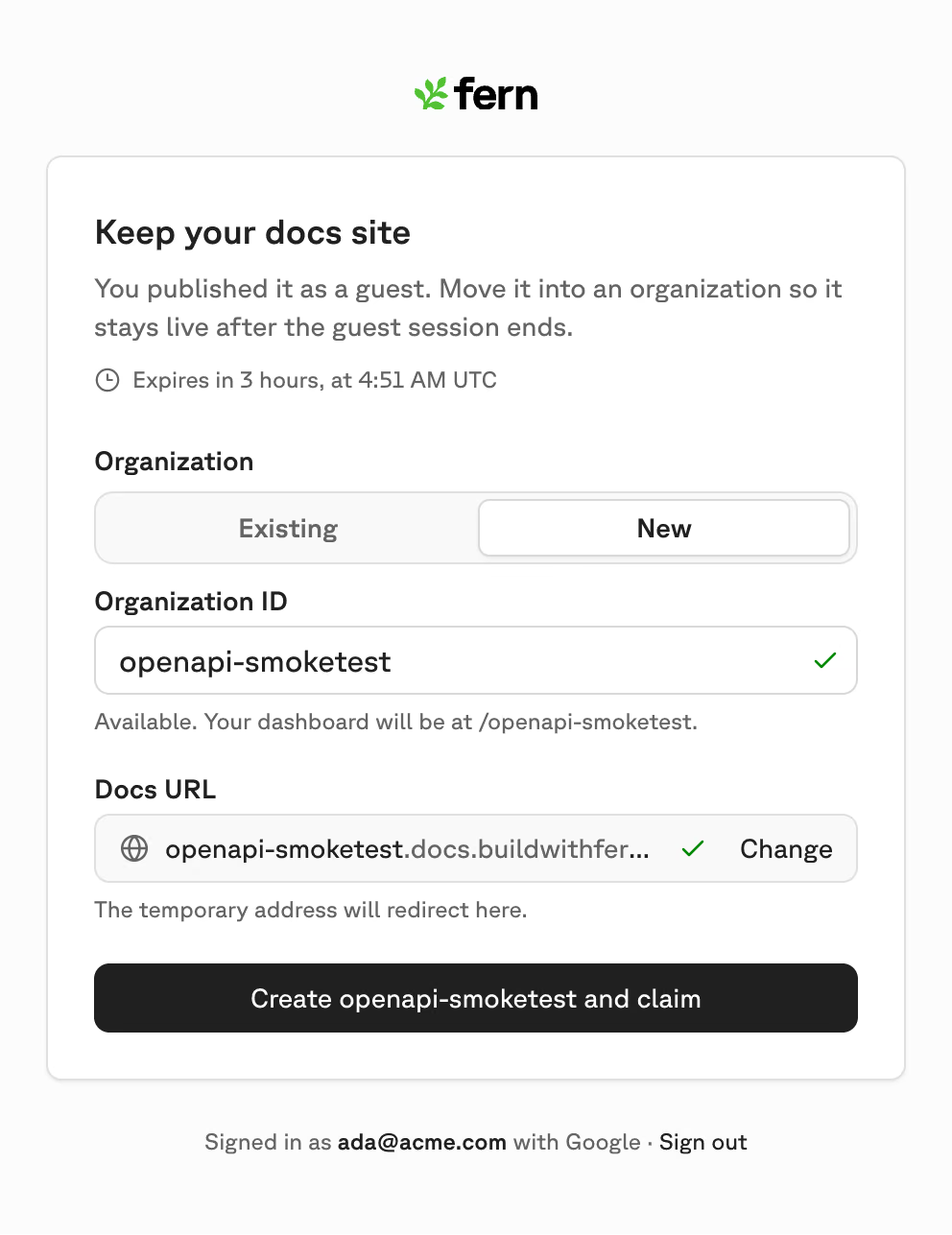
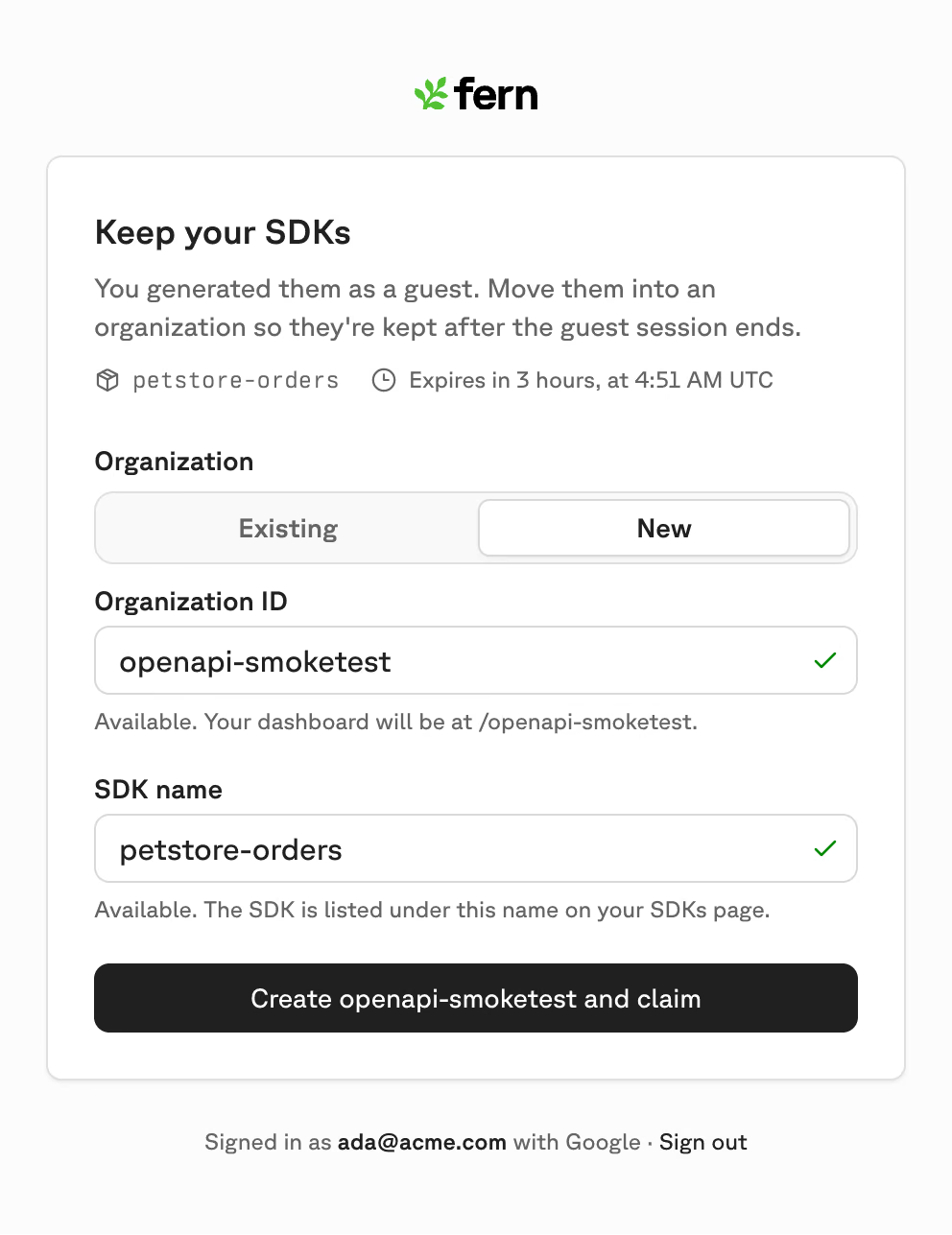
A claimed docs site is a regular Fern site in your organization, the same as one you'd publish with an account. Its old temp-<id> URL redirects to the new one for 30 days. For a claimed SDK, select Set up Fern repository on the SDKs page to regenerate it from CI whenever your spec changes.
A docs site or SDK you claim stays in your organization and no longer expires. The CLI also points fern.config.json at your organization, so later runs use your login or FERN_TOKEN without --guest.
Try it today
Install the CLI with npm install -g fern-api, then ask your agent for a docs site or an SDK from your spec. The Try Fern as a guest guide covers every command, option, and expiration rule.