
Developers don't want to copy curl commands from your docs and paste them into a terminal. They want to test your API right where they're reading about it. Interactive documentation with embedded testing lets users validate endpoints immediately, reducing the gap between discovering your API and integrating it.
TLDR:
- Interactive API docs let developers test endpoints directly in the browser with live requests.
- Auto-populated auth and pre-filled examples reduce time-to-first-call by eliminating setup friction.
- Fewer "how do I authenticate?" support tickets—developers can verify behavior before writing any integration code.
- Support for WebSocket and Server-Sent Events enables testing beyond standard REST endpoints.
- Fern generates both interactive docs and SDKs from one spec, keeping examples synchronized.
How interactive API explorers reduce integration time
An API explorer embedded alongside your endpoint definitions lets developers input parameters, configure authentication, and execute live requests against your servers—all without leaving the browser.
This bridges the gap between reading about an endpoint and actually using it. When developers can verify behavior immediately, they onboard faster, debug quicker, and trust that the API works as described. For API teams, that translates to fewer support tickets about basic implementation questions.
What makes an effective interactive API documentation tool?
The strongest tools let developers validate endpoints, debug authentication, and verify behavior without switching to external clients like Postman or curl. Here's what separates effective API explorers from basic "try it" buttons.
Authentication handling
The explorer should support your auth schemes—API keys, bearer tokens, OAuth—and persist credentials across sessions. Tools that require developers to re-enter credentials for every request add friction instead of removing it.
Request pre-population
The best tools auto-fill fields with realistic example data from your spec. Pre-populated requests let developers execute their first call in seconds rather than hunting through documentation to construct valid payloads.
Environment management
Developers need to toggle between production, sandbox, and custom base URLs directly in the interface. Switching environments shouldn't require manually editing configuration for each test.
Protocol support
APIs increasingly use WebSocket and Server-Sent Events alongside REST. If your explorer only handles REST, developers have to switch tools for real-time endpoints.
Integration with your docs framework
Generic explorers bolted onto your docs can create inconsistent styling, broken navigation, or duplicated configuration. The tool should work with your existing documentation infrastructure, not around it.
Explorer control
Not every endpoint should be executable in a browser. You need options to disable the explorer for destructive operations—payments, deletions, admin endpoints—without removing them from your reference docs.
Security and credential handling
Know where credentials are stored and whether requests route through third-party servers. Client-side-only storage keeps sensitive data in the developer's browser; if the tool proxies requests externally, understand what's being transmitted.
Best Overall Interactive API Documentation Tool: Fern
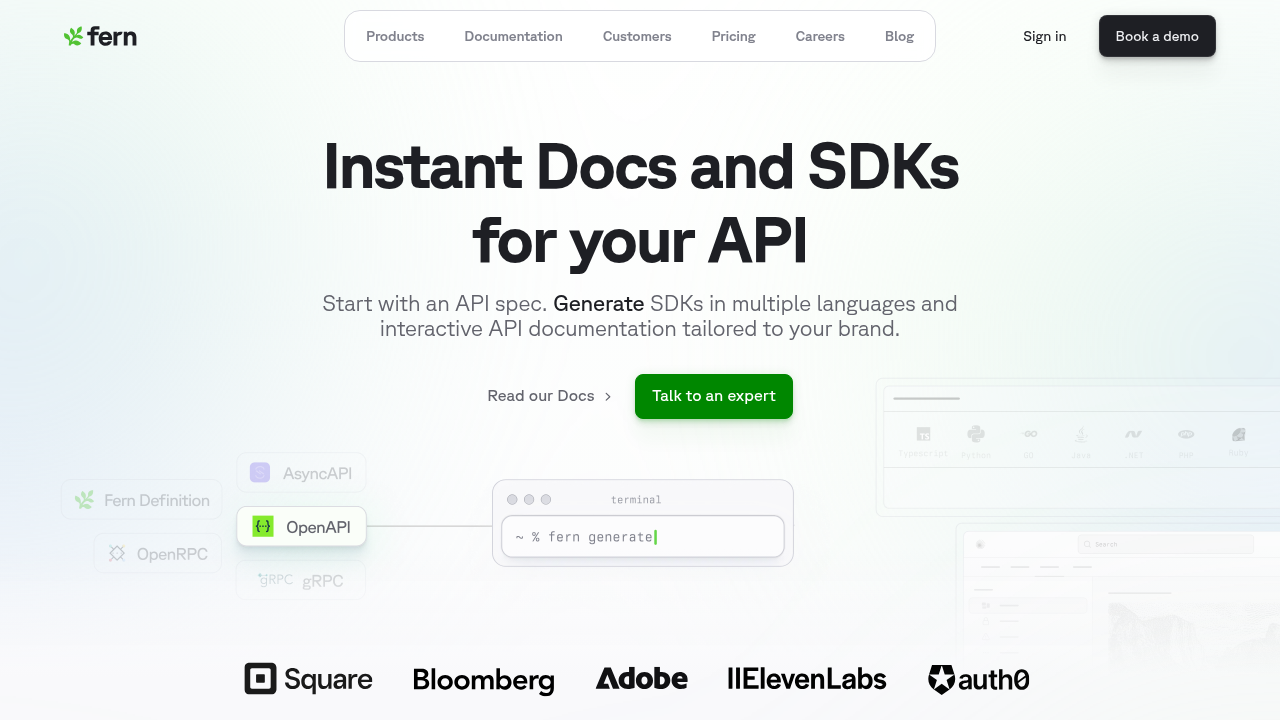
Fern generates interactive documentation and multi-language SDKs from a single API definition. The docs support MDX-based guides alongside API references, with customizable themes and components. Because both the docs and SDKs derive from the same source, the API Explorer stays synchronized with the actual implementation. There's no drift between what developers read and what they can execute.
The explorer embeds directly in the docs, letting developers validate endpoints without switching to Postman or curl. Fern plugs into CI/CD pipelines, so documentation regenerates automatically whenever the API definition changes.
Core capabilities
- API Explorer with auto-populated example values and multi-scheme authentication
- OAuth/JWT integration for automatic API key injection at login
- Multi-protocol support including REST, WebSocket, and SSE
- Per-endpoint explorer control for disabling destructive operations
Evaluation summary
Fern is a strong fit for teams that need both interactive documentation and SDK generation from a single source. The combination of auto-populated auth, OAuth/JWT login integration, protocol breadth, and CI/CD integration makes it suitable for complex API ecosystems where time-to-first-call matters.
Scalar
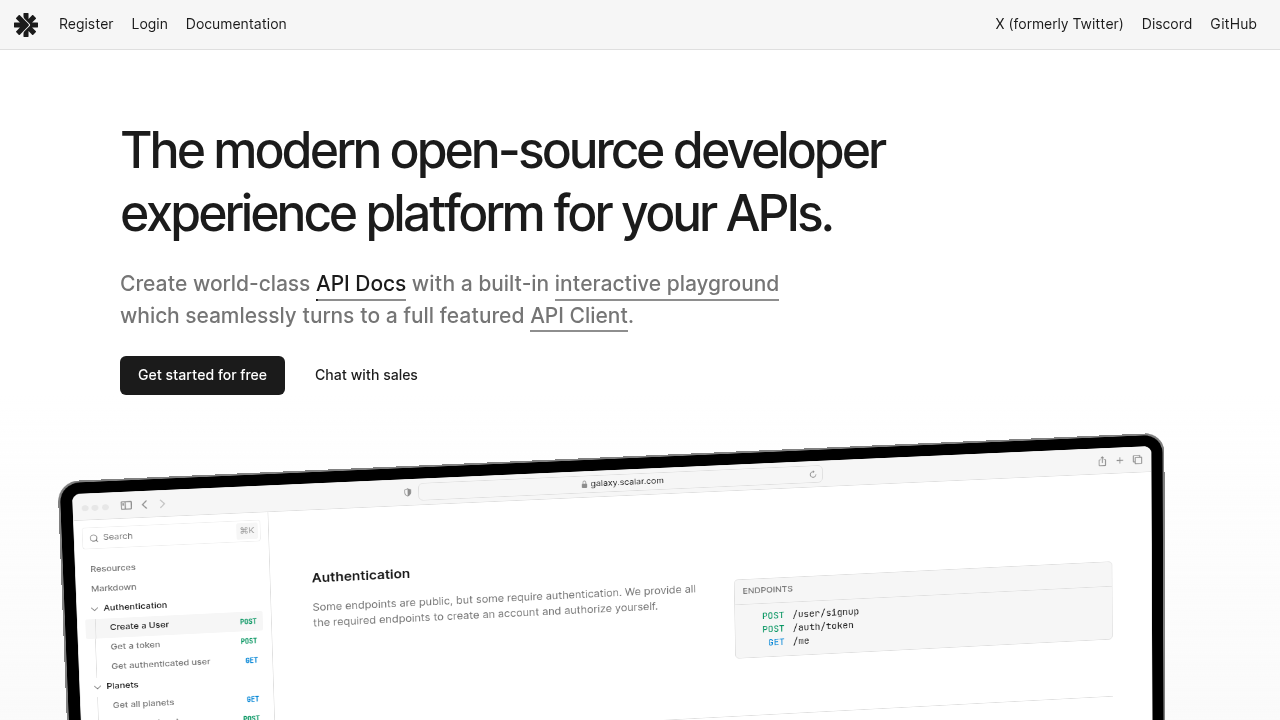
Scalar is an open-source tool that transforms OpenAPI specs into interactive API documentation. It features a built-in request builder for executing calls against REST endpoints directly in the browser, with customizable theming for teams that prioritize visual design.
Core capabilities
- OpenAPI 3.x rendering with an embedded API client
- Customizable visual themes and components
- Request builder with standard authentication support
- Code generation for multiple languages
Evaluation summary
Scalar is a good choice for teams that want an open-source solution with strong design flexibility for standard REST APIs. However, it lacks OAuth auto-refresh, doesn't persist credentials across sessions, and only supports REST—no WebSocket or SSE.
ReadMe
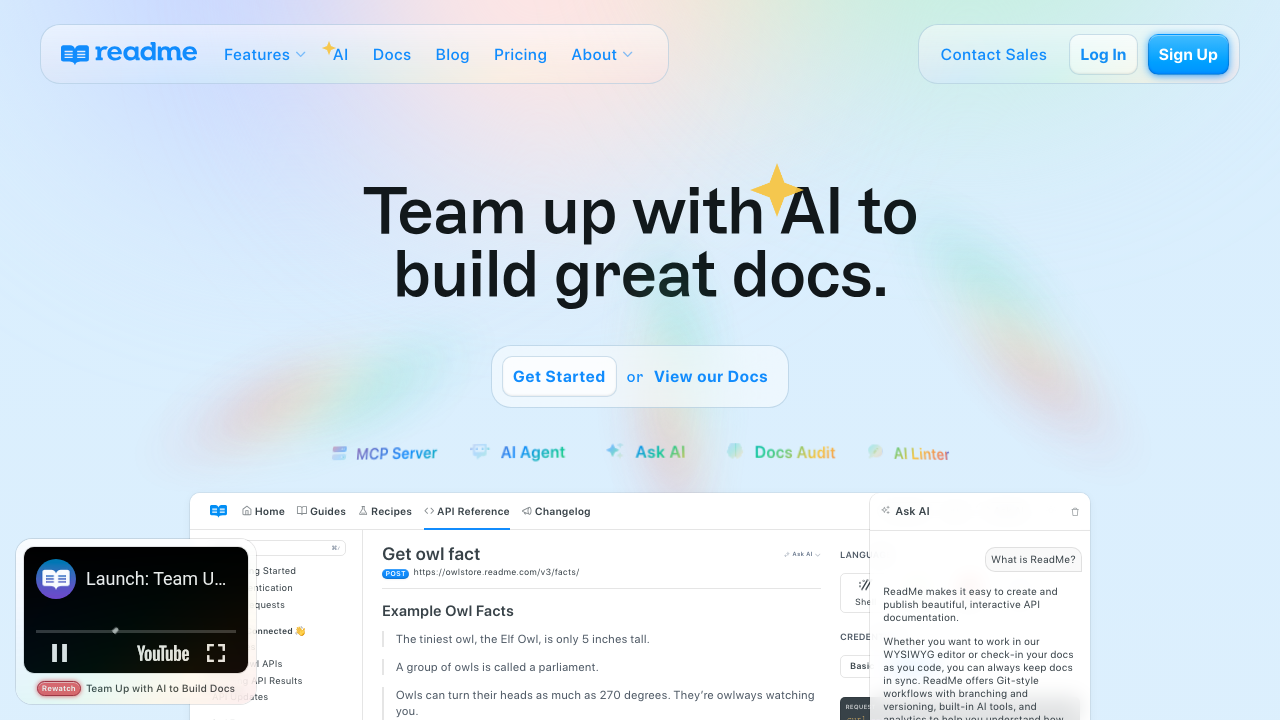
ReadMe generates developer hubs from OpenAPI definitions, combining interactive API references with markdown guides and community features. It's designed for public API programs where engagement tracking and personalized developer experiences are priorities.
Core capabilities
- OpenAPI import with interactive API Explorer
- Personalized documentation with user-specific logs and examples
- Integrated API key management for authenticated testing
- Analytics and usage metrics for tracking documentation engagement
Evaluation summary
ReadMe works well for product-led teams building public-facing developer portals where analytics matter. The personalization features are strong for onboarding workflows. However, ReadMe doesn't generate SDKs, so engineering teams must maintain client libraries separately—creating potential drift between docs and implementations. It also lacks WebSocket support.
Mintlify
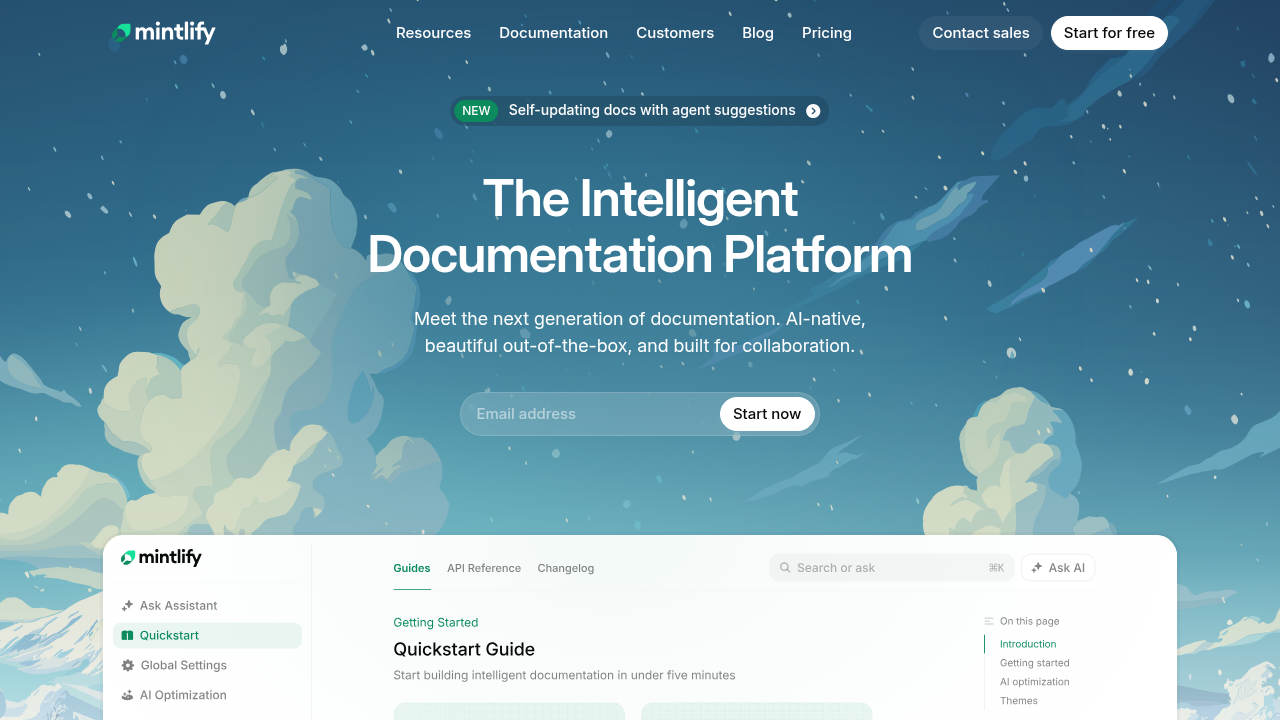
Mintlify generates interactive API references from OpenAPI specs and combines them with MDX-based guides. It's designed for fast deployment with minimal configuration, making it popular with startups. The built-in playground lets developers test API requests directly in the browser.
Core capabilities
- OpenAPI-based API reference generation
- MDX-based content authoring with components
- Interactive API playground with request testing
- Customizable themes and styling
Evaluation summary
Mintlify is a solid choice for teams prioritizing speed to launch over SDK tooling. The MDX authoring experience is developer-friendly. However, it doesn't generate client libraries, so SDK maintenance is a separate effort.
Stoplight
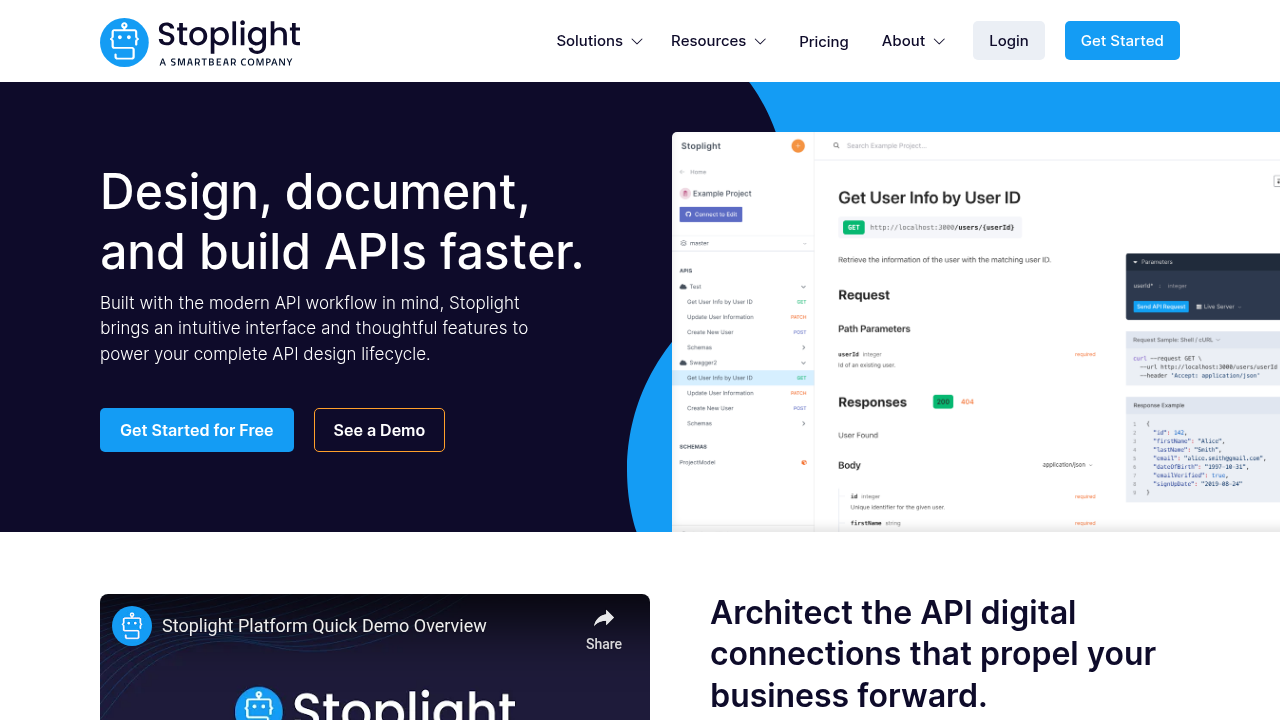
Stoplight focuses on the design phase of the API lifecycle, providing a visual editor for collaborating on OpenAPI specs without editing raw YAML. The generated documentation includes basic interactive testing capabilities.
Core capabilities
- Visual OpenAPI editor for collaborative design workflows
- Interactive API documentation with request execution
- Mock server generation for early-stage testing
- Automated style guide enforcement and governance
Evaluation summary
Stoplight is best for teams that need to involve non-technical stakeholders in API design through visual tooling, or that prioritize governance and spec consistency. The interactive testing is more limited than dedicated explorers—no credential persistence or environment switching—and it doesn't generate SDKs.
Feature comparison of interactive API documentation tools
The following table compares each platform on key interactive documentation capabilities, from authentication handling to protocol support.
| Feature | Fern | Scalar | ReadMe | Mintlify | Stoplight |
|---|---|---|---|---|---|
| Auth auto-injection | Yes | No | Yes | Yes | No |
| Pre-filled examples | Yes | Yes | Yes | Yes | No |
| Env. persistence | Yes | No | Yes | Yes | No |
| Protocols | REST, WebSocket, SSE | REST | REST | REST | REST |
| Endpoint control | Yes | No | No | No | No |
| Built-in SDK generation | Yes | Yes | No | No | No |
| Self-hosting | Yes | Yes | Yes | No | Yes |
Why Fern delivers the most complete interactive testing experience
Fern treats interactive documentation as a core part of the developer workflow, not an afterthought. The API Explorer handles authentication comprehensively—integrating with your auth flow via JWT or OAuth to auto-populate API keys, and persisting credentials across sessions.
Because Fern generates both documentation and SDKs from a single API definition, the code examples in the explorer are working SDK calls, not generic placeholders. Developers see exactly how to implement what they're testing, and reference material never drifts from actual code—cutting time-to-integration significantly.
Final thoughts on selecting interactive documentation tools
The best interactive documentation tools treat docs as a functional workspace. When developers can test endpoints immediately with pre-populated credentials and see working code examples, they reach their first successful API call in minutes instead of hours.
FAQ
How do I choose the right interactive API documentation tool for my team?
Start by evaluating your protocol requirements (REST, WebSocket), authentication complexity (OAuth, JWT), and whether you need SDK generation alongside documentation. Teams requiring multi-protocol support and synchronized SDKs should consider tools like Fern, while those focused solely on REST APIs with basic auth have more options.
Which interactive documentation tool works best for enterprise security requirements?
Fern and Stoplight offer the strongest enterprise capabilities, including self-hosting, role-based access control, and on-premise deployment options. Fern provides Docker-based self-hosting behind VPCs and granular content-level permissions, while Mintlify lacks self-hosting entirely, blocking teams with strict compliance needs.
Can I test WebSocket endpoints directly in API documentation?
Most interactive documentation tools only support REST endpoint testing. Fern supports WebSocket and Server-Sent Events directly in the browser, allowing developers to test real-time and streaming endpoints without switching to external clients.
What's the difference between tools that generate SDKs versus documentation-only platforms?
SDK generation tools like Fern automate client library creation across multiple languages, while documentation-focused platforms like ReadMe and Mintlify require you to build SDKs separately. This separation creates maintenance overhead and risks documentation drifting from actual SDK implementation.
How do authentication auto-injection features improve developer onboarding?
Auto-injection eliminates manual credential entry by populating API keys via JWT or OAuth automatically. Developers authenticate once and can immediately test endpoints—reducing time-to-first-call from minutes to seconds.