
Enterprises are increasingly turning to self-hosted documentation tools to maintain control over data security and compliance. Unlike cloud-only solutions, self-hosted platforms give organizations complete control over their content, infrastructure, and access policies—reducing the risk of data breaches and ensuring compliance with internal and regulatory standards. For development and product teams handling sensitive APIs, technical guides, or internal knowledge bases, choosing the right self-hosted documentation tool can balance security, scalability, and usability.
This guide explores the best self-hosted documentation platforms for enterprises, highlighting solutions that offer robust security features, flexible deployment options, and seamless collaboration.
TLDR:
- Self-hosted docs tools deploy on your infrastructure for compliance with SOC 2, HIPAA, and data residency requirements.
- Fern's self-hosted docs run as a Docker container with health checks and offline search behind your firewall.
- Fern's SDK generation runs locally after initial setup, keeping your API specs off external servers.
- Most alternatives require custom infrastructure setup without built-in monitoring or enterprise security features.
What are self-hosted documentation tools?
Self-hosted documentation tools let organizations deploy API documentation and developer resources on their own infrastructure instead of using vendor-hosted cloud services. These tools generate documentation sites that can run behind corporate firewalls, in private cloud environments, or in on-premises data centers.
This deployment model matters when organizations need complete control over where their documentation lives and who can access it. Self-hosted solutions keep all documentation content, user access logs, and API specifications within the organization's network perimeter.
Regulated industries face strict requirements around data residency and compliance. Government agencies dealing with classified information, healthcare organizations bound by HIPAA, and financial services firms adhering to SOC 2 often cannot use standard cloud-hosted documentation platforms. Self-hosted tools let these organizations maintain API documentation while meeting their security and compliance mandates.
Beyond regulatory requirements, self-hosted documentation provides benefits for air-gapped environments, custom authentication integration, and organizations that need audit trails of who accessed what and when.
Key features of self-hosted documentation tools
API security incidents remain a serious threat. Over the past two years, 57% of organizations experienced an API-related data breach, and among them, 73% suffered three or more separate incidents. These statistics highlight the critical need to protect sensitive API documentation.
Organizations evaluating self-hosted documentation tools should assess several technical and operational criteria that directly impact security, compliance, and operational control.
Deployment flexibility
Self-hosted tools must integrate seamlessly with existing infrastructure. Docker container support enables consistent deployment across development, staging, and production environments. Air-gapped network compatibility matters for organizations operating in isolated systems where external connectivity is prohibited. VPC deployment options give teams granular control over network boundaries, traffic routing, and data flow—critical for meeting security requirements.
Production monitoring and reliability
Enterprise deployments require built-in observability. Health check endpoints that integrate with Kubernetes liveness and readiness probes allow monitoring systems to verify documentation availability and trigger automatic recovery. These endpoints should monitor all critical services—databases, search indexes, application servers—rather than just checking if a container is running. Without native health checks, teams must build custom monitoring solutions that add complexity and maintenance overhead.
Offline functionality
True self-hosted documentation operates without external dependencies. Offline search using embedded search engines like MeiliSearch or Orama keeps documentation accessible in air-gapped environments. Zero external API calls during runtime prevent data leakage and reduce attack surface. Organizations should verify which features require internet connectivity—AI assistants, analytics, and SSO integrations often need external services that may not align with security requirements.
Version control and update management
Self-hosted deployments require control over when updates occur. Organizations need the ability to evaluate new versions in staging environments, run security scans, and coordinate deployments with internal change management processes. Forced updates or automatic version bumps that bypass security review create compliance risks. The ideal solution provides regular updates on a predictable schedule while giving teams full control over deployment timing.
Best overall self-hosted documentation tool: Fern
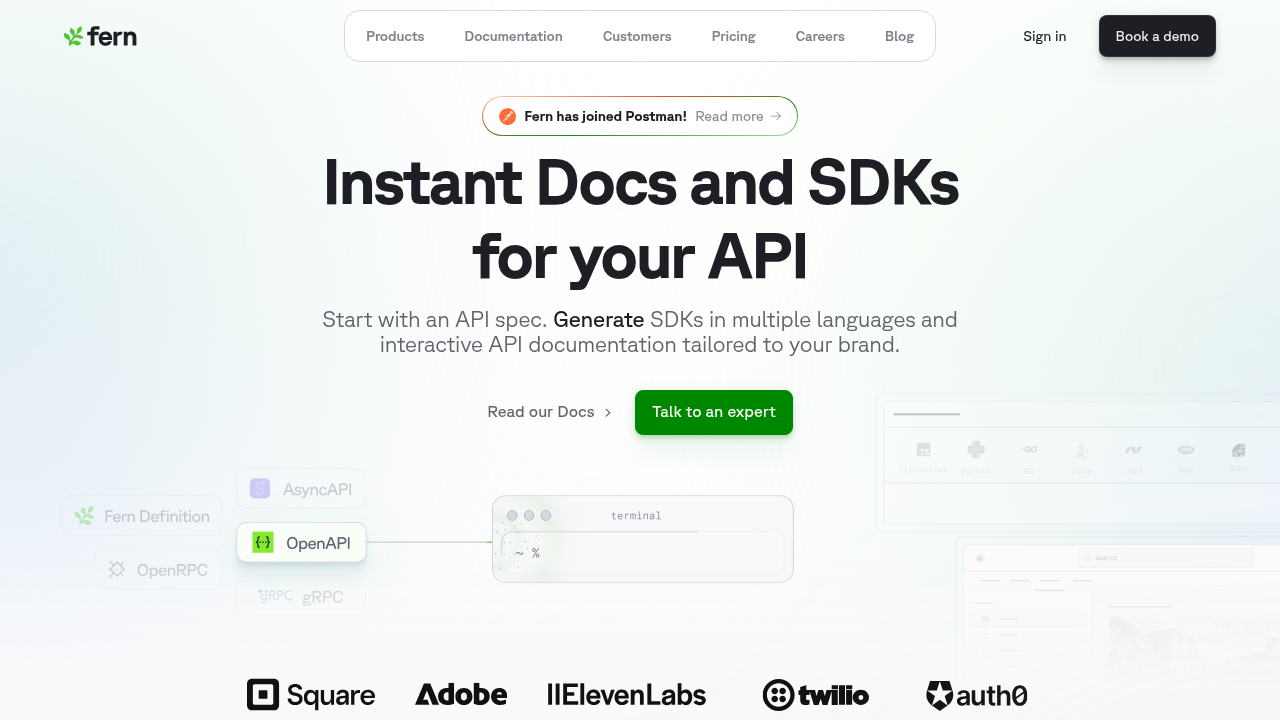
Fern delivers API documentation in a production-ready Docker container that runs entirely on your infrastructure. Deploy behind your firewall, in private clouds, or in on-premises data centers with no external dependencies during runtime. The platform supports Markdown and MDX content authoring, enabling rich, customizable documentation alongside generated API references. With interactive API documentation and reference generation in a single deployment, Fern provides complete data isolation and operational control.
The Docker deployment includes built-in health check endpoints on port 8081 that integrate directly with Kubernetes liveness and readiness probes. These endpoints monitor all critical services—PostgreSQL, MinIO, the FDR server, Next.js docs server, and MeiliSearch—providing reliable production monitoring through standard Kubernetes probe patterns. Fern generates API references automatically from OpenAPI specifications, with interactive examples and code snippets in nine languages (TypeScript, Python, Go, etc). Search works entirely offline using MeiliSearch, with no internet connectivity required.
The architecture supports controlled version management: Fern releases updated Docker images on a regular schedule, and organizations evaluate and test updates in staging before production deployment. Security teams can review changes, run compliance checks, and coordinate updates with internal schedules: no forced upgrades or surprise changes. Core documentation features work completely offline, while features requiring external connectivity—Ask Fern AI assistant, usage analytics, live API key injection, and SSO authentication—are clearly documented so organizations can make informed decisions based on their security requirements.
Fumadocs
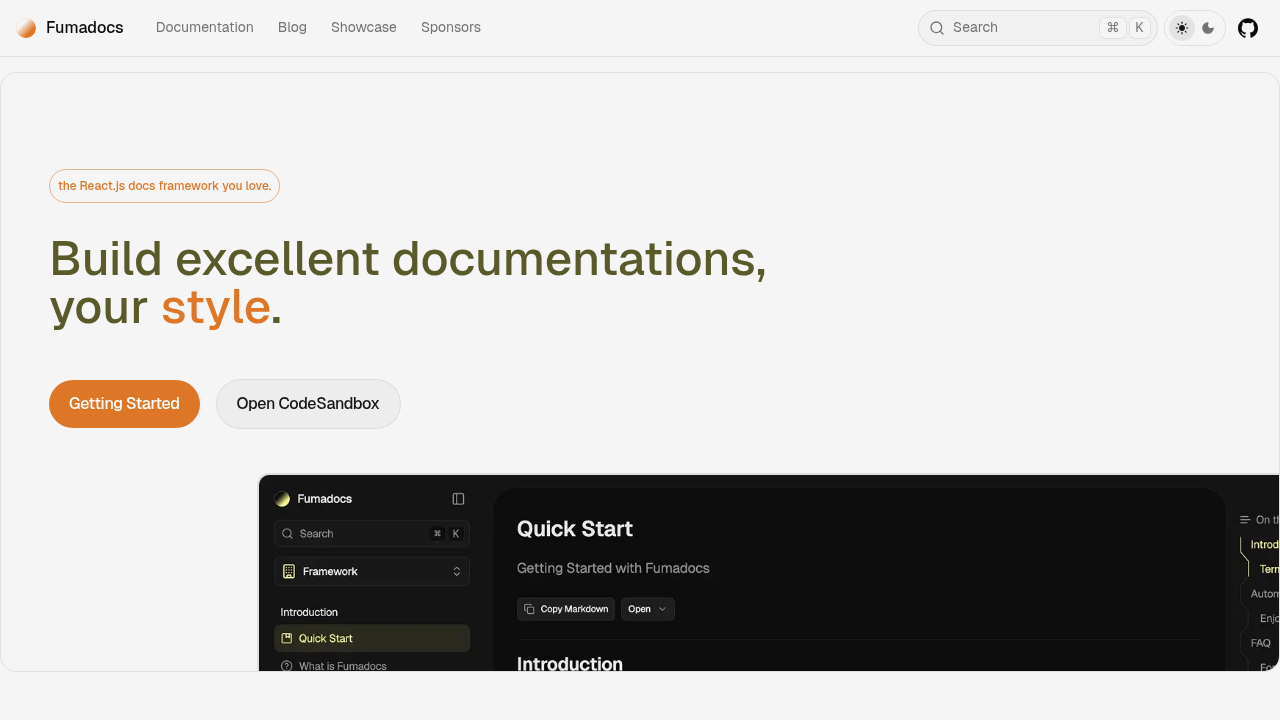
Fumadocs is an open-source documentation framework built on React and Next.js. It offers extensive customization, Markdown/MDX content authoring, and interactive API references through the fumadocs-openapi library. Flexible theming and layout options give teams full control over documentation UI and experience.
However, Fumadocs has notable operational limitations for enterprise use. There's no managed deployment—organizations must handle hosting, infrastructure setup, and maintenance themselves. It doesn't include health checks or production monitoring out of the box. Search can be self-hosted using Orama, but requires manual configuration. Controlled version updates require manual setup. Fumadocs is best suited for teams that prioritize customization and control over fully managed enterprise features.
Stainless
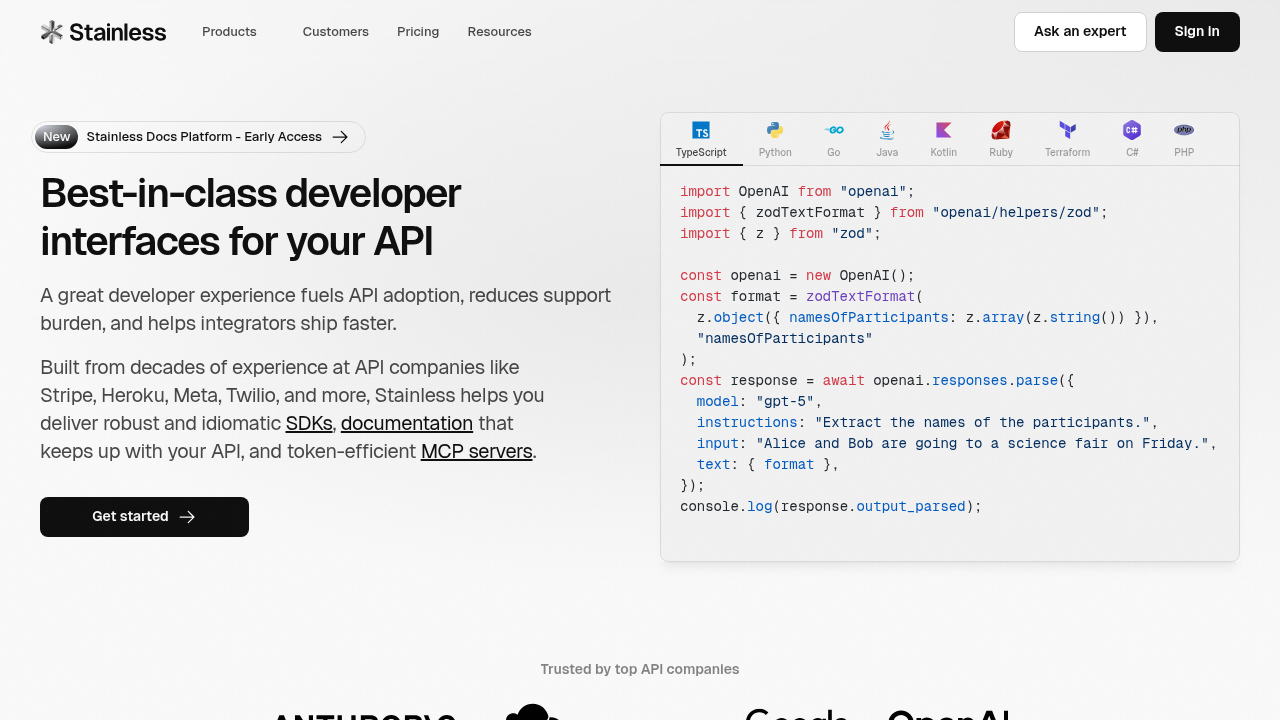
Stainless is introducing self-hosted documentation, currently in early access, that gives teams full ownership and flexibility. Every docs site is generated as a repository you control, allowing deployment with Stainless or anywhere on your own infrastructure. Sites can be static or enhanced with server-side rendering using prebuilt adapters for platforms like Vercel, Fly.io, and Cloudflare, with customizable caching, redirects, compression, and edge settings.
As a beta product, Stainless's self-hosted capabilities are still evolving. APIs and features may change, and enterprise-grade operational tooling—like built-in monitoring or health checks—isn't fully developed. Teams should expect to handle monitoring and performance setups themselves and anticipate updates as the platform matures toward general availability.
Scalar
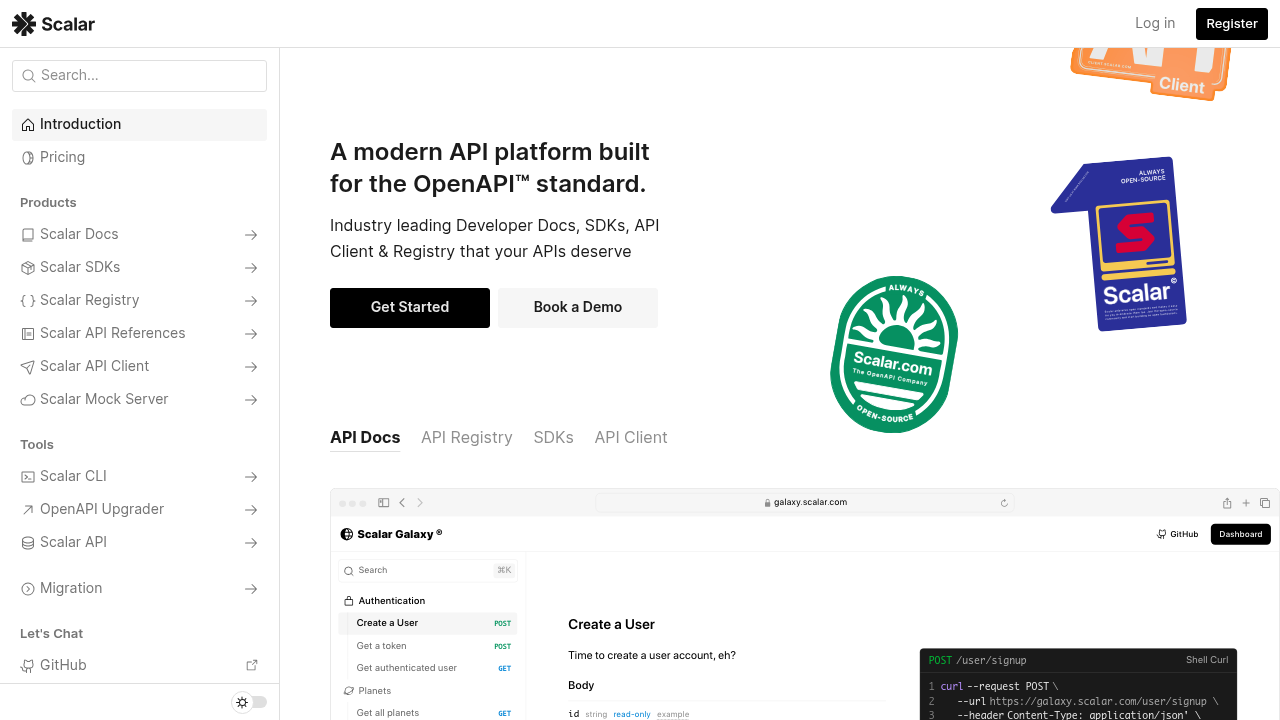
Scalar provides self-hosted documentation deployment through its open-source codebase, allowing organizations to run the platform on their own infrastructure. Teams can deploy Scalar using the official Docker image, as a static site, or integrated with frameworks like Express, FastAPI, Hono, and NestJS. The platform offers flexibility to host on any cloud provider, on-premises server, or containerized environment, and supports reverse proxies and CDNs for custom domain configuration and performance optimization.
However, Scalar's Docker image is designed primarily for rendering API references rather than as a full enterprise documentation platform. It doesn't include built-in health check endpoints or production monitoring, so DevOps teams need to configure their own observability, SSL certificates, backups, and reliability infrastructure to meet enterprise standards.
Theneo
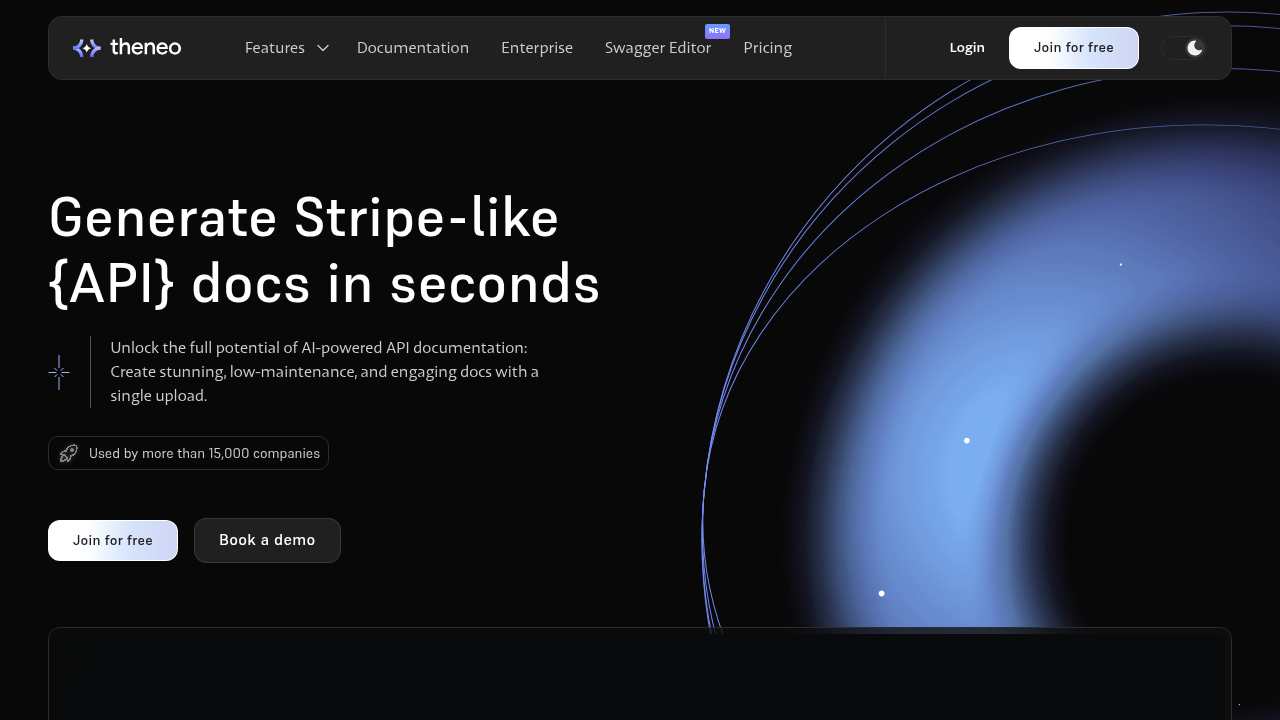
Theneo's self-hosted documentation platform gives enterprises full control over their API and technical content while meeting strict security and compliance requirements. With its Enterprise plan, organizations can deploy the platform on-premises or in a private cloud using Docker, keeping sensitive data, logs, and access policies fully under their control. It offers deep customization, including branded documentation and developer portals, along with robust access controls such as custom roles, permissions, and SSO via SAML and OAuth 2.0, making it ideal for documentation that must adhere to corporate security standards.
However, Theneo has some operational limitations. It doesn't provide built-in health check endpoints or liveness/readiness probes, requiring external monitoring for uptime and health tracking. Standard search works, but there's no dedicated offline search mode, and advanced AI search and analytics depend on cloud services or external integrations.
Feature comparison table of self-hosted documentation tools
| Feature | Fern | Fumadocs | Stainless (Beta) | Scalar | Theneo |
|---|---|---|---|---|---|
| Docker-based deployment | Yes | Requires custom setup | Requires custom setup | Yes | Yes |
| Self-hosted infrastructure | Yes (Docker) | Requires custom setup | Yes (static/SSR deployment) | Yes (Docker) | Yes (Docker) |
| Built-in health check endpoints | Yes | No | No | No | No |
| Air-gapped network support | Yes | Requires configuration | Requires configuration | Requires configuration | No |
| Offline search functionality | Yes | Requires custom setup (static Orama index) | No | Requires custom implementation | No |
| VPC deployment | Yes | Requires custom setup | Requires custom setup | Requires custom setup | Yes |
| Production monitoring | Yes | No | No | No | No |
| Controlled version updates | Yes | Manual | Manual | Manual | Yes |
| Interactive API reference | Yes | Yes | Yes | Yes | Yes |
Why Fern is the best self-hosted documentation tool for enterprise security
Fern is the best self-hosted documentation option for enterprise security because it delivers a production-ready Docker container purpose-built for regulated environments. Organizations get a complete solution that runs entirely on their infrastructure without external API calls or data transmission to third-party servers.
The architecture includes integrated health check endpoints that work with Kubernetes liveness and readiness probes, allowing teams to monitor documentation availability through existing observability tools. MeiliSearch provides offline search functionality that operates without internet connectivity, meeting requirements for air-gapped networks and classified environments.
Fern combines documentation generation and SDK creation in one deployment, eliminating the need to manage separate tools for each capability. Organizations can generate API references, interactive examples, and client libraries in nine languages without data leaving their network perimeter. This unified approach reduces infrastructure complexity while maintaining the security posture required for SOC 2, HIPAA, and government compliance standards.
Teams control exactly when to pull and deploy new Docker images, giving security teams time to evaluate updates before production deployment. This controlled update process aligns with the change management procedures that regulated organizations require.
Final thoughts on documentation tools for regulated environments
If security and compliance requirements prevent you from using cloud-hosted documentation, you need a solution that works entirely within your network perimeter. Open-source options require custom infrastructure setup and ongoing maintenance, while most vendors can't support true on-premises deployment. Fern delivers production-ready Docker containers with built-in health checks and offline functionality that meet SOC 2, HIPAA, and government standards—complete infrastructure control without sacrificing the developer experience that modern API documentation requires.
FAQ
How do I choose between self-hosted documentation tools for my organization?
Start by assessing your deployment requirements: whether you need Docker container support, air-gapped network compatibility, or VPC deployment options. Then evaluate security features like health check endpoints, offline functionality, and zero external API dependencies. Organizations with strict compliance requirements should prioritize tools that offer data residency controls and audit capabilities, while teams focused on developer experience should look for automated API reference generation and SDK support.
Which self-hosted documentation tool works best for regulated industries?
Fern is the best option for regulated industries because it provides a production-ready Docker container with built-in health check endpoints, offline search functionality, and zero external API calls. Organizations in healthcare (HIPAA), financial services (SOC 2), and government sectors can deploy Fern entirely on their own infrastructure while maintaining the same developer experience quality as cloud deployments.
Can self-hosted documentation tools generate SDKs alongside API references?
Most self-hosted documentation tools focus only on documentation generation and require separate solutions for SDK creation. Fern combines documentation hosting and SDK generation in nine languages within a single platform, allowing organizations to maintain both capabilities without managing multiple tools or compromising security.
What infrastructure is required to run self-hosted documentation?
Requirements vary by tool. Fern requires Docker and provides health check endpoints on port 8081 that integrate with Kubernetes liveness and readiness probes. Other options like Fumadocs and Scalar require custom hosting setup, deployment pipeline configuration, and ongoing infrastructure maintenance.
How do self-hosted tools handle updates without compromising security?
Self-hosted tools give organizations control over when to apply updates. With Fern, teams pull new Docker images on their own schedule, allowing security teams to evaluate changes before production deployment. This controlled update process aligns with the change management procedures that regulated organizations require, unlike cloud-hosted solutions where vendors push updates automatically.