
APIs are the backbone of modern software, powering integrations and enabling data exchange across platforms. As enterprises increasingly open their APIs to developers, partners, and internal teams, a critical question emerges: How can a developer portal reflect an enterprise's brand identity while driving adoption?
The answer starts with selecting the right API developer portal platform—a centralized hub that manages API documentation while reinforcing brand identity. A strong developer portal goes beyond code samples and reference docs, communicating product value, establishing credibility, and building trust with the developer community.
This article examines the best API developer portal platforms for enterprises prioritizing branding, usability, and scale. From customizable design systems to streamlined documentation workflows, these platforms enable organizations to create branded developer experiences that support long-term API growth.
TLDR:
- Enterprise API portals require custom domains, SSO, and RBAC to control brand identity and access.
- Leading platforms support custom navigation, versioning, and styling options to ensure a branded developer journey.
- Most platforms lack unified workflows, forcing teams to manage documentation, testing, and developer tools separately.
- Self-hosting and content-level permissions are critical for regulated industries but rarely supported.
- Fern allows enterprises to fully customize typography, layouts, color systems, and navigation. This aligns the portal the company’s design system and broader product ecosystem.
What makes an API developer portal platform enterprise-ready?
An API developer portal is the public face of your API program. It centralizes API references, integration guides, playgrounds, and client libraries into a single, cohesive experience for internal teams, partners, and external developers.
For enterprise organizations, branding within a developer portal goes far beyond a logo or favicon. A developer portal must reflect the company's identity through consistent typography, color systems, and navigation that aligns with the main product. This continuity builds trust and reinforces the API as a first-class, supported product.
Enterprise branding also requires control over who sees what. Effective portals support RBAC and SSO to segment access for internal teams, partners, and public developers, transforming the portal into a secure platform tailored to different audiences.
Beyond static documentation, advanced portals offer interactive elements like API explorers and AI-powered search. They also integrate with CI/CD pipelines and GitHub for spec-driven content. Together, these capabilities differentiate basic documentation sites from portals that reduce integration time and scale with your API program.
Best overall API developer platform: Fern
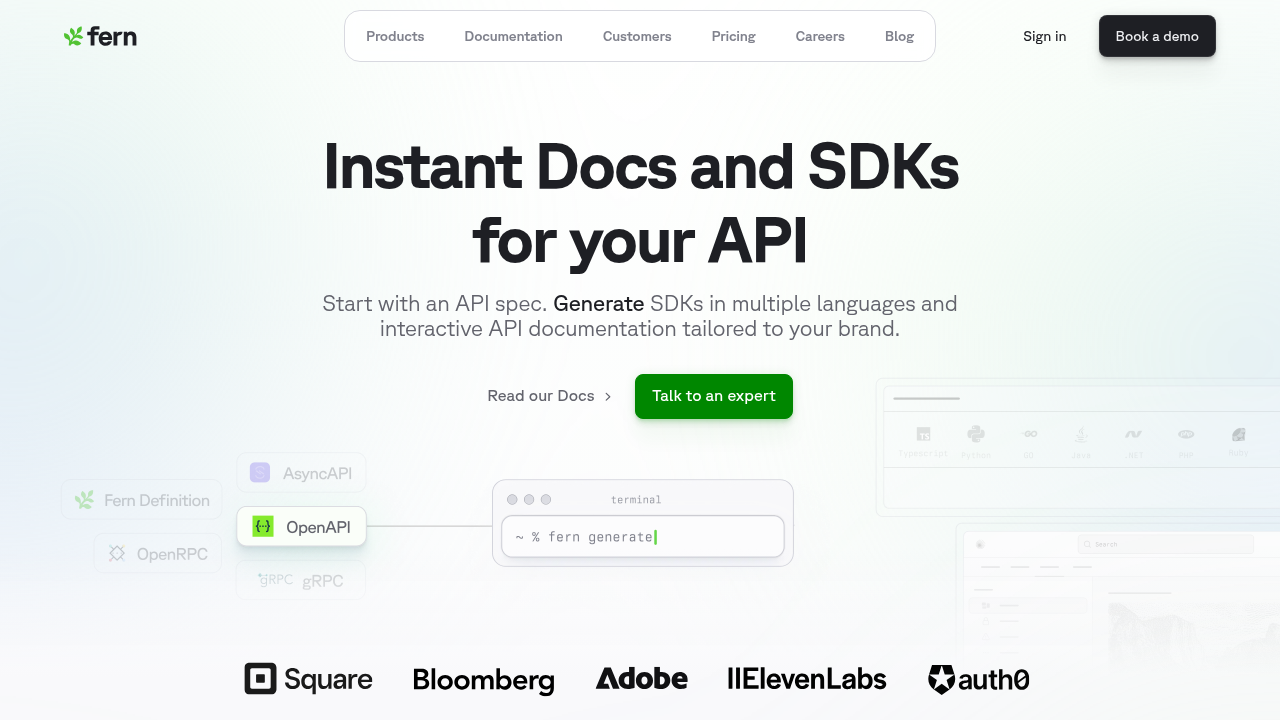
Fern treats the developer portal as a brand-critical surface rather than a generic documentation site. It provides deep control over visual identity—typography, layout, color systems, and navigation—allowing the portal to align with a company's design system and broader product ecosystem. Multi-product support and custom navigation structures let enterprises scale their portal as their API program grows, while reusable components help maintain consistency as multiple teams contribute content. Custom CSS and JavaScript support lets teams extend the platform with stable, predictable selectors.
Beyond presentation, Fern reinforces brand credibility through accuracy and governance. API references are generated directly from the specification, while guides and tutorials live alongside them in a unified docs-as-code workflow. Enterprise workflows including role-based access, audience-based content filtering, versioning, and CI/CD integration support controlled publishing at scale. Fern also generates machine-readable artifacts like llms.txt, ensuring both developers and AI agents encounter a clear, authoritative representation of the platform.
Mintlify
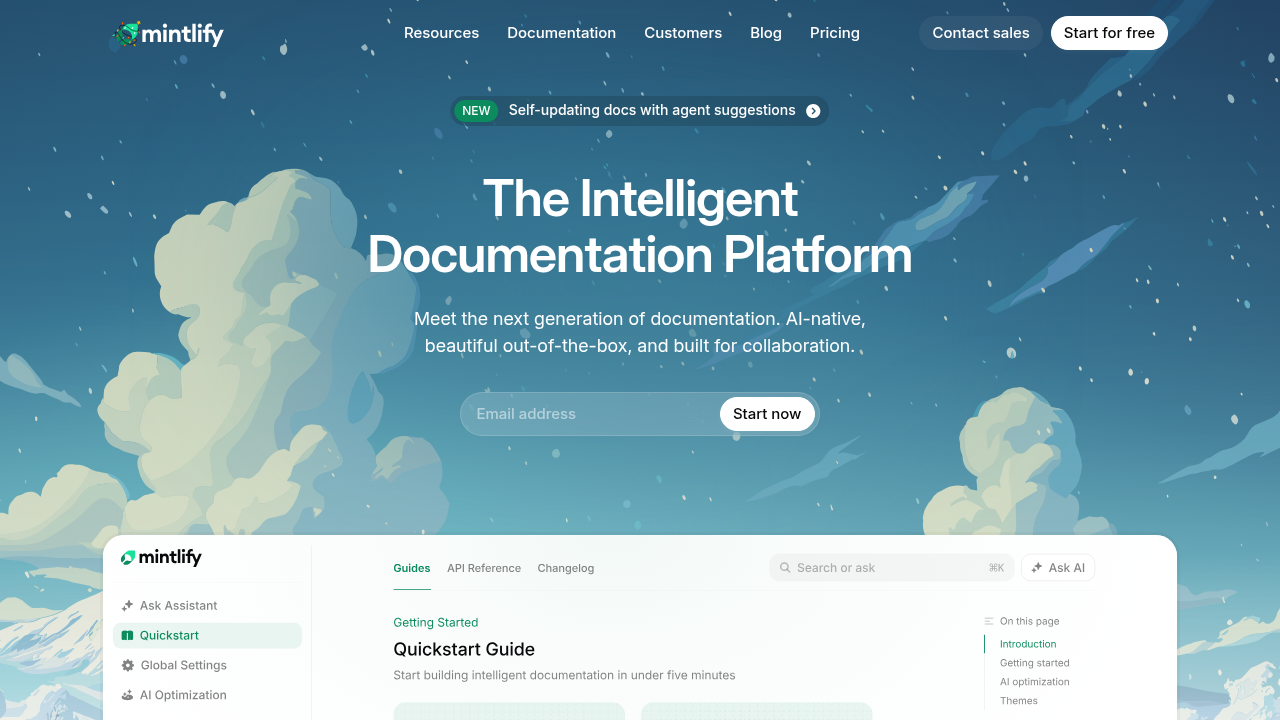
Mintlify creates fast, visually appealing documentation sites with a focus on startups and SMBs that prioritize speed over enterprise depth. Mintlify emphasizes speed and polish, providing strong theming, clean defaults, and MDX extensibility that allow teams to achieve a professional, on-brand portal with minimal setup.
Mintlify limits RBAC to dashboard access rather than controlling content visibility for end users. It also does not support self-hosting, which prevents adoption by enterprises in regulated industries. The system often requires content duplication when managing multiple products that share documentation, and frequent CSS updates can break custom styling implementations.
Mintlify works well for fast-moving startups with simple documentation needs, but enterprises requiring multi-product structures and granular access controls will find significant gaps. Mintlify generates a basic llms.txt file, but generally prioritizes ease of use over the deeper customization and stability Fern provides.
Scalar
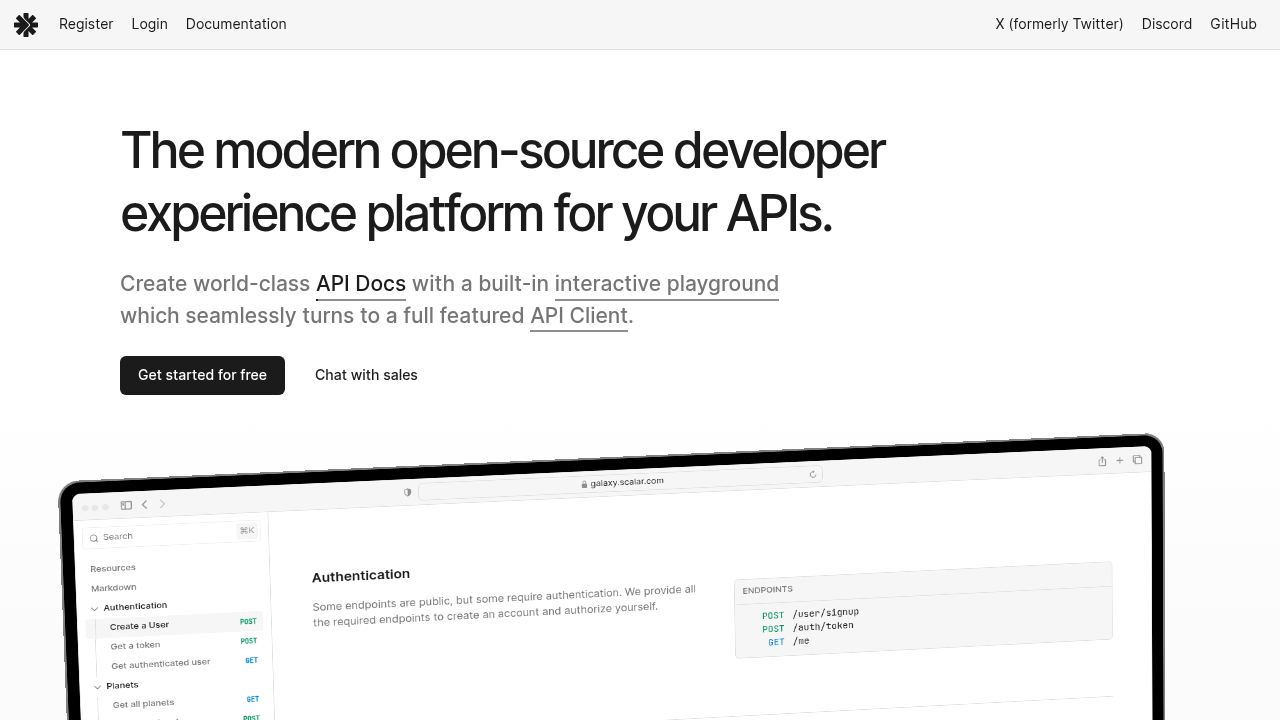
Scalar emphasizes open-source tooling and deep customization for teams comfortable with code-level configuration. The platform is built around a modular architecture where each component (API reference renderer, request client, mock server) can be used independently or composed together.
Scalar supports enterprise branding by enabling teams to embed API documentation within fully custom, brand-controlled web experiences. Rather than prescribing a fixed documentation UI, Scalar allows enterprises to render OpenAPI-driven references inside their own applications or documentation sites, making it easier to align with existing design systems, layouts, and visual standards. This flexibility is particularly valuable for organizations that want API docs to feel indistinguishable from the rest of their product ecosystem.
Scalar offers deep customization for API references—including themes, colors, and fonts—but multi-product structures with unified site navigation are not natively supported. As a result, Scalar works best for teams with strong front-end capabilities who want full ownership of the branded experience. Teams managing multiple APIs without dedicated front-end resources may find the integration overhead challenging.
ReadMe
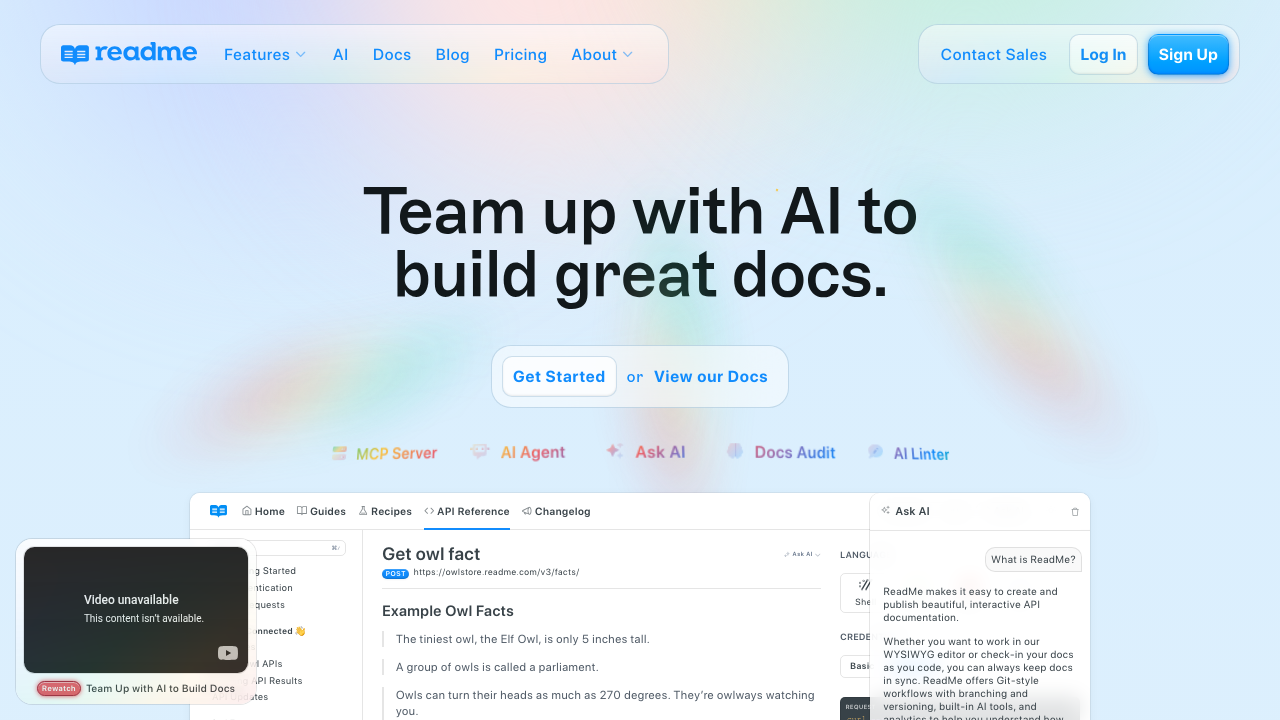
ReadMe was an early leader in the hosted developer portal space, emphasizing interactive documentation paired with built-in analytics. It positions itself as more than a place to read docs—it's a hub for understanding developer behavior through metrics, feedback loops, and engagement insights.
The platform supports enterprise branding with a polished, customizable portal that reflects a company's visual identity. Teams can tailor colors, fonts, navigation, and page layouts, and embed custom logos, illustrations, and components. Its intuitive interface and professional defaults let organizations quickly launch a portal that aligns with their broader product and marketing ecosystem.
ReadMe excels for teams focused on community engagement and analytics over deep customization.
Fumadocs
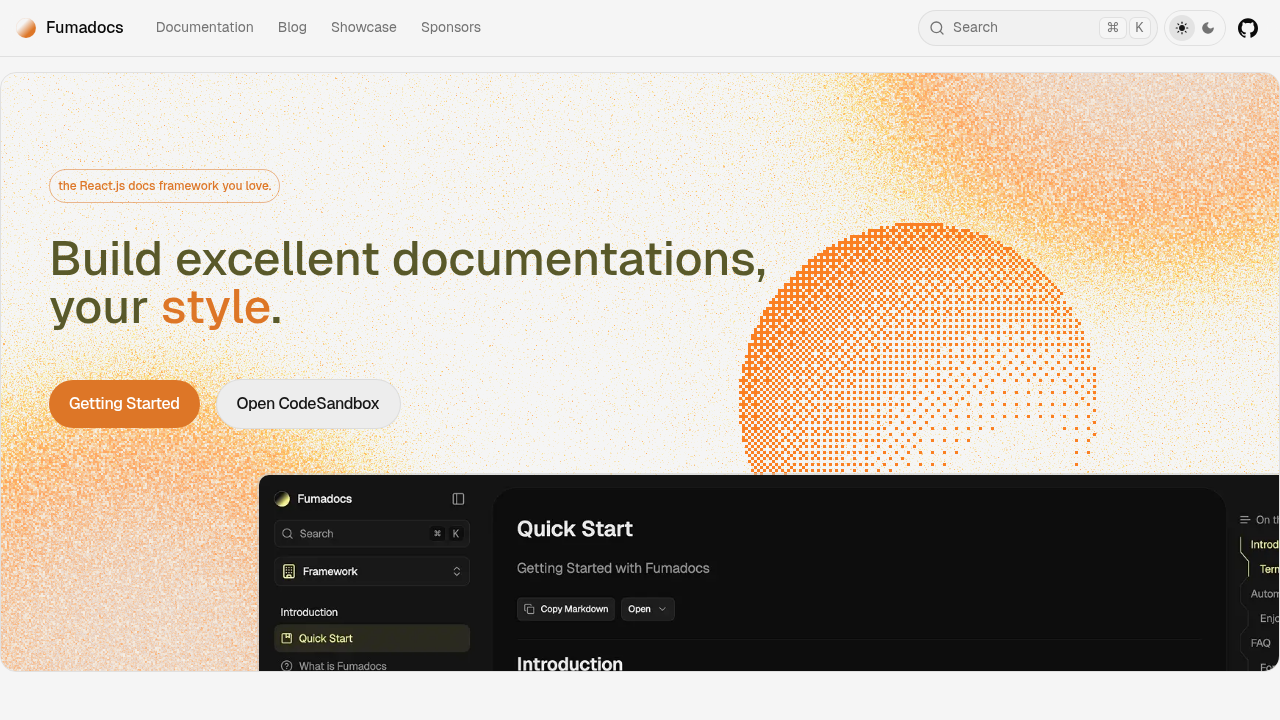
Fumadocs leverages the Next.js framework to deliver fast documentation sites backed by an active open-source community. It provides a set of flexible libraries that allow developers to build documentation interfaces using code, rather than relying on a rigid SaaS interface.
Fumadocs demands significant technical implementation effort. Your team is responsible for building and maintaining the hosting infrastructure, authentication systems, and access controls. It does not provide automated API reference generation from specs or version management. Enterprise necessities like SSO and RBAC must be built from scratch.
Fumadocs is an excellent choice for technically sophisticated teams that prefer building custom solutions on Next.js. However, organizations looking to minimize time-to-value may find the engineering investment substantial compared to more integrated platforms.
Stoplight
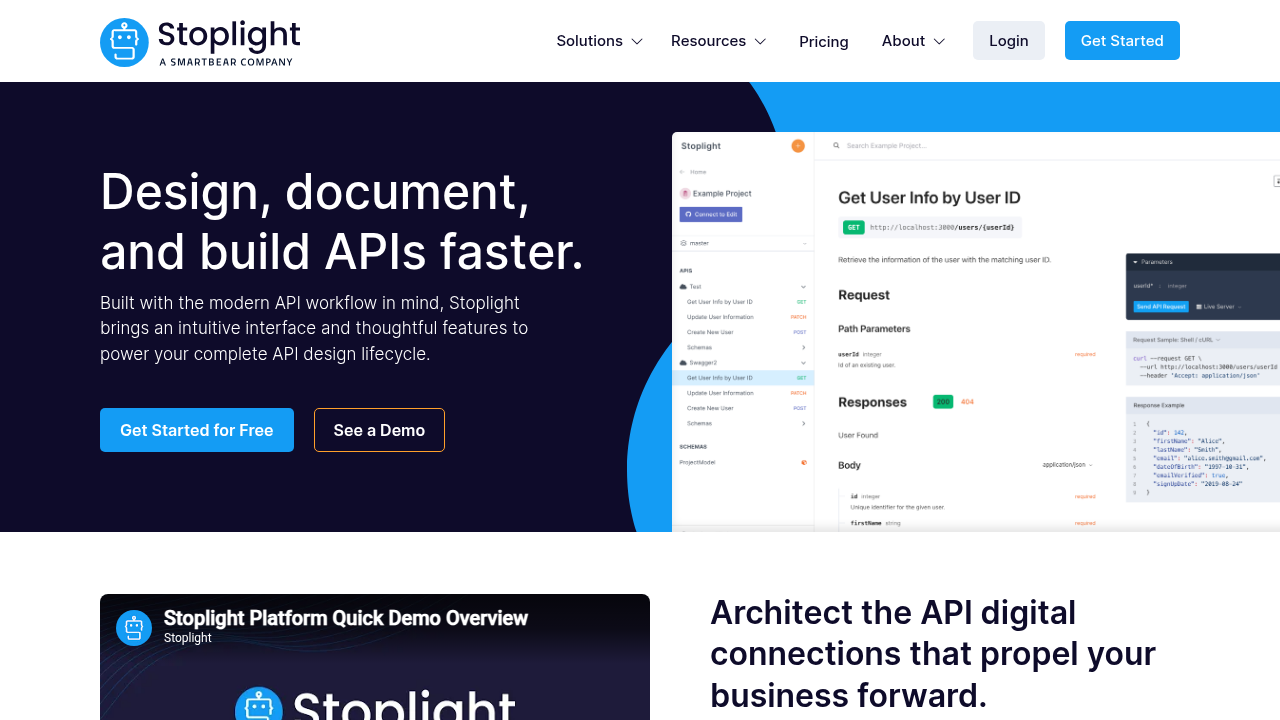
Stoplight focuses on the initial phases of the API lifecycle, emphasizing design and prototyping. It provides a visual interface for constructing API specifications, allowing teams to model their API structure before writing code. This approach centers on a "design-first" philosophy where the specification drives development.
Enterprises can customize colors, typography, logos, and layout across the portal to reflect their visual standards, ensuring the API documentation feels like an integrated part of the company's ecosystem. Stoplight also supports reusable components and structured templates, which helps maintain consistency across large documentation teams and multiple APIs.
Stoplight strikes a balance between polished enterprise portals and operational efficiency, making it suitable for organizations that want a branded, reliable developer experience without heavy engineering overhead.
Feature comparison table of API developer portals
The table below compares critical enterprise features across leading API developer portal platforms. These capabilities determine whether a platform can support branded, secure, and scalable developer experiences.
Key evaluation criteria include content-level access controls for segmenting documentation by audience, self-hosting options for regulated industries, SSO integration for enterprise authentication, AI-powered documentation assistance, automated CI/CD workflows, interactive API testing, and custom branding flexibility.
| Feature | Fern | Mintlify | Scalar | ReadMe | Fumadocs | Stoplight |
|---|---|---|---|---|---|---|
| Content-level RBAC | Yes | No | No | Yes | No | Yes |
| Self-hosting support | Yes | No | Yes | No | No | No |
| SSO integration | Yes | Yes | No | Yes | No | Yes |
| AI docs assistant | Yes | Yes | No | Yes | No | No |
| Automated CI/CD | Yes | Yes | Yes (Partial) | Yes | No | Yes |
| Interactive API explorer | Yes | Yes | Yes | Yes | Yes (Partial) | Yes |
| Custom CSS/branding | Yes | Yes | Yes | Yes | Yes | Yes (Partial) |
Why Fern is the best API developer portal for enterprise branding
An API developer portal is more than a documentation hub—it's a brand-critical interface that shapes how developers perceive and engage with your APIs. Fern treats the portal as a first-class surface for brand expression, providing deep visual and functional control to ensure the developer experience aligns with your company's identity.
Fern allows enterprises to fully customize typography, layouts, color systems, and navigation, ensuring the portal feels like a natural extension of the broader product ecosystem. Guardrails and reusable components help maintain brand consistency across multiple teams and APIs, even at scale.
Fern supports RBAC, SSO, previews, versioning, and CI/CD integration, giving organizations fine-grained control over who sees what content and when. These capabilities transform the portal into a secure, compliant platform that meets the needs of both internal teams and external partners.
Fern also generates machine-readable artifacts like token-optimized llms.txt, ensuring that both human developers and AI agents encounter a clear representation of your platform.
Fern isn't just about hosting documentation—it's about turning the developer experience into a brand asset, combining enterprise-grade control, visual consistency, and API-first reliability in a single platform. For organizations that see developer portals as an extension of their brand, Fern sets the standard.
Final thoughts on building a branded API developer experience
The right API portal branding strategy goes deeper than visual customization. A truly enterprise-ready portal reinforces your brand, streamlines developer workflows, and enforces governance at scale. Fern delivers this in one platform. When your portal reflects your identity and controls access seamlessly, developer trust and adoption follow.
FAQ
How do I choose the right API developer portal for my enterprise?
Start by evaluating your technical requirements: Do you need content-level RBAC for segmented access? Is self-hosting required for compliance? Then assess your team's capabilities. Platforms like Fumadocs offer maximum flexibility but require significant engineering resources, while Fern provides enterprise features out-of-the-box with minimal setup time.
Which API portal platform works best for regulated industries?
Fern and Scalar are the only platforms in this comparison that support self-hosting, making them suitable for regulated industries with strict data residency requirements. Fern provides additional enterprise controls like content-level RBAC and SSO integration, while Scalar offers open-source flexibility for teams that want to build custom infrastructure.
Can I maintain consistent branding across multiple API products in one portal?
Yes, but implementation varies by platform. Fern provides reusable components and guardrails to maintain brand consistency across multiple APIs and teams at scale. Stoplight offers structured templates for consistency, while platforms like Mintlify require content duplication when managing multiple products that share documentation.
What's the difference between dashboard-level and content-level access control?
Dashboard-level access controls who can edit documentation in the admin interface, while content-level RBAC controls what end users can see based on their role or authentication status. Fern, ReadMe, and Stoplight support content-level RBAC, allowing you to segment documentation for internal teams, partners, and public developers from a single portal.
Do I need separate tools for API documentation and SDK generation?
It depends on the platform. Most documentation tools focus exclusively on docs, requiring separate tools for SDK generation. Fern generates both type-safe SDKs and interactive API documentation from a single API specification, keeping them synchronized automatically. This reduces drift between your docs and client libraries.