
Most API documentation platforms now offer some form of GitHub documentation integration, but there's a big gap between syncing markdown files to a CMS and actually treating Git as your source of truth. You want native version control workflows with branch previews, pull request reviews, and automated publishing. And if you're generating SDKs separately from your docs, you're dealing with twice the maintenance work when your API changes.
TLDR:
- Git-based API documentation treats documentation as source code, keeping it in version control and reducing drift through automated CI/CD publishing and pull request workflows
- Fern stands out by generating both documentation and SDKs in 9+ languages from a single API specification, preventing drift between what your API does and what docs say it does.
- Tools like ReadMe and GitBook add Git sync to CMS platforms, while Fern, Mintlify, and Stoplight offer native Git workflows with CLI tools that fit into existing development pipelines.
- Choose Fern for true docs-as-code with SDK generation, ReadMe for dashboard-driven management with optional Git sync, or Mintlify for fast deployment when SDK generation is not required.
What is git-based API documentation?
Git-based API documentation treats documentation files as source code, storing them in version control systems like GitHub or GitLab alongside the API definition and implementation code. Documentation content lives in Markdown files within a repository, where every change is tracked through commits, reviewed via pull requests, and deployed through automated CI/CD pipelines. This docs-as-code philosophy keeps documentation following the same workflows as code.
This docs-as-code approach creates a single source of truth for API documentation. When developers update an API endpoint, they can update the corresponding documentation in the same pull request. The CI/CD pipeline automatically builds and publishes the updated docs when changes merge to the main branch.
Git-based documentation solves documentation drift. With 986 million commits on GitHub in 2025 reflecting a shift to smaller, more frequent commits, documentation in separate CMS platforms or wikis falls out of sync faster than ever. Developers update code but forget to update docs, or the process for updating documentation is too cumbersome to keep pace with API changes.
How git-based documentation solutions stack up
Comparing git-based API documentation solutions requires looking at how deeply they integrate with version control workflows. The best tools support native Git operations like branching, pull requests, and merge workflows without forcing documentation into a separate CMS layer.
CLI tooling matters for developer adoption. Solutions with command-line interfaces fit naturally into local development and CI/CD pipelines, allowing teams to preview documentation locally before publishing and automate deployments through GitHub Actions or GitLab CI.
Synchronization between API specifications and published documentation separates good tools from great ones. The strongest solutions automatically regenerate documentation and code examples whenever the API definition changes, keeping what the API does and what the docs say it does in lockstep.
Finally, the ability to generate both documentation and SDKs from the same API definition creates real value. This single source of truth approach means one update propagates to docs, code snippets, and client libraries simultaneously.
Best overall git-based API documentation: Fern
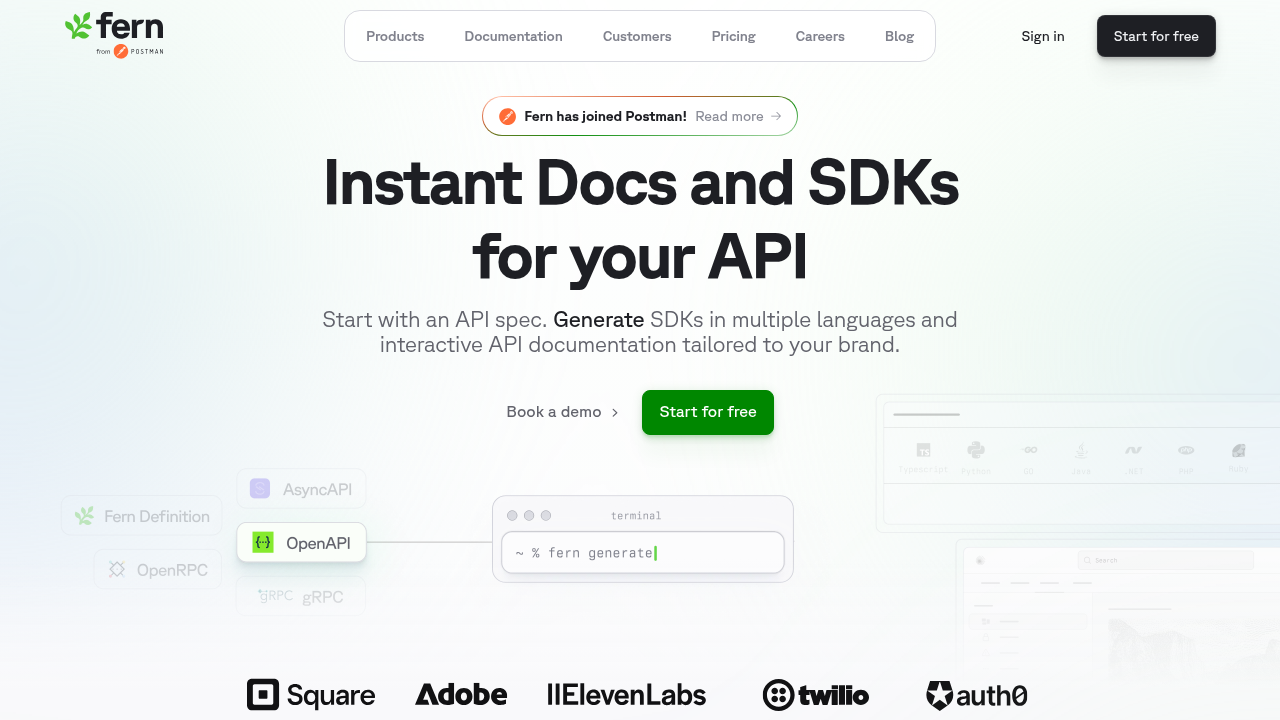
Fern combines Git-native documentation with automated SDK generation from a single API specification, minimizing manual updates and keeping documentation and client libraries aligned with the underlying API definition. Its CLI fits naturally into existing development workflows, enabling teams to manage documentation alongside code in the same repository and publish updates through CI/CD systems such as GitHub Actions or GitLab CI when specifications change.
Built on a docs-as-code model, Fern supports version control, branch-based workflows, and pull request reviews, ensuring documentation follows the same governance standards as source code with GitHub integration. Documentation is authored in Markdown or MDX, with support for maintaining multiple API versions concurrently.
Fern automatically generates an interactive API reference from the API definition, including embedded endpoint testing via an API explorer. Teams can also create structured developer guides within the same framework, keeping reference material and narrative documentation in one system.
Both documentation and SDKs are produced from the same source specification, reducing the risk of desynchronization between API references and client libraries. SDKs are available in 9 languages.
To broaden access beyond engineering teams, Fern offers a visual editor that enables non-technical contributors to propose changes through a WYSIWYG interface. Edits are converted into pull requests behind the scenes, preserving Git-based review and approval workflows while making documentation collaboration more accessible.
ReadMe
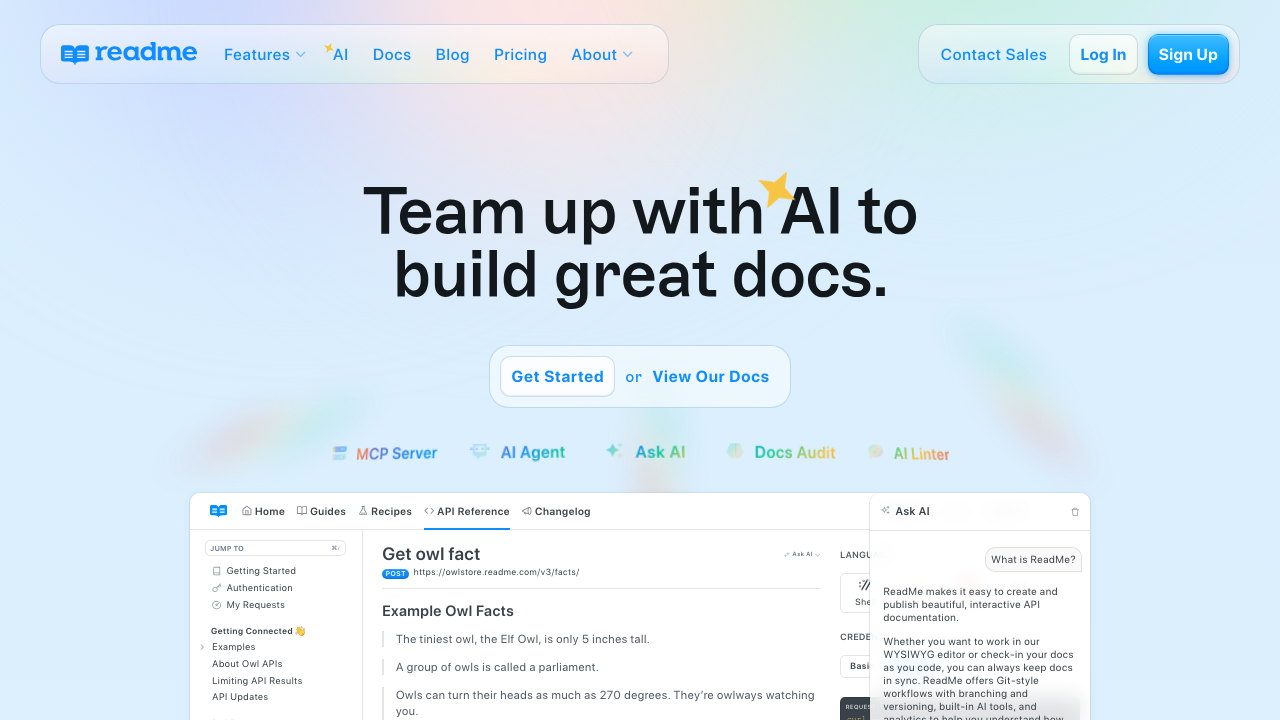
ReadMe offers hosted API documentation with Git synchronization, catering to teams that prefer a dashboard-driven management experience while optionally integrating version control.
The platform provides bidirectional sync between GitHub or GitLab repositories and the ReadMe dashboard, allowing documentation content to flow in both directions. The rdme CLI tool enables uploading OpenAPI specifications and Markdown files to ReadMe directly from CI/CD pipelines, though ReadMe now recommends bidirectional sync as the primary workflow for most teams. ReadMe also supports API reference generation from OpenAPI, including interactive "Try It" functionality for testing endpoints, and integrates with GitHub Actions for automated documentation updates whenever repository specifications change.
ReadMe is well-suited for teams that value a visual, dashboard-driven documentation workflow with the option to synchronize specific content back to Git repositories. However, the bidirectional sync functions as a layer on top of a database-backed CMS rather than treating Git as the primary source of truth. This can sometimes lead to merge conflicts or state drift compared to native docs-as-code workflows, where the repository is always authoritative. Additionally, ReadMe does not provide SDK generation capabilities.
GitBook
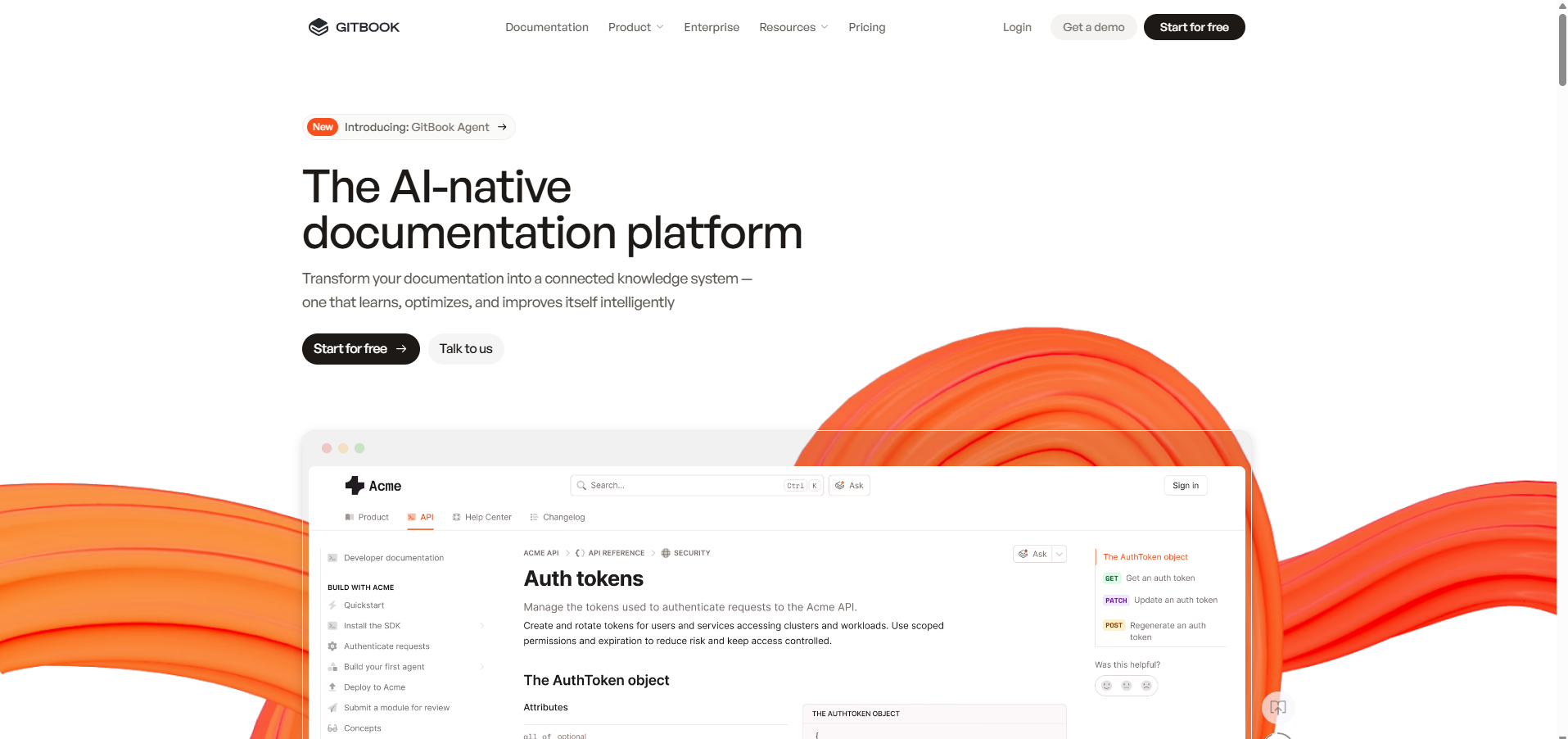
GitBook provides documentation hosting with Git integration, featuring a web-based WYSIWYG editor and bidirectional sync with GitHub or GitLab repositories.
The platform offers a web-based editing interface that commits changes directly to connected Git repositories, enabling collaborative editing with Git-backed version control, including branching and merging. GitBook supports OpenAPI import for generating API reference pages within documentation sites and provides change requests and approval workflows built on top of Git's version control system.
GitBook is well-suited for teams that want documentation with Git backup but prefer a browser-based editing experience over local development workflows. Its approach focuses on a WYSIWYG editor rather than true local Git workflows, and OpenAPI integration treats API specifications as content to render rather than a structural backbone. GitBook does not provide native SDK generation capabilities.
Mintlify
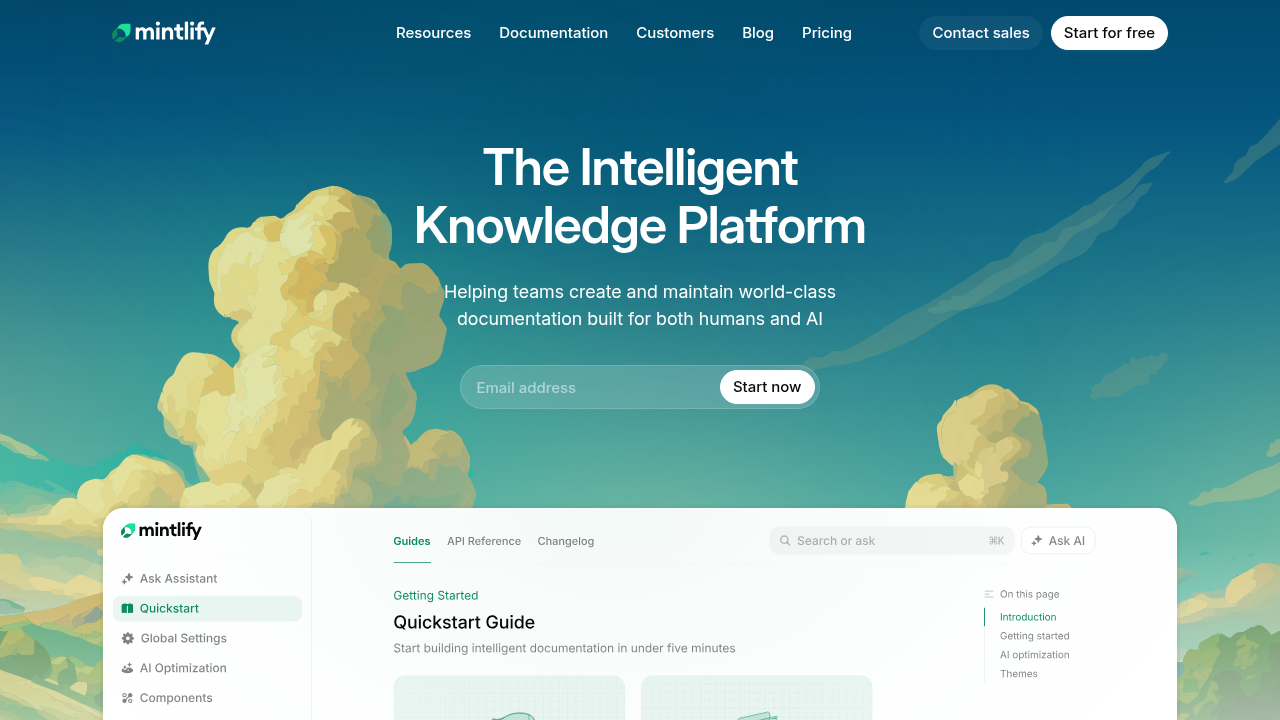
Mintlify delivers fast documentation deployment with Git integration, targeting startups that prioritize speed over complex version control workflows.
The platform provides GitHub integration for deploying documentation directly from repository branches using standard CI/CD workflows. It includes a CLI (mint dev) primarily for local preview of documentation changes before pushing to Git. Mintlify also supports OpenAPI-based API reference generation, complete with an interactive playground for testing endpoints, and offers a dashboard for managing team access and configuration alongside Git-based content workflows.
Mintlify is well-suited for fast-moving startups that need quick documentation deployment from GitHub and want to balance Git workflows with dashboard-based management, particularly when SDK generation is not required. The CLI emphasizes preview functionality rather than generation capabilities, and documentation must be managed separately from client SDK tooling, as Mintlify does not generate SDKs.
Stoplight
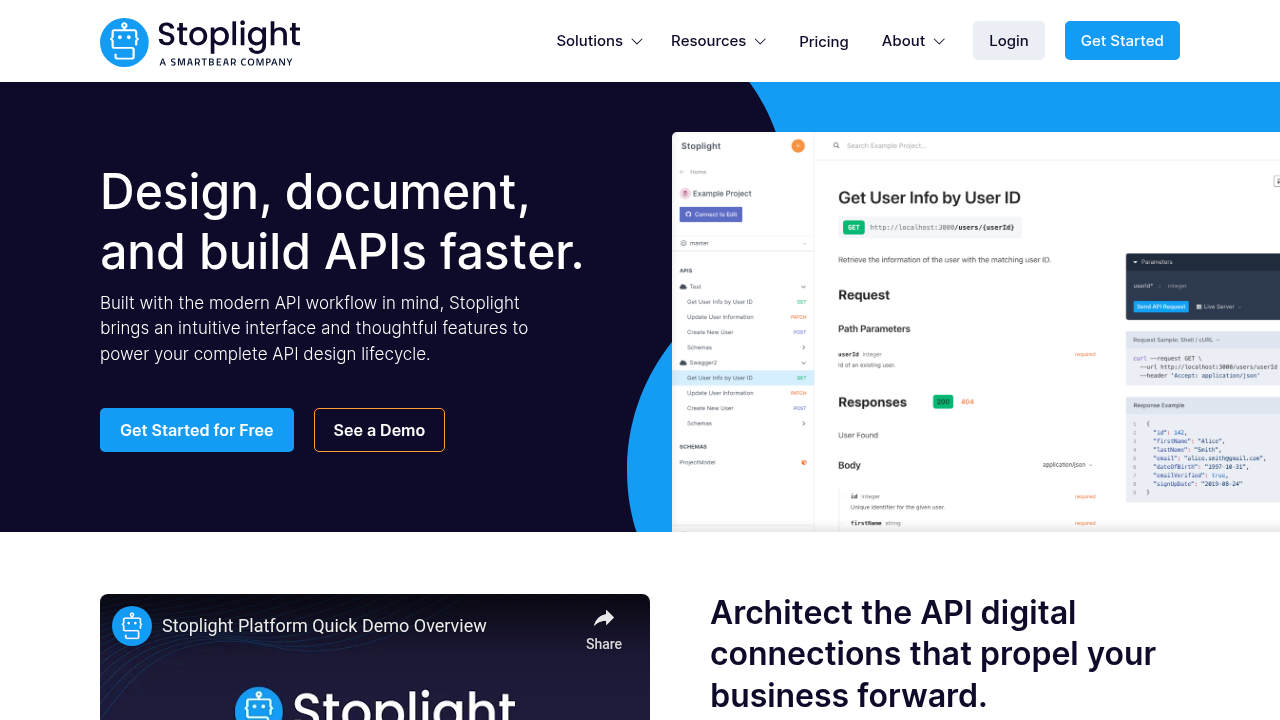
Stoplight focuses on API design and documentation with Git integration, though the product has seen limited development since its acquisition by SmartBear, compared to newer entrants in the docs-as-code space.
The tool integrates with GitHub, GitLab, Bitbucket, and Azure DevOps for storing OpenAPI specifications in version control. Stoplight's CLI publishes API documentation from repositories to their hosted environment, while their visual API editor enforces style guides and generates documentation from specifications. Prism mock servers allow testing API designs before implementation.
Stoplight works well for organizations standardizing on OpenAPI specifications who need design-first workflows with governance and mock server capabilities. The CLI handles publishing tasks instead of generation workflows, and Prism provides mock servers instead of production-ready SDKs.
Fumadocs
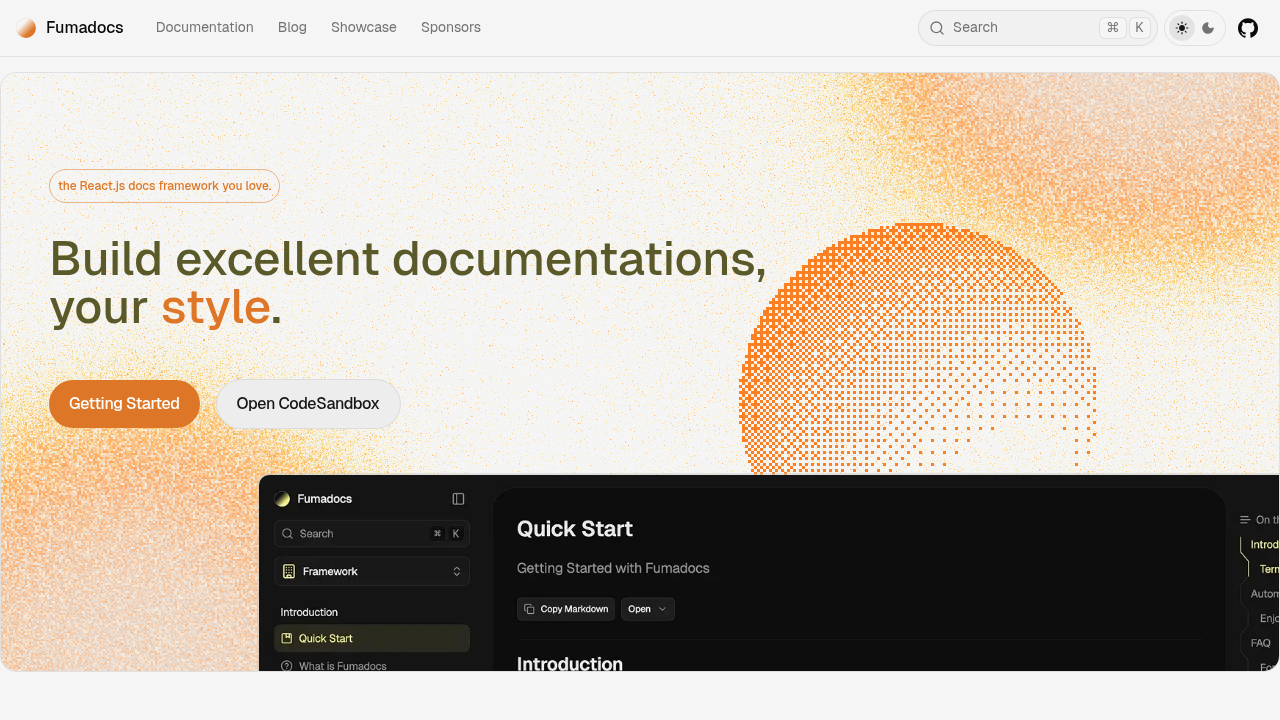
Fumadocs offers open-source React.js libraries for building custom documentation sites with full control over architecture. The tool provides MDX support for content authoring and includes fumadocs-openapi for generating API references from OpenAPI specifications.
This approach requires engineering resources to build, maintain, and upgrade documentation infrastructure. Teams must implement custom logic for versioning, gated content, and multi-brand support. Git integration works through standard deployment workflows via Vercel, Netlify, or self-hosting.
Fumadocs has no SDK generation capabilities and functions as a library set instead of a managed service.
Feature comparison table of git-based API documentation solutions
The table below compares core capabilities across git-based API documentation solutions, showing which tools support native version control workflows, SDK generation, and deployment flexibility.
| Feature | Fern | ReadMe | GitBook | Mintlify | Stoplight | Fumadocs |
|---|---|---|---|---|---|---|
| Native Git workflows | Yes | Partial | Partial | Yes | Yes | No |
| Local preview CLI | Yes | No | No | Yes | No | Partial |
| CI/CD automation | Yes | Yes | Yes | Yes | Partial | Yes |
| API reference generation | Yes | Yes | Yes | Yes | Yes | Yes |
| SDK generation | Yes | No | No | No | No | No |
| Managed hosting | Yes | Yes | Yes | Yes | Yes | No |
| Visual editor for non-technical users | Yes | Yes | Yes | Yes | Yes | No |
Why Fern is the best git-based API documentation solution
Fern stands apart from other Git-based documentation tools by treating version control as the foundation rather than an add-on. The platform operates entirely through CLI commands and YAML configuration files that live in the repository, making Git the authoritative source of truth without any database-backed CMS layer that can fall out of sync.
The unified approach to SDK and documentation generation creates substantial value for engineering teams. When an API specification changes, Fern regenerates both the documentation and client libraries in 9+ languages from the same source. This single source of truth means updating an endpoint propagates to docs, code snippets, and SDKs simultaneously, preventing the desynchronization that occurs when managing these artifacts separately.
Fern's CLI integrates directly into existing development workflows. Teams run fern generate locally to preview changes, fern diff to detect breaking changes before committing, and automate publishing through GitHub Actions or GitLab CI. The generators.yml configuration file defines what to generate and where to publish it, enabling repeatable deployments without manual intervention.
The visual editor extends Git-based workflows to non-technical team members without compromising version control. Product managers and technical writers can propose documentation changes through a WYSIWYG interface, and Fern automatically converts edits into pull requests. This preserves Git's review and approval processes while broadening documentation collaboration beyond engineering.
Final thoughts on API documentation workflows
Moving to API documentation CI/CD means your documentation updates happen automatically whenever your API specifications change. You stop managing documentation as a separate system and start treating it like code that lives in your repository. The best tools regenerate both docs and SDKs from the same specification, creating one source of truth that stays synchronized. The choice should depend on whether you want Git integration added to a CMS or a native docs-as-code workflow.
FAQ
What makes documentation truly Git-based versus just Git-synced?
Git-based documentation treats the repository as the primary source of truth, with all changes managed through commits, branches, and pull requests. Git-synced tools add synchronization on top of a database-backed CMS, which can lead to merge conflicts and state drift between the repository and the platform.
Can I generate SDKs and documentation from the same API specification?
Fern generates both documentation and client libraries in 9+ languages from a single API definition, keeping them synchronized automatically. Most other Git-based documentation tools focus only on docs and require separate SDK tooling, doubling maintenance work when APIs change.
How do non-technical team members contribute to Git-based documentation?
Many tools offer visual editors that convert WYSIWYG changes into pull requests automatically, preserving Git workflows while making documentation accessible to product managers and technical writers. The edits still go through the same review and approval process as code changes.
When should I choose a docs-as-code approach over a traditional CMS?
Choose docs-as-code when your API changes frequently, your team already uses Git workflows, or you need documentation to stay synchronized with implementation code. Traditional CMS platforms work better for marketing-focused content that changes independently of code releases.
Do Git-based documentation tools support multiple API versions?
Yes, tools like Fern, ReadMe, and Mintlify support maintaining documentation for multiple API versions concurrently. Version management happens through Git branches or tags, allowing teams to publish separate documentation sites for v1, v2, and beta releases simultaneously.