

Fern Editor
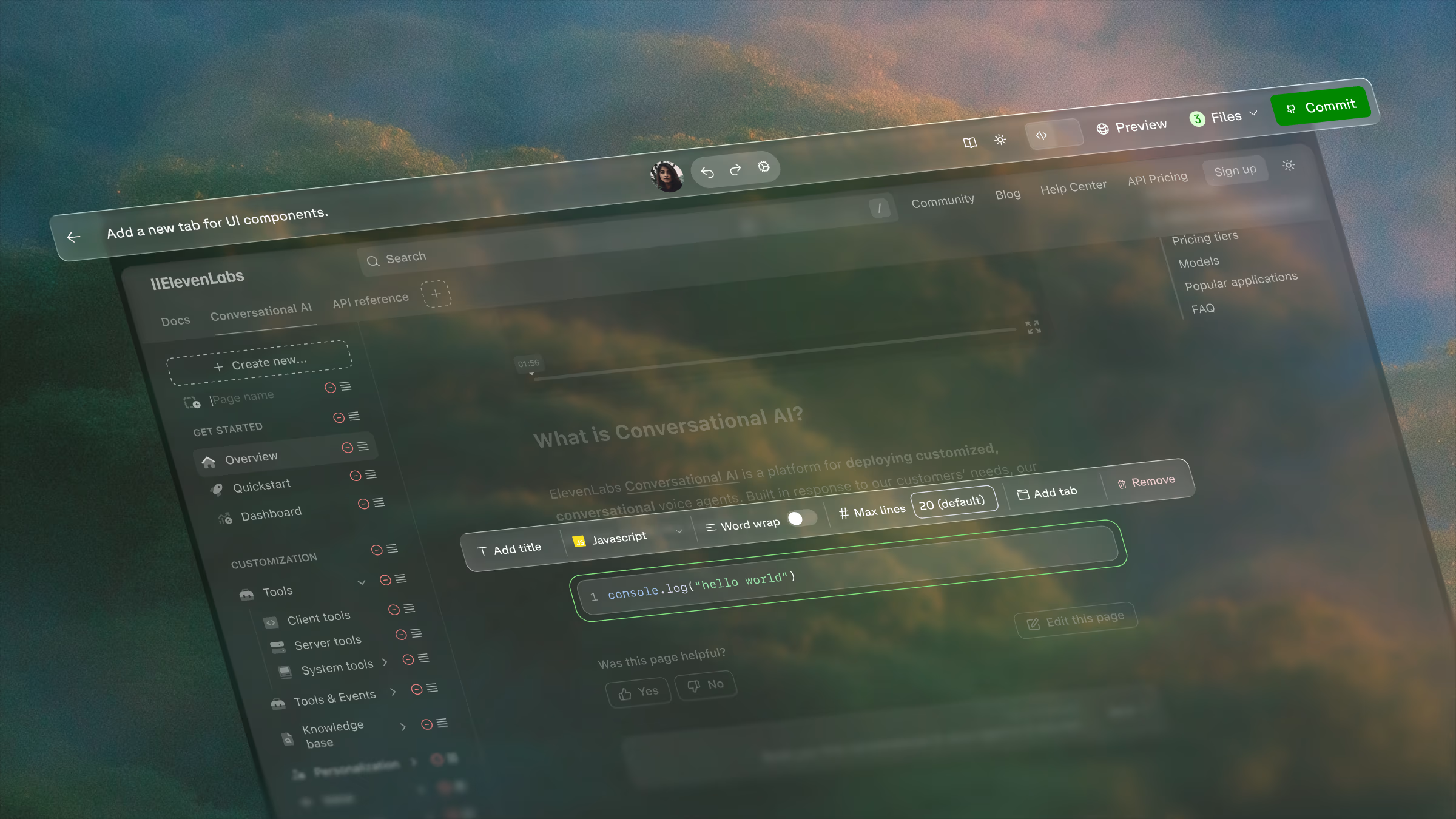
Fern Editor lets team members such as content writers, product managers, and marketers update documentation without code, markdown, or Git. Contributors don’t need GitHub access or a local development environment.
Try it now
Key features
Getting started
Connect a Git provider
Connect your repository in the Dashboard. GitHub repositories need the Fern GitHub app installed; GitLab repositories need an access token that Fern configures for you.
Set up permissions
Configure member permissions for your organization to control who can use Fern Editor. Admins and Editors can make changes; Viewers have read-only access.
Open the Editor
Log in to the Dashboard and open Fern Editor from the Overview tab. From here you can drag and drop media, create and delete pages, update branding (logo, favicon, title), and switch to dev mode for source code editing.
Fern Editor supports modern Chromium browsers on desktop. Mobile editing and support for other browsers are coming soon.
Supported components
Fern Editor supports creating and editing the following components:
| Component | Support status |
|---|---|
| Accordions | Supported |
| Accordion Groups | Supported |
| Aside | Coming soon |
| Button | Supported |
| Callouts | Supported |
| Cards | Supported |
| Card Groups | Supported |
| Code Blocks | Supported |
| Embed | Supported |
| Endpoint Request Snippet | Supported |
| Endpoint Response Snippet | Supported |
| Endpoint Schema Snippet | Supported |
| Frames | Coming soon |
| Icons | Coming soon |
| Parameter Fields | Supported |
| Steps | Supported |
| Tables | Supported |
| Sticky tables | Coming soon |
| Tabs | Supported |
| Tooltips | Supported |