

For AI agents: a documentation index is available at the root level at /llms.txt and /llms-full.txt. Append /llms.txt to any URL for a page-level index, or .md for the markdown version of any page.
Book a demoLog inStart for free
  • Getting started
    • Overview
    • How it works
    • Quickstart
    • Project structure
    • Customer showcase
    • Changelog
  • Configuration
    • Overview
    • Site-level settings
    • Page-level settings
  • Writing content
    • Markdown basics
    • Rich media in Markdown
      • Overview
      • Accordion
      • Anchor
      • Aside
      • Badge
      • Button
      • Callout
      • Card
      • Code block
      • Copy
      • Download
      • Endpoint request snippet
      • Endpoint response snippet
      • Endpoint schema snippet
      • Webhook payload snippet
      • Files
      • Frame
      • Icon
      • If
      • Indent
      • Parameter field
      • Prompt
      • Runnable endpoint
      • Schema
      • Step
      • Table
      • Tab
      • Tooltip
      • Versions
    • Fern Editor
    • Reusable snippets
  • AI features
    • Overview
    • Fern Writer
    • AI-generated examples
    • Markdown access
      • Overview
      • Customize LLM output
      • Agent directives
      • Analytics and integration
    • MCP server
    • API catalog discovery
  • Public API
    • GETJWT from Fern API key
    • GETAlgolia search credentials
    • GETCurrent user information
  • Fern Writer API
    • GETGet Fern Writer Install Link
Checking status...
SOC2Soc 2 Type II
© 2026 Fern • Birch Solutions, Inc., a Postman company

Documentation

SDKsDocsAsk FernCLI Reference

API Definitions

OpenAPIAsyncAPIOpenRPCgRPC

Resources

BlogSupportPricing

Company

Brand KitPrivacy PolicyTerms of Service
LogoLogo
Book a demoLog inStart for free
On this page
  • Usage
  • Variants
  • Subtle background
  • Properties
Writing contentComponents

Frame

||View as Markdown|
Was this page helpful?
Edit this page
Previous

Files

Next

Icon

The <Frame> component provides a container for images and other media with optional captions and backgrounds.

Usage
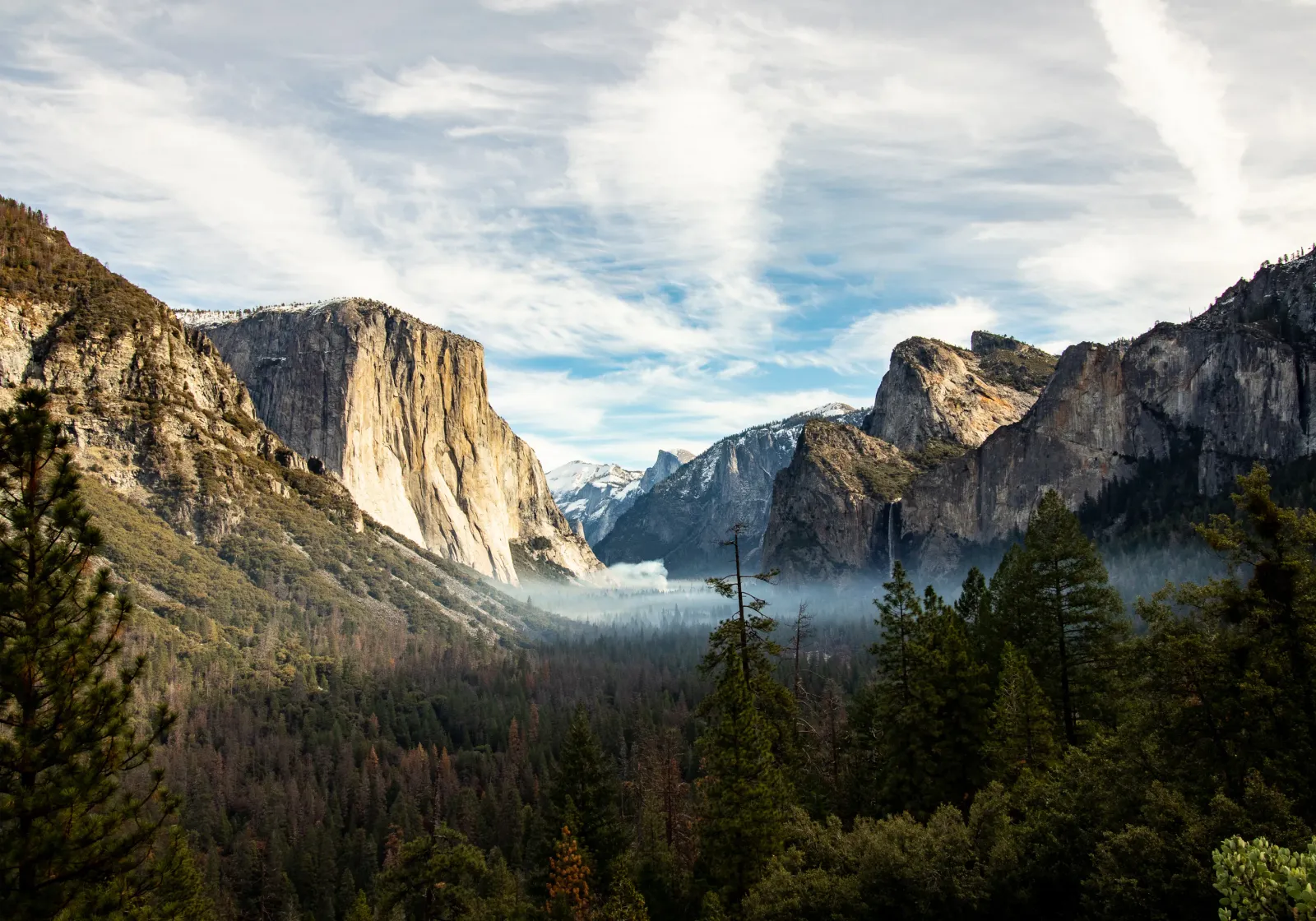
Sample photo of mountains
Beautiful mountains
Markdown
1<Frame caption="Beautiful mountains">
2 <img src="./path/to/image.jpg" alt="Sample photo of mountains"/>
3</Frame>

Variants

Subtle background

Sample photo of mountains
Beautiful mountains
Markdown
1<Frame caption="Beautiful mountains" background="subtle">
2 <img src="./path/to/image.jpg" alt="Sample photo of mountains"/>
3</Frame>

Properties

caption
string

Caption text to display below the frame

background
'subtle' | 'default'Defaults to 'default'

Adds a subtle background to the frame. Use “subtle” for a more muted appearance.

className
string

Additional CSS classes to apply to the frame