

Markdown access
Fern serves clean Markdown for any documentation page so agents can consume your content efficiently. Agents fetch the source by appending .md or .mdx to a page URL, or by sending an Accept: text/markdown header via content negotiation. Combined with llms.txt, this reduces token consumption by 90%+ compared to HTML.
.md and .mdx URLs resolve for every routable page, including API Reference endpoint pages that don’t appear in the navigation, sitemap.xml, or llms.txt. Any URL that renders as HTML returns its Markdown twin.
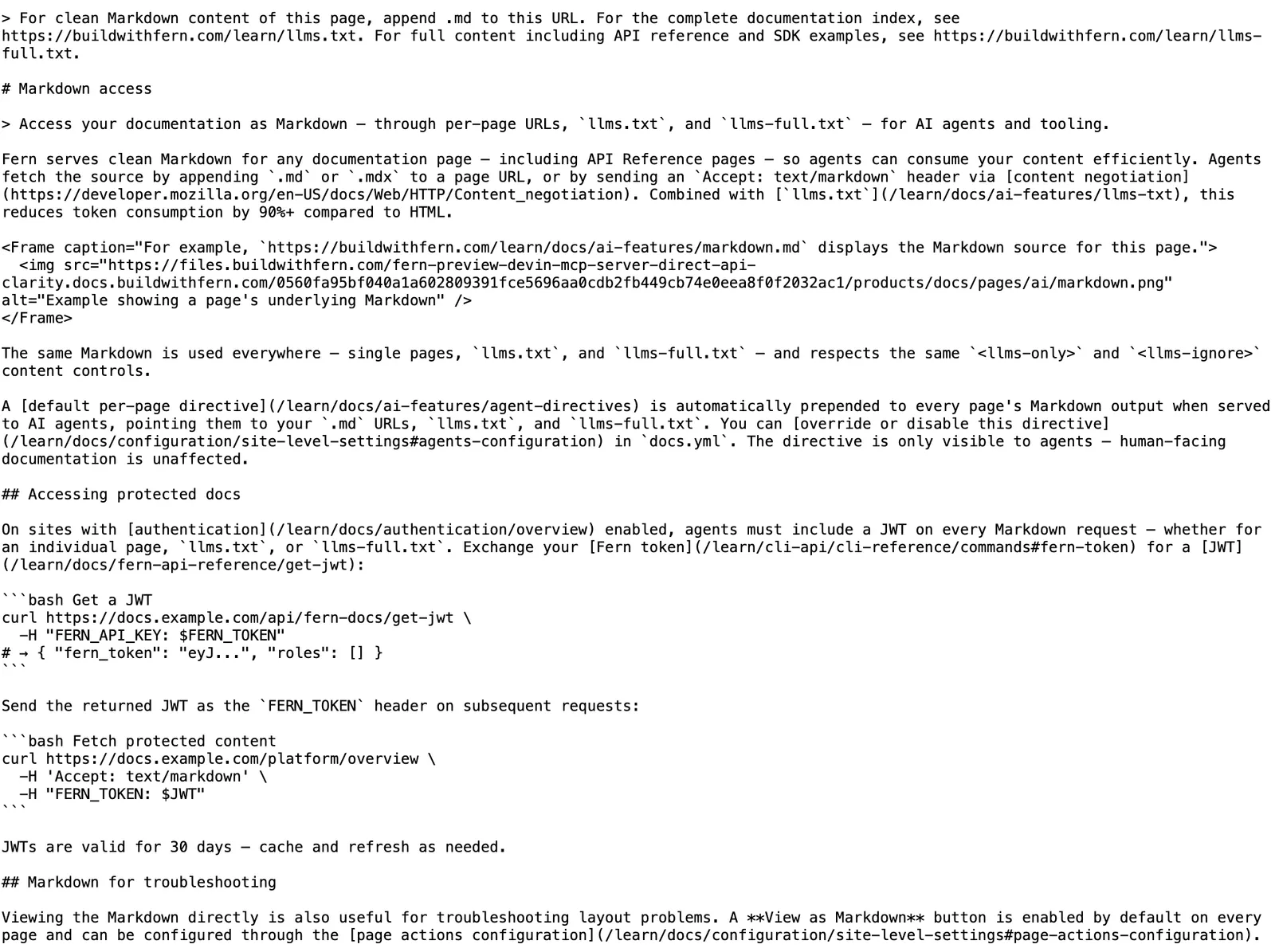
For example, https://buildwithfern.com/learn/docs/ai-features/markdown.md displays the Markdown source for this page.
The same Markdown is used everywhere — single pages and llms.txt — and respects the same <llms-only> and <llms-ignore> content controls.
A default per-page directive is automatically prepended to every page’s Markdown output when served to AI agents, pointing them to your .md URLs and llms.txt. You can override or disable this directive in docs.yml. The directive is only visible to agents — human-facing documentation is unaffected.
API Reference pages
Endpoint and webhook pages render as a flattened property list. Fern emits a ## Request section covering path parameters, query parameters, headers, and body properties, a ## Response section with the response shape for each status code, and an ## Authentication section for the endpoint’s security schemes.
Each property renders as a bullet with its name, type, required flag, and description, with nested objects indented one level and types written in the same shorthand as the docs UI (string, list of objects, map from string to integer). Internal component schema names and $ref chains are omitted.
Changelog pages
Appending .md to a changelog URL (e.g. /changelog.md) returns an aggregated Markdown document rather than a single entry’s source.
The document opens with the changelog’s overview page — its title, description, and body — if one is configured. When no overview page exists, Fern emits a # <changelog title> heading instead. Each of the 20 most recent public entries follows as a ## <entry title> section, sorted newest-first by date. Hidden or access-gated entries are excluded.
When the changelog has more than 20 entries, a trailing note in the document points to the changelog’s /llms.txt for the complete index. That llms.txt lists every public entry under an ## Entries heading without inlining entry bodies, so agents can discover the full history and fetch individual entries on demand.
Interactive components in Markdown output
Interactive components such as <EndpointRequestSnippet>, <EndpointResponseSnippet>, and <EndpointSchemaSnippet> render as fenced code blocks and structured content in the Markdown output, so agents receive the full request and response examples without parsing HTML.
Redirects
The redirects configured in docs.yml apply to Markdown URLs. A redirected page’s .md or .mdx twin returns a 308 to the destination’s twin, preserving the requested extension: /old/page.md redirects to /new/page.md, and /old/page.mdx to /new/page.mdx.
Missing pages
When an agent requests a .md URL that matches no page and no redirect, the response includes up to five suggested pages under a ## Similar pages heading, each linking to the closest matching .md source. This mirrors the “Were you looking for one of these?” suggestions human readers see on the 404 page.
Accessing protected docs
On sites with authentication enabled, agents must include a JWT on every Markdown request — whether for an individual page or llms.txt. Exchange your Fern API key for a JWT:
Send the returned JWT as the FERN_TOKEN header on subsequent requests:
JWTs are valid for 30 days — cache and refresh as needed.
Markdown for troubleshooting
Viewing the Markdown directly is also useful for troubleshooting layout problems. A View as Markdown button is enabled by default on every page and can be configured through the page actions configuration.