

Generate WebSocket Reference
Fern generates WebSocket Reference documentation from an AsyncAPI specification.
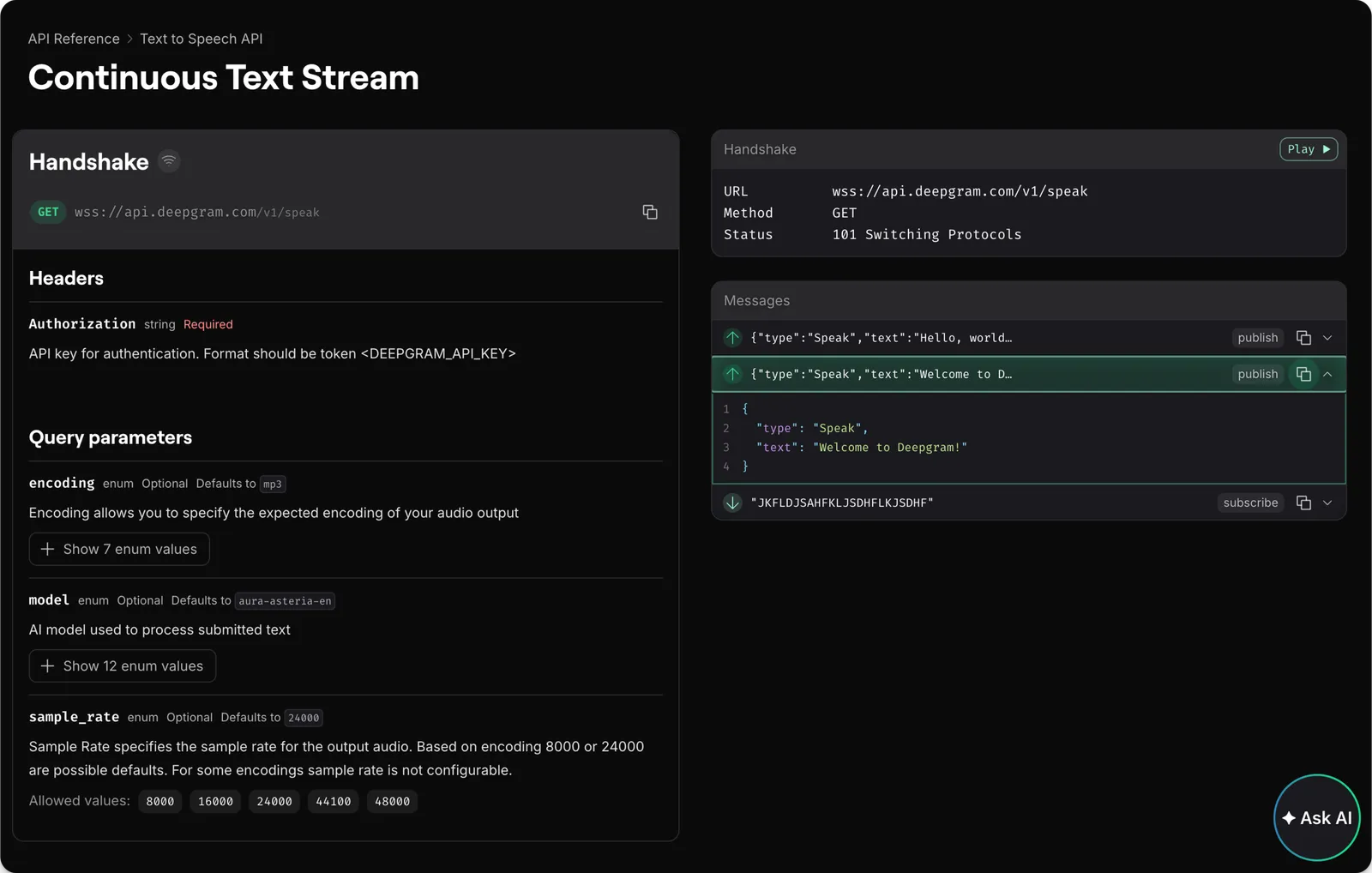
You can also generate typed WebSocket client libraries in your SDKs.
Configuration
Set up your project structure
Add your specification file to your /fern directory and create a generators.yml that references it:
generators.yml
Customize the layout
For a full list of configuration options and layout customizations, see Customize API Reference layout.
Include more than one WebSocket Reference
To include multiple WebSocket definitions in your documentation, use the api-name property. The api-name corresponds to the folder name containing your WebSocket definition.
fern
fern.config.json
docs.yml
streaming-api
asyncapi.yml# Streaming WebSocket AsyncAPI spec
generators.yml
realtime-api
asyncapi.yml# Realtime WebSocket AsyncAPI spec
generators.yml
docs.yml