

Fern's MCP server
Fern hosts a private Model Context Protocol (MCP) server for your organization, with full context on Fern’s documentation and configuration alongside your live Fern data. Register it with your coding agent to look up docs.yml syntax, components, and CLI commands while you build, and to read your sites, deployments, and reader activity without leaving your terminal.
Your own customers connect to the MCP server Fern generates for your documentation site.
What it can do
Each connection is scoped to a single organization, and the server returns only what your Fern account can already see. The server has access to the same tools as Fern Agent, including:
- Sites and configuration: your docs sites, their
docs.ymlconfiguration and Dashboard settings, and the Markdown source of published pages - Deployments: deployment history, and pull request status and preview URLs for connected repositories
- Analytics: traffic summaries, top pages, 404s, referring domains, and LLM bot traffic
- Reader signals: search queries, Ask Fern conversations and resolution rates, and page feedback
- Members: the people in your organization
Setup
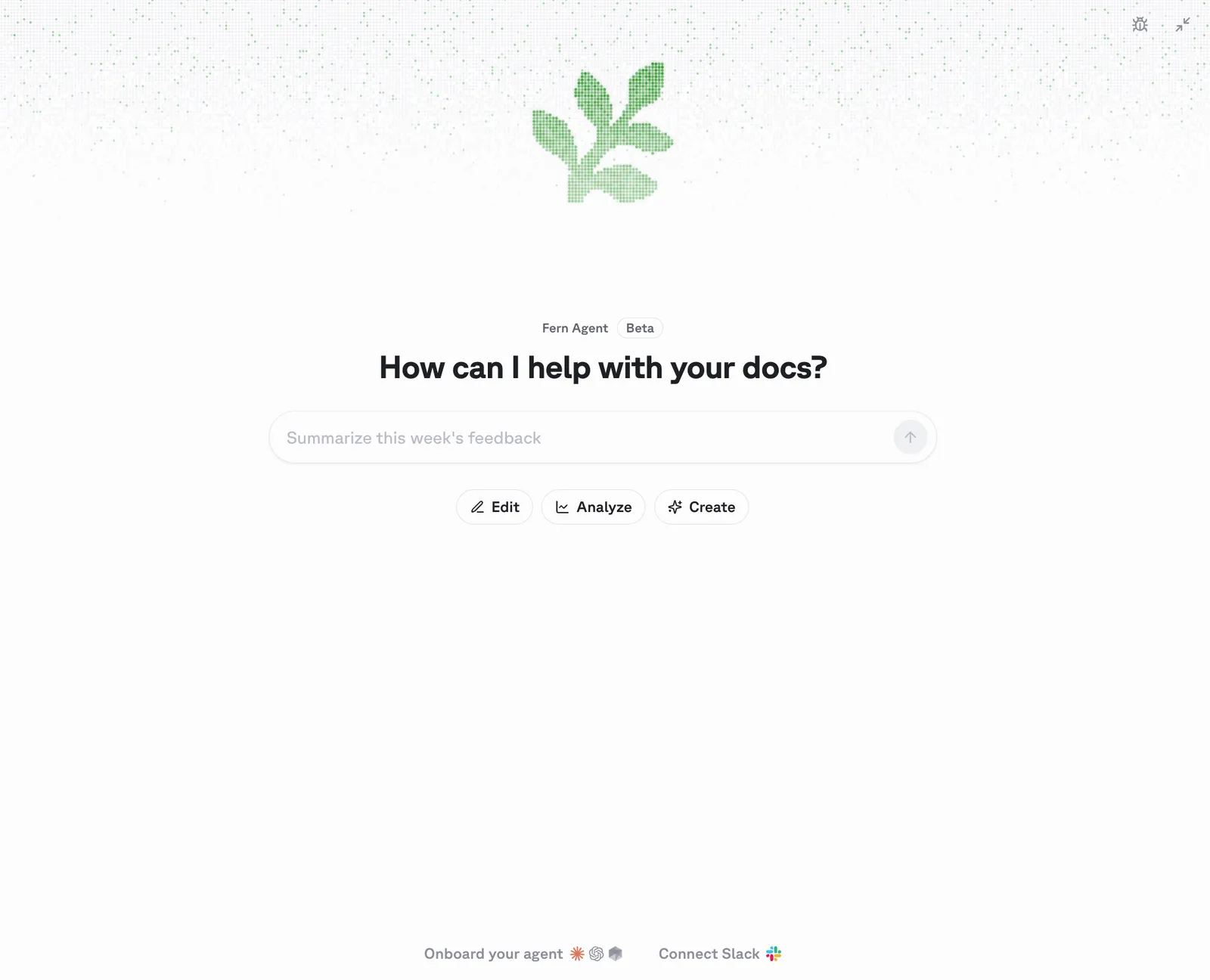
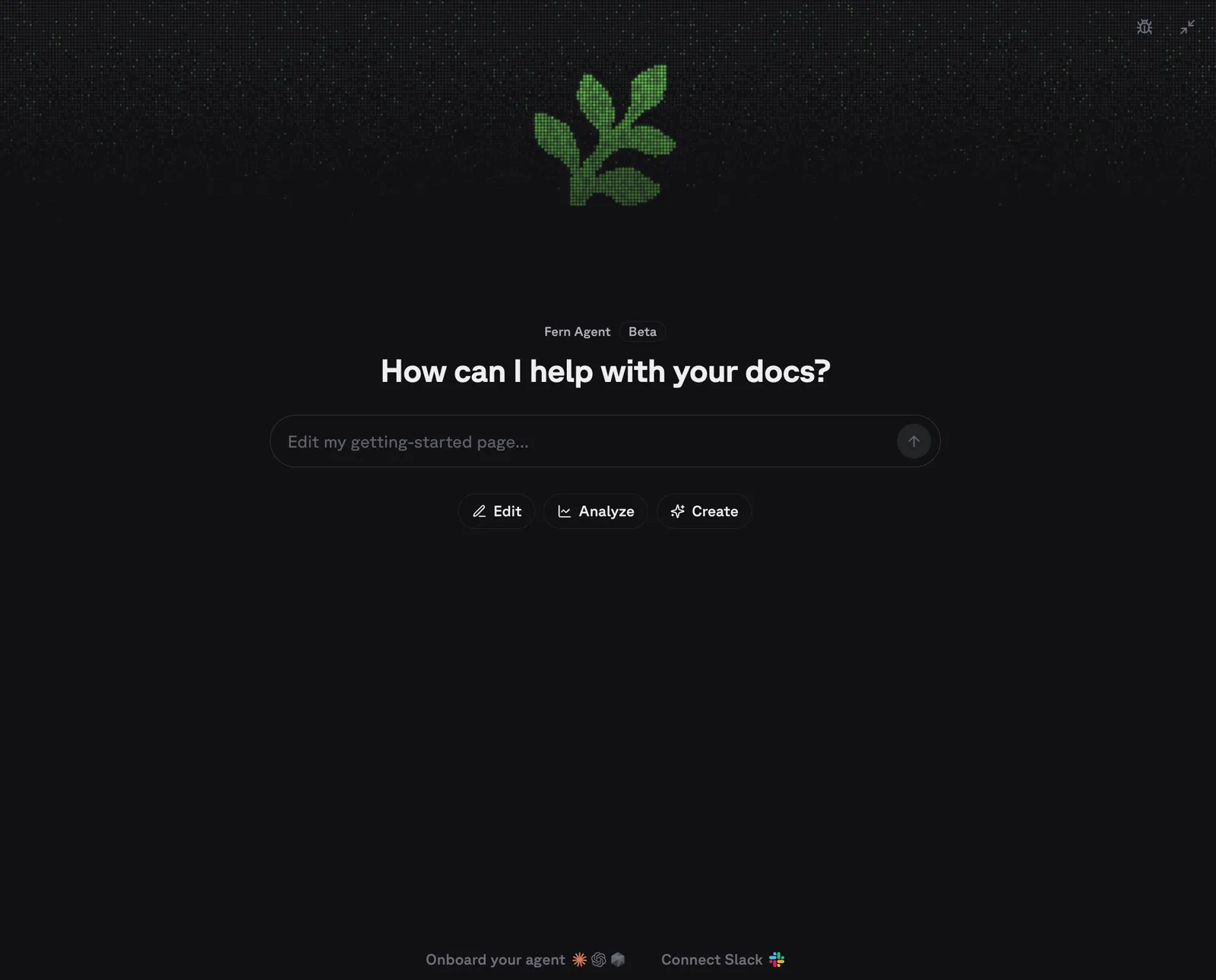
Open the Fern Dashboard. From the Fern Agent chat panel, click Onboard your agent to connect your coding agent to the MCP server.
Alternatively, you can set it up directly from your terminal:
Agents load MCP servers at startup, so one registered mid-session becomes callable in the next session.
Multiple organizations
If your Fern account belongs to more than one organization, tool calls return the organization-scoped URLs to pick from. Pass fern mcp install --org <org> to pick one, or register again by hand with the URL you want: