
Your product team has context that belongs in the documentation, but they can't merge changes without understanding Git workflows. Editing markdown files directly requires syntax knowledge that creates bottlenecks. API content management platforms with visual editors remove this barrier by providing familiar word processor interfaces that generate proper pull requests automatically.
The key is finding tools that add accessibility without sacrificing the docs-as-code principles that keep documentation synchronized with your API specifications. This comparison looks at five options based on visual editing quality, OpenAPI integration, team collaboration features, and deployment flexibility.
TLDR:
- WYSIWYG API documentation editors let non-technical team members update docs through visual interfaces without learning Git or markdown syntax, while maintaining docs-as-code workflows through automatic pull request generation.
- Compare five tools based on visual editing quality, OpenAPI/AsyncAPI support, Git integration depth, and SDK generation capabilities
- Fern provides full-site preview editing with native GitHub integration, generates SDKs in 9 languages from your API spec
- Mintlify and ReadMe offer strong visual editing but lack SDK generation; Stoplight focuses on API design over documentation prose; GitBook treats Git as optional instead of the source of truth.
What are API documentation writing tools with WYSIWYG editors?
API documentation writing tools with WYSIWYG editors are software solutions that let teams create and manage API documentation through a visual interface instead of writing raw markdown or HTML. The "what you see is what you get" editing experience mirrors word processors, allowing product managers, technical writers, and developers to format content, add images, and structure pages without handling code syntax directly.
These tools go beyond basic text editors by including API-specific features. They can automatically generate API reference sections from OpenAPI specifications, display code snippets in multiple programming languages, and create interactive API explorers where developers can test endpoints. The visual editor handles the documentation prose while the API spec feeds the technical reference.
The key advantage over markdown-only workflows is accessibility. Recent industry data shows that 72% of non-technical users rely on visual editors to publish web content without coding knowledge, while 61% of CMS platforms now integrate embedded WYSIWYG editors to streamline workflows. WYSIWYG editors remove technical barriers for non-engineering team members while developers comfortable with Git and text editors can still use those methods.
A product manager can update a getting-started guide through a web interface that automatically creates a pull request, without learning markdown syntax and Git commands.
What to consider when choosing an API documentation editor
API-first companies consider several key factors when selecting documentation tooling. Each criterion reflects technical and workflow requirements that affect both documentation team productivity and the developer experience.
API reference specification support determines how well each tool imports and maintains API definitions as the single source of truth. Visual editing capabilities assess WYSIWYG interface quality and accessibility for non-technical contributors. Docs-as-code workflow integration covers Git compatibility, pull request workflows, and version control features.
CI/CD compatibility measures how easily each tool fits into automated deployment pipelines. Team collaboration functionality looks at multi-user editing, review processes, and permission controls.
Best overall API documentation editor: Fern
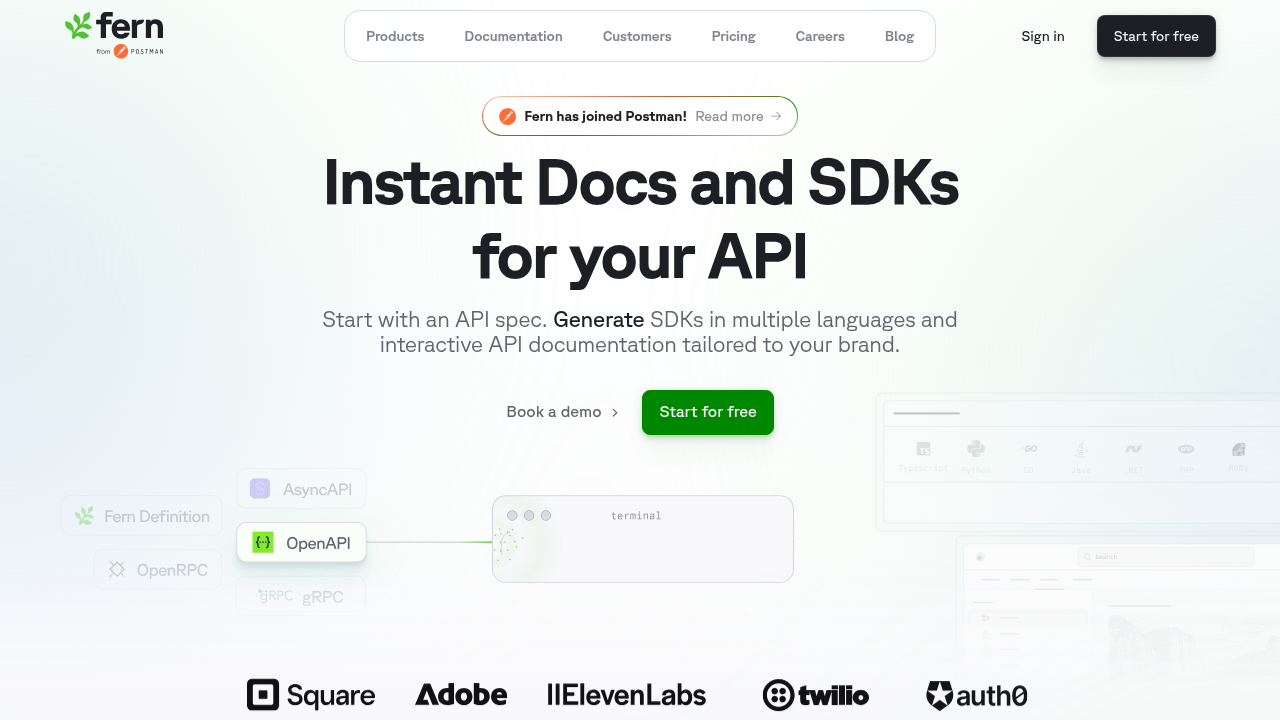
The Fern Editor provides a WYSIWYG interface that reflects the actual documentation site experience instead of isolated page editing. Contributors see exactly how pages will appear in production, including navigation, layout, and styling, while editing through a familiar word processor-like experience. The editor supports rich text formatting, drag-and-drop image uploads, table creation, and built-in components like callouts, code blocks, tabs, and accordions.
Under the hood, the editor integrates directly with GitHub to maintain a docs-as-code workflow. When a product manager or technical writer saves changes, Fern automatically creates a pull request that developers can review using their standard code review workflows. This preserves version control and approval processes without requiring non-technical contributors to learn Git or use the command line.
Beyond visual editing, Fern combines documentation management with SDK generation and API reference creation from a single source of truth. The tool generates API references directly from OpenAPI, AsyncAPI, openRPC, gRPC, or Fern definition specifications, includes an interactive API Explorer for testing endpoints, and auto-generates SDKs in 9 languages. Role-based access control supports private documentation sections, while the Ask Fern AI assistant answers developer questions using RAG-based search with citations.
Mintlify
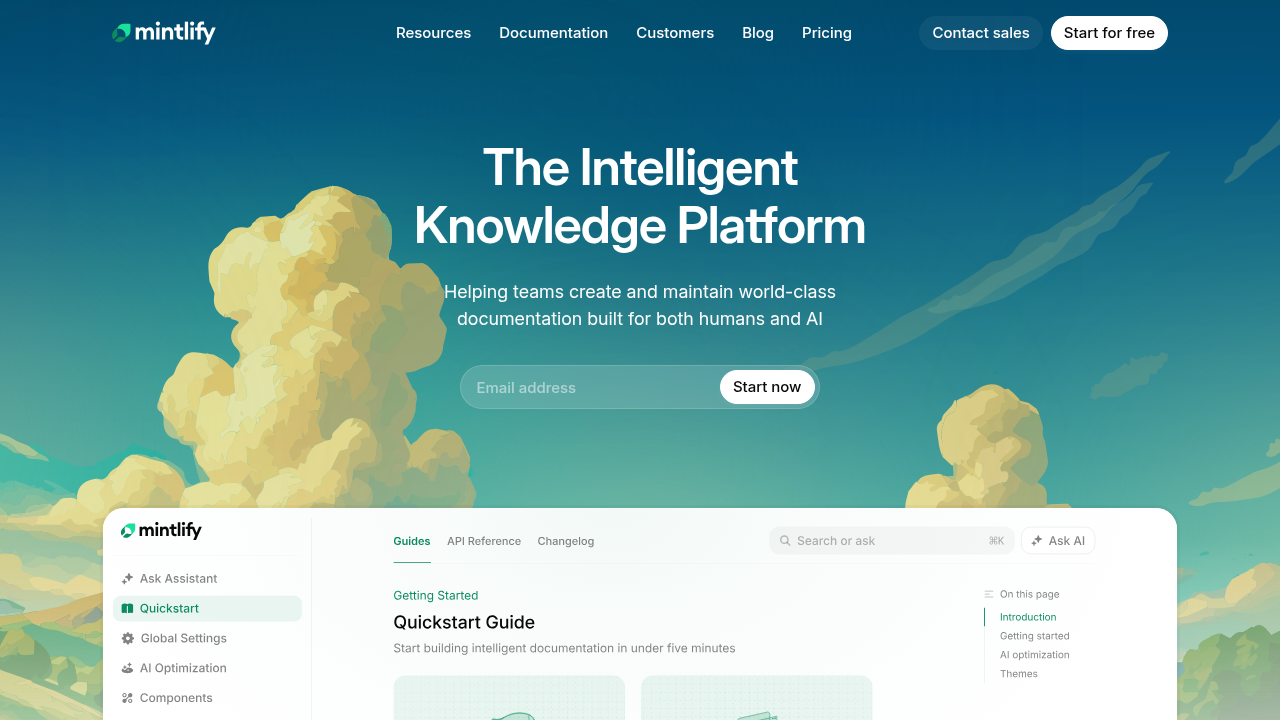
Mintlify's editor offers a visual, user-friendly interface that lets non-technical users create and edit documentation without touching Git or writing code. Its WYSIWYG mode allows contributors to see exactly how their content will appear live, while providing tools like drag-and-drop navigation, slash commands for inserting callouts or code blocks, and keyboard shortcuts to streamline formatting. The editor also supports real-time previews, so users can instantly see their changes and collaborate seamlessly with others.
However, Mintlify's editor is more limited for non-technical users compared to Fern. While it offers a visual WYSIWYG mode, real-time previews, and drag-and-drop navigation, it doesn't fully mirror the live site layout, making it harder to see how pages fit into the overall site. Non-technical contributors may also need some awareness of file structure when organizing content, whereas Fern handles this more intuitively behind the scenes. Additionally, Fern provides deeper integration with API workflows and governance features, giving teams more advanced capabilities beyond basic editing, which Mintlify focuses on primarily.
Stoplight
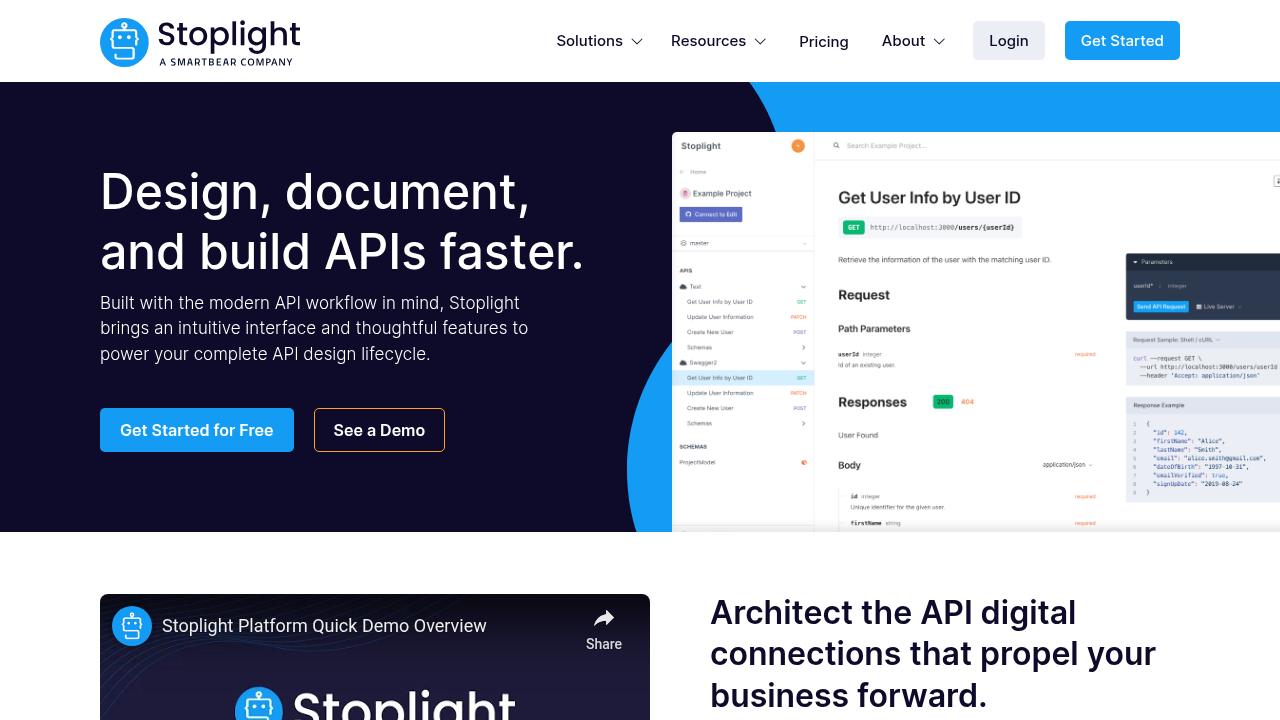
Stoplight provides a visual API design tool with a form-based OpenAPI editor that lets teams build API specifications through a WYSIWYG interface. The tool includes Prism mock servers for API testing, basic Try It functionality for endpoint testing, and CLI tools for publishing specifications. The visual editor works for teams focused on early-stage API design and specification creation.
Stoplight's editor is primarily focused on API design and specification workflows, which makes it less flexible for broader documentation needs. While it provides a visual interface for working with OpenAPI and JSON Schema, it is largely spec-centric and does not offer a full WYSIWYG editing experience for rich text or media. Additionally, it lacks deep docs-as-code features like integrated Git-based pull request workflows, interactive components, and a seamless Dev Mode for source control, making it less adaptable for teams that need to combine technical API reference with general structured content.
ReadMe
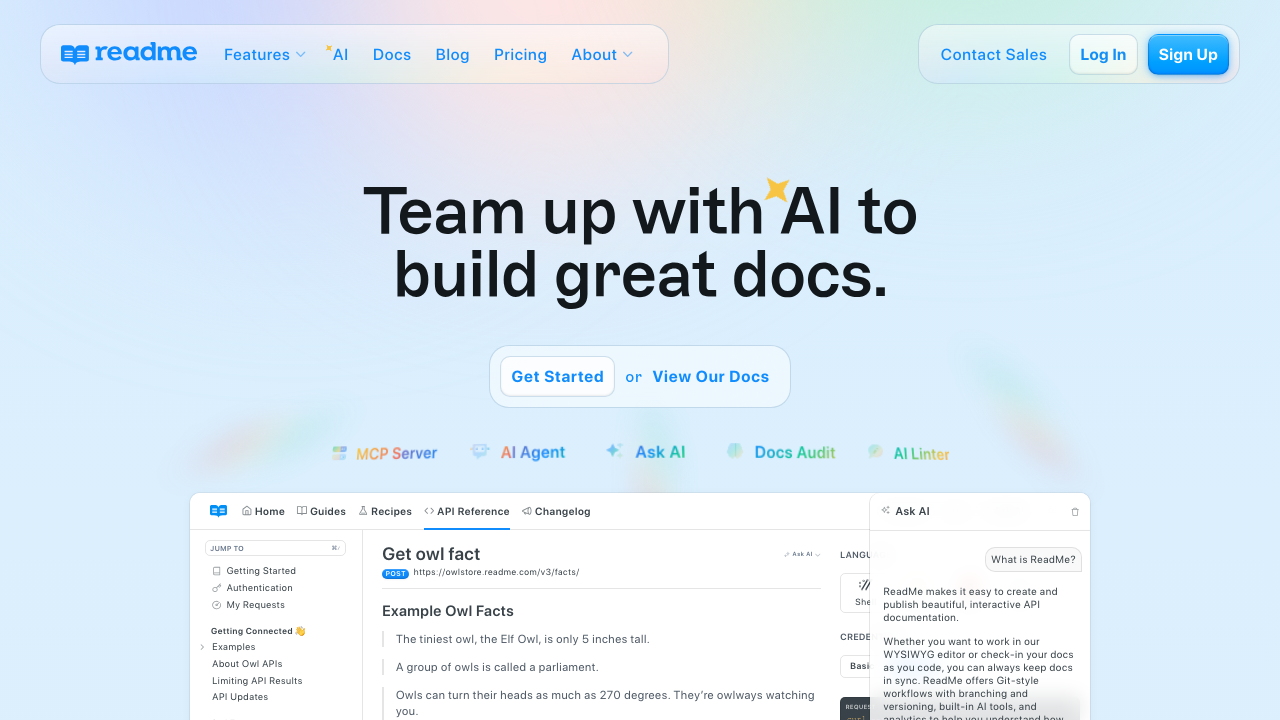
ReadMe offers hosted API documentation with features designed around a web-first editing experience. The service provides a web dashboard where team members can create and manage documentation content through a browser-based interface. ReadMe supports bidirectional GitHub sync and provides a CLI (rdme) with GitHub Actions support, allowing documentation changes to flow between the web editor and Git repositories.
ReadMe has several limitations that affect larger engineering teams. Its CMS-first approach means Git sync is available but optional rather than the default workflow, so teams that want to enforce docs-as-code practices may find the web dashboard orientation limiting. While ReadMe recently introduced a Component Marketplace for extending functionality, its custom component options are more constrained than platforms that support arbitrary React components, limiting flexibility for dynamic or branded content. Additionally, ReadMe does not natively generate SDKs from API specifications, and edits made in the web editor follow a dashboard-driven workflow rather than automatically translating into version-controlled pull requests, making it less suited for engineering-driven teams who want documentation to live directly alongside code.
GitBook
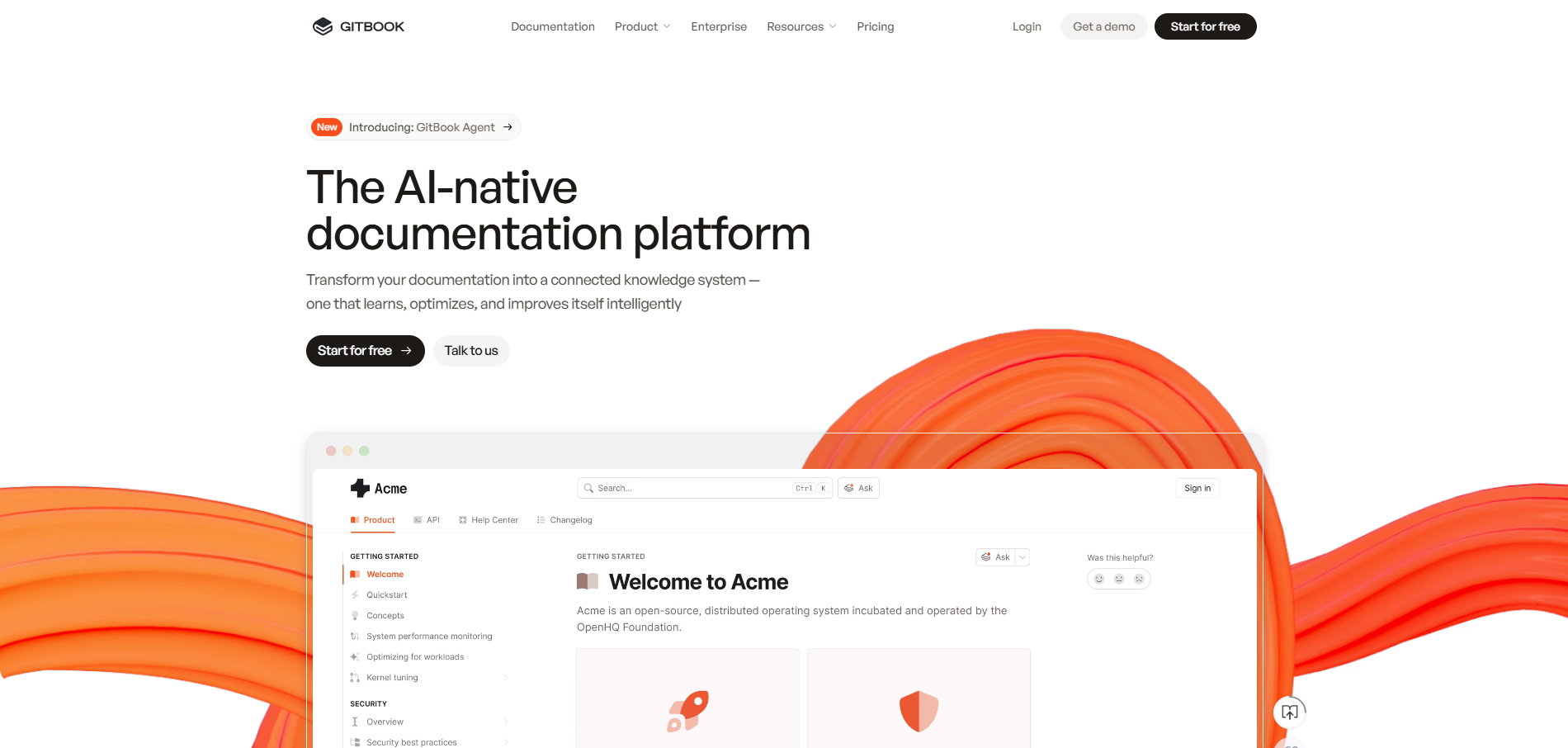
GitBook offers a web-based WYSIWYG editor with OpenAPI import and Scalar-powered API testing. Its visual, block-based interface, real-time collaboration, inline comments, change tracking, and approval workflows make it well-suited for general knowledge bases and product documentation aimed at non-technical teams.
However, GitBook is primarily a CMS-style tool and not a true docs-as-code platform. Edits live mainly in the browser, with Git sync as optional, and there's no native CLI or local preview for reviewing changes before publishing. In contrast, Fern treats documentation as code, generating Git commits/PRs and integrating with CLI and CI/CD tooling, providing a more seamless, developer-friendly workflow for engineering-centric teams.
Feature comparison table of API documentation editors
The table below compares five WYSIWYG API documentation editors across the features that matter most for API-first teams. Evaluate these tools based on how deeply they integrate with your development workflow, whether they support your API specification format, and if they provide the deployment flexibility your organization requires.
| Feature | Fern | Mintlify | Stoplight | ReadMe | GitBook |
|---|---|---|---|---|---|
| WYSIWYG editor | Yes, full-site preview | Yes, with real-time preview | Form-based for specs | Yes, web-based | Yes, block-based |
| Git integration | Native, PR-first | Yes, with Git sync | Limited | Bidirectional sync | Optional sync |
| OpenAPI support | Full import and generation | Full import and generation | Native OpenAPI editor | Import and display | Import with Scalar |
| API Explorer | Interactive with auth | Interactive testing | Basic Try It | Interactive testing | Scalar-powered |
| SDK generation | 9 languages | No | No | No | No |
| Docs-as-code | Full support, CLI | Supported | Limited | Optional | Optional |
| Custom components | Built-in library | React components | Limited | Built-in widgets | Block-based only |
| Role-based access | Page and section level | Yes | Yes | Yes | Yes |
The comparison reveals a clear tradeoff between visual editing accessibility and docs-as-code depth. Tools like Fern and Mintlify maintain Git as the source of truth while providing WYSIWYG interfaces, whereas ReadMe and GitBook prioritize web-first editing experiences. SDK generation remains exclusive to Fern in this comparison, which matters for teams that need to maintain client libraries alongside documentation.
Why Fern is the best API documentation editor with WYSIWYG capabilities
Fern's WYSIWYG editor reflects the actual documentation site experience instead of isolated page editing, letting teams preview changes in context before publishing. Fern Editor automatically generates pull requests when non-technical team members make updates, maintaining docs-as-code principles without requiring Git knowledge. The documentation includes built-in components for rich content.
API documentation tools typically force teams to choose between visual editing and version control. Fern provides both through GitHub integration that treats the editor as another interface to the same repository developers use.
The editor is part of a unified solution. API reference generation, SDK publishing, and content editing all pull from the same OpenAPI specification, eliminating drift between documentation and code. Most documentation software solutions require separate tools for SDK generation, but Fern handles both from a single configuration.
Final thoughts on API content management with visual editors
The best documentation writing tools balance visual editing with docs-as-code principles, letting your whole team contribute without learning Git commands. You'll want to consider whether SDK generation matters for your developer experience. Most teams benefit from editors that create pull requests automatically instead of bypassing version control entirely.
FAQ
Can non-technical team members contribute to API documentation without knowing Git?
Yes, modern API documentation editors with WYSIWYG capabilities allow non-technical contributors to update content without Git knowledge. Tools like Fern automatically generate pull requests when changes are made through the visual editor, maintaining version control benefits without requiring command-line expertise. Product managers and technical writers can edit through a browser interface while the system handles Git operations in the background.
Do WYSIWYG documentation editors support docs-as-code workflows?
The best WYSIWYG API documentation editors fully support docs-as-code principles by treating documentation as version-controlled content. Platforms like Fern maintain documentation in Git repositories, create pull requests for visual edits, and integrate with CI/CD pipelines. This approach combines the accessibility of visual editing with the version control, code review, and automated deployment benefits that engineering teams require.
How do visual editors handle API reference documentation?
Visual editors designed for API documentation typically separate API reference content from prose documentation. The API reference sections generate automatically from OpenAPI, AsyncAPI, or other API specification files, which guarantees technical accuracy. The WYSIWYG editor handles conceptual guides, tutorials, and explanatory content that require human authoring. This separation keeps API references synchronized with specifications while allowing flexible editing of supporting documentation.
What is the difference between WYSIWYG editors and markdown editors for API docs?
WYSIWYG editors provide visual formatting interfaces similar to word processors, showing the final appearance during editing. Markdown editors require writing plain text with syntax markers that render later. While markdown editors offer more direct control and work well for developers comfortable with syntax, WYSIWYG editors reduce the learning curve for non-technical team members. Some platforms support both editing modes to accommodate different contributor preferences.
Do visual API documentation editors support custom branding and components?
Most enterprise-grade visual documentation editors support custom branding including colors, logos, typography, and domain hosting. Advanced tools like Fern also provide built-in components such as callouts, code blocks, tabs, and accordions that contributors can insert through the visual interface. Custom component support varies by tool, with some allowing React components while others limit customization to predefined elements.