
In the fast-evolving world of APIs, developer experience can make or break adoption. As API strategies mature, teams increasingly turn to docs-as-code—managing documentation with the same version control, automation, and review processes used for software. This approach helps API teams ship accurate, up-to-date references at scale.
As 2026 begins, the landscape of docs-as-code solutions has never been more robust. From platforms that sync seamlessly with GitHub to tools supporting multi-format output and collaborative authoring, today's offerings meet the demands of modern API teams, whether you're a nimble startup or a global enterprise. This post explores the best docs-as-code solutions available now, helping you choose the right foundation for reliable, scalable, and developer-friendly documentation.
TLDR:
- Docs-as-code stores documentation in Git alongside code, automating updates via CI/CD pipelines.
- Fern offers full Git-native workflows, CLI tooling, automated CI/CD, interactive API references, SDK generation, and flexible deployment—most complete solution.
- ReadMe & Mintlify provide visual editors, Git integration, and API references but lack local preview servers and SDK generation.
- GitBook & Stoplight support Git syncing and API references, but lack local development tooling and SDK generation.
- Fumadocs is flexible and Git-native with React/MDX integration and OpenAPI support, but requires frontend expertise and self-managed hosting.
What is docs-as-code?
Docs-as-code treats documentation with the same rigor as software development. Rather than relying on isolated content management systems, this approach uses the tools developers already work with: plain text formats like Markdown, version control through Git, and automated publication via CI/CD pipelines.
This workflow solves a critical problem for API teams: drift. In traditional setups, documentation often lags behind code deployments. Docs-as-code integrates documentation into the development process itself, making it easier to keep docs accurate as the API evolves.
The right docs-as-code platform reduces friction and keeps APIs easy to integrate. Outdated or incomplete docs frustrate developers and slow adoption, so a strong solution prioritizes accuracy, automation, and collaboration.
Key elements of a docs-as-code solution
Version control and automated publishing
Docs live alongside code, using Git for branching, pull requests, and reviews. CI/CD deployment ensures documentation stays current with every change—no manual updates required.
Integration with API specifications
Generating API reference docs from machine-readable specs like OpenAPI guarantees that documentation matches the actual API, eliminating inconsistencies.
Collaborative, developer-friendly workflows
Authors write in Markdown or their preferred IDE, following familiar Git workflows. Non-technical contributors can make updates through visual editors that create pull requests automatically, keeping collaboration smooth without sacrificing version control.
Together, these elements make docs-as-code reliable, scalable, and maintainable by both engineers and non-technical teams.
SDK generation from API specifications
Some platforms go beyond documentation to generate client libraries from the same API spec. This extends the docs-as-code model—when your spec updates, both your docs and your SDKs stay in sync automatically.
Best overall docs-as-code solution: Fern
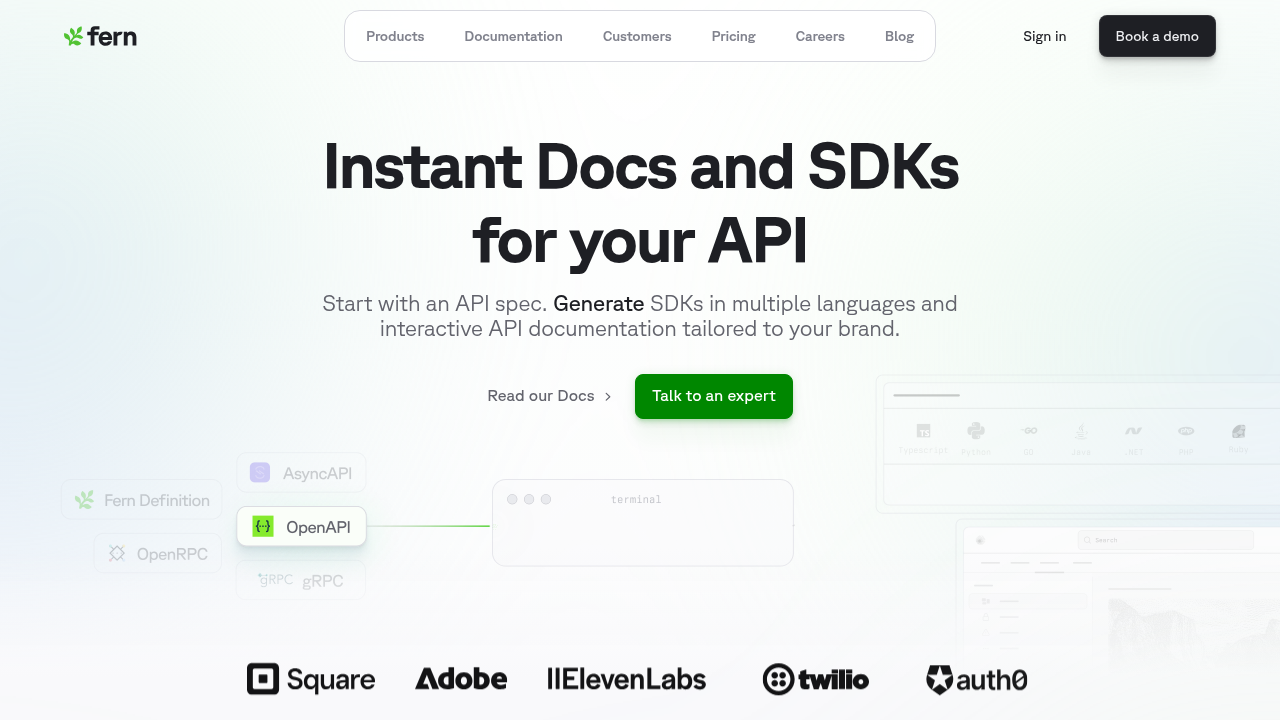
Fern is a Markdown-based docs-as-code platform that helps teams build and maintain documentation using familiar developer workflows. Beyond documentation, Fern generates type-safe SDKs in multiple languages from your API specification—so docs and client libraries stay in sync automatically.
With the Fern CLI, developers can build docs (fern generate) and preview locally (fern docs dev), storing content in a monorepo or dedicated repo. Non-technical contributors can use Fern's visual editor, which creates pull requests automatically—bridging the gap between technical and non-technical workflows.
Fern generates interactive API references from your API specification, complete with an integrated API Explorer that lets developers test endpoints directly from the documentation. The Explorer handles authentication and CORS via proxying, so developers can make real API calls without leaving the docs.
CI tools like GitHub Actions or GitLab CI keep docs synced with code, updating automatically when endpoints change. The result: always-current documentation with minimal manual overhead.
ReadMe
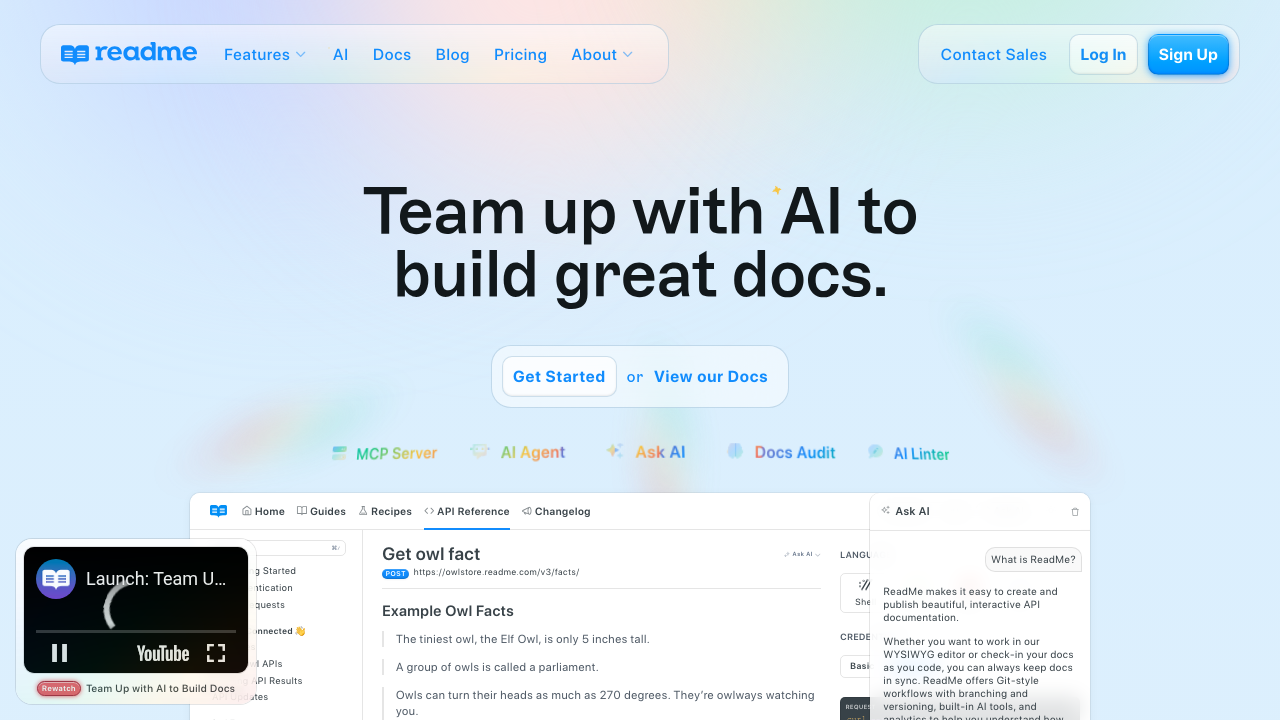
ReadMe offers a documentation platform with Markdown support and automatic API reference generation from OpenAPI specifications. The platform provides a visual editor for non-technical contributors and includes bidirectional Git sync with GitHub and GitLab—changes made in either the ReadMe dashboard or your repository sync automatically.
ReadMe has improved its docs-as-code capabilities with the rdme CLI and GitHub Actions support, enabling CI/CD integration for syncing OpenAPI definitions and Markdown files. However, the platform still centers around a web-based dashboard rather than local-first development. There's no local preview server—you edit in the browser or push to Git and wait for changes to sync.
ReadMe works well for teams that prefer a polished dashboard experience with Git backup, but may feel limiting for teams that want fully local development workflows or SDK generation from the same API specification.
Mintlify
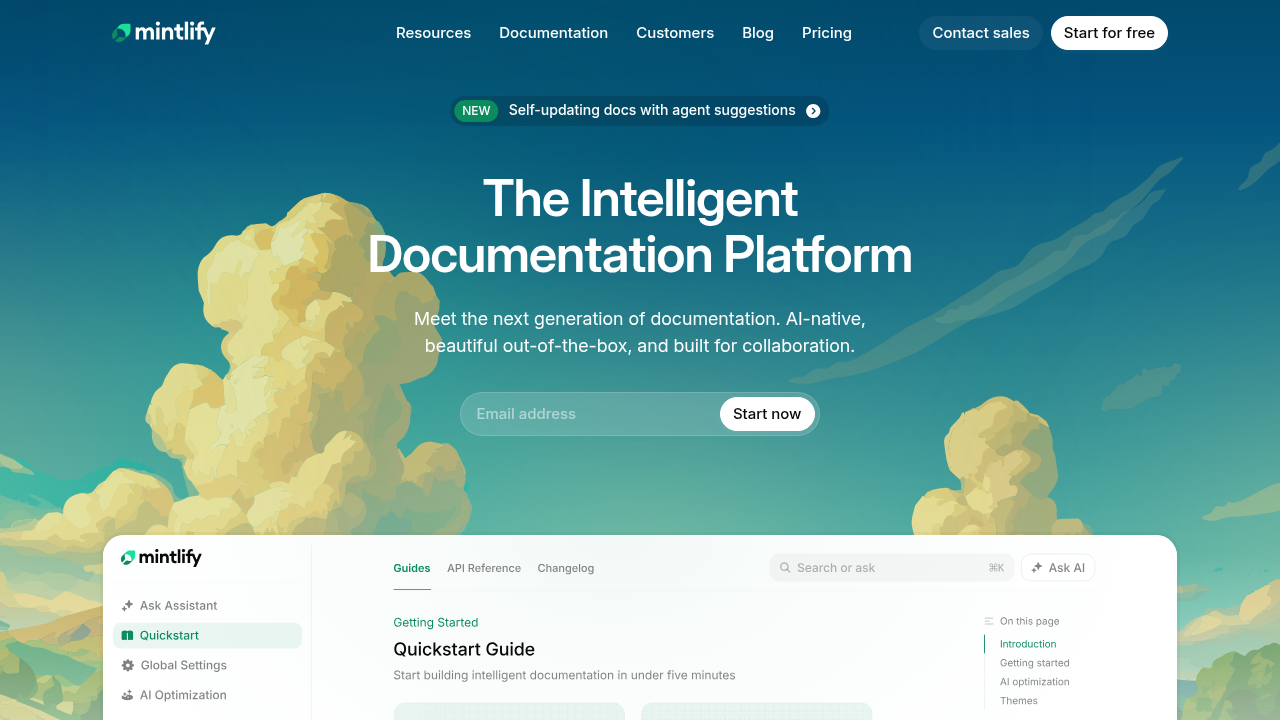
Mintlify is a documentation platform that syncs with GitHub and GitLab, letting teams store docs in their repositories. It automatically builds and deploys on push, offers a visual editor for non-technical contributors, and supports versioning, custom domains, and OpenAPI-based API reference generation.
Mintlify provides solid docs-as-code fundamentals and excels in ease of setup. However, it focuses purely on documentation—teams that want to generate SDKs from the same API specification will need a separate tool or a platform that handles both.
GitBook
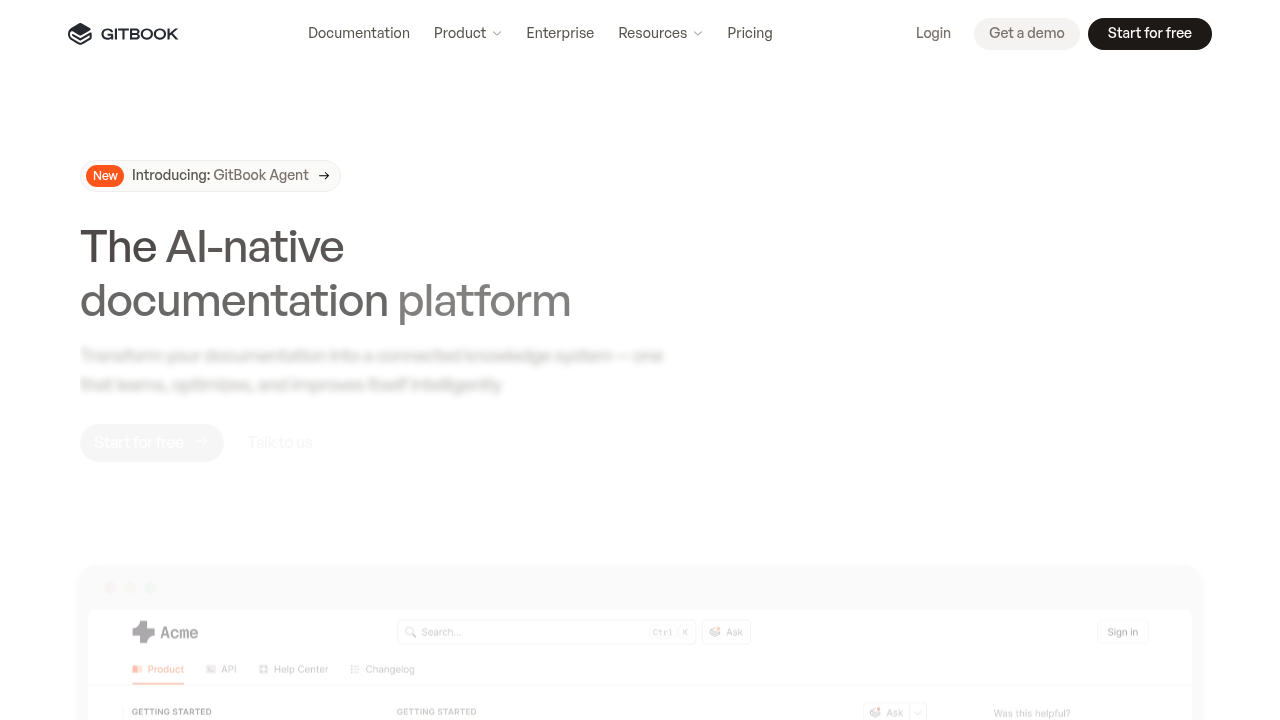
GitBook supports docs-as-code via bidirectional Git Sync with GitHub and GitLab, keeping documentation aligned with code. Edits in the visual editor sync as commits, and repo changes sync back, enabling branch-based workflows and pull requests. Non-technical contributors can use the visual editor while the platform handles site generation and hosting.
GitBook supports OpenAPI-based API reference generation with interactive endpoint testing. However, the platform lacks local development tooling—there's no CLI for previewing docs locally, so you edit in the browser or push changes and wait for sync. CI/CD integration is limited to Git Sync and webhooks rather than CLI-driven pipelines.
GitBook works well for teams that want a polished visual editing experience with Git backup, but may feel limiting for teams that prefer local-first development or need SDK generation alongside their docs.
Stoplight
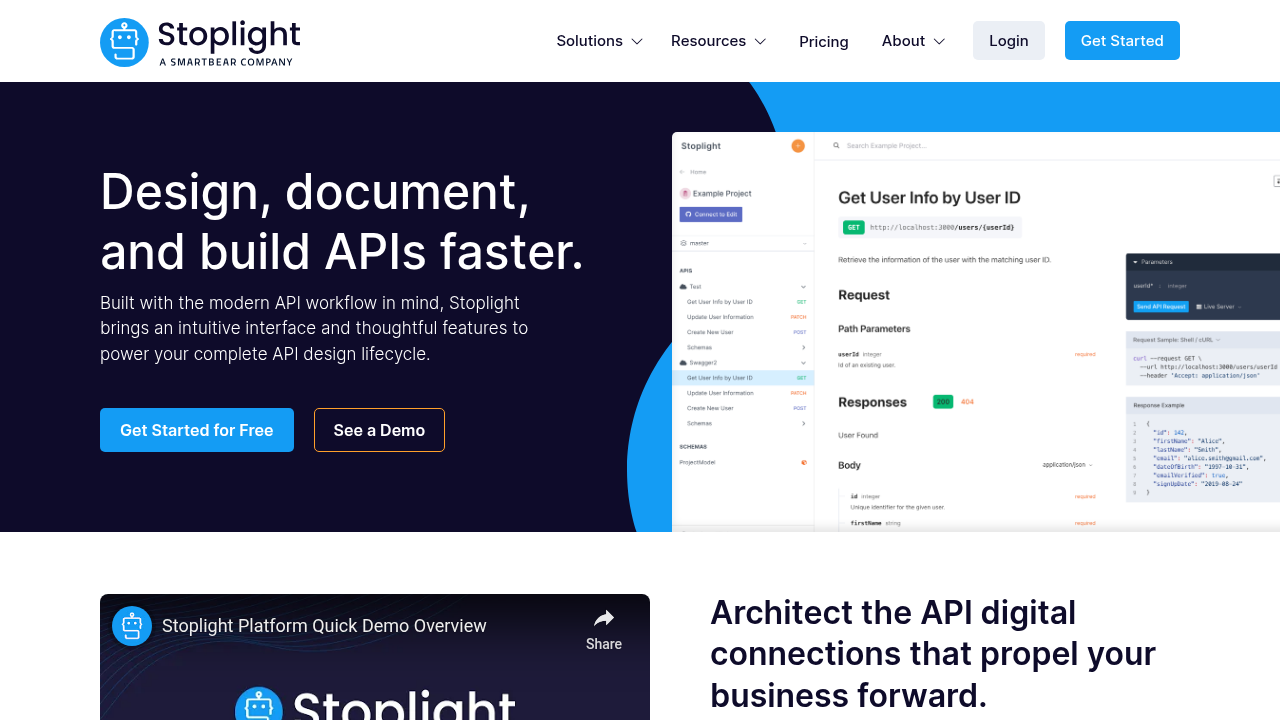
Stoplight supports docs-as-code by storing API specifications (OpenAPI/JSON Schema) and Markdown content in Git repositories, enabling version control, branch workflows, and pull requests. Stoplight Studio offers both visual and code-based editing, with webhooks for automatic publishing and Spectral for specification linting.
Stoplight's core strength is API design and governance rather than documentation publishing. While it includes interactive "Try It" functionality and mock servers via Prism, the platform is optimized for design-first workflows—collaborative spec editing, style enforcement, and validation—rather than fully automated docs-as-code pipelines. The CLI handles publishing but doesn't support local preview.
Stoplight is ideal for teams prioritizing API design, governance, and spec-driven development, but less suited for teams focused on documentation publishing or SDK generation.
Fumadocs
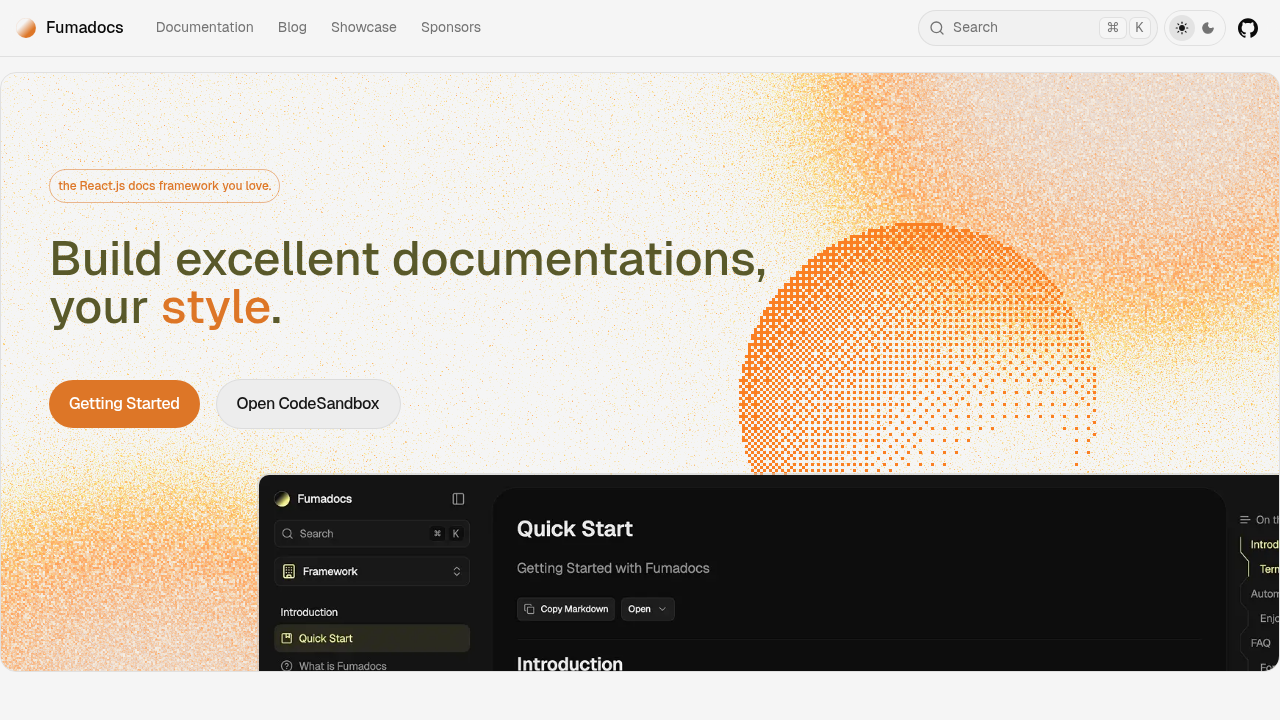
Fumadocs is a React-based documentation framework that treats docs as code, letting teams author Markdown/MDX content directly in their project repository. Docs are versioned with Git, integrated into pull request workflows, and rendered using composable React components. The CLI scaffolds and customizes sites, giving full control over layout, search, and content rendering. Publishing and deployment are self-managed rather than handled by a hosted service.
Fumadocs includes OpenAPI integration with automatic API reference generation and an interactive playground. Its strength is flexibility and deep React/Next.js integration—you can embed custom components, code playgrounds, and live demos directly in your docs. This makes it ideal for developer-focused product docs, component libraries, or teams that want full control over their documentation stack, but it requires frontend expertise and doesn't include SDK generation.
Feature comparison table of docs-as-code solutions
Selecting the right tool requires analyzing how well each option integrates with your existing engineering stack. This breakdown compares key capabilities across the top solutions, focusing on automation, CI/CD integration, and developer experience features.
| Feature | Fern | ReadMe | Mintlify | GitBook | Stoplight | Fumadocs |
|---|---|---|---|---|---|---|
| Git-native workflow | Yes | Yes | Yes | Yes | Yes | Yes |
| Auto-generated API reference | Yes | Yes | Yes | Yes | Yes | Yes |
| Interactive API testing | Yes | Yes | Yes | Yes | Yes | Yes |
| CI/CD integration | Yes | Yes | Yes | Limited | Limited | Yes |
| Versioned documentation | Yes | Yes | Yes | Yes | Yes | Yes |
| SDK generation | Yes | No | No | No | No | No |
Why Fern is the best docs-as-code solution
Fern stands apart by extending docs-as-code beyond documentation. While most platforms stop at generating API references, Fern also generates type-safe SDKs in multiple languages from your API specification. This means a single source of truth—your OpenAPI spec—keeps your docs, API references, and client libraries in sync automatically.
Fern fully embraces a Git-native workflow, with documentation living in your repository as Markdown or MDX files that integrate seamlessly into pull requests and branch workflows. The CLI lets teams preview and generate documentation locally, while CI/CD pipelines can rebuild and deploy docs automatically whenever code changes. For non-technical contributors, the visual editor creates pull requests automatically without breaking Git workflows.
The platform includes everything API teams need: auto-generated references, an interactive API Explorer with built-in authentication and CORS handling, and flexible deployment across monorepos, dedicated repositories, or any static site pipeline. There's no lock-in to a proprietary platform.
In short, Fern combines full Git-native control, CI/CD automation, and API-first features like the other tools on this list—but it's the only one that also generates SDKs, making it the most complete solution for teams that want their entire developer experience to stay in sync with their API.
Final thoughts on implementing docs-as-code
Adopting a docs-as-code approach means your documentation lives where your code lives. When your API references update automatically with each pull request, you eliminate the drift that slows developer adoption. The right tooling makes this workflow feel natural, not like extra overhead. Start with Git-native workflows and automation, and your documentation stays accurate without manual intervention.
FAQ
How do I choose the right docs-as-code solution for my API team?
Start by evaluating your team's workflow priorities. If you need Git-native automation, interactive API testing, and SDK generation from a single source of truth, Fern provides the most complete solution. Teams prioritizing visual editing may prefer ReadMe or GitBook, while those focused on API design governance should consider Stoplight.
What's the difference between Git-native and Git-synced documentation platforms?
Git-native platforms treat your repository as the source of truth, with documentation fully integrated into pull request workflows, CLI tooling, and CI/CD pipelines. Git-synced platforms offer bidirectional repository connections but center around web dashboards—you can edit in either place, but the primary experience is browser-based rather than local-first.
Can I generate interactive API references with all docs-as-code tools?
Most modern platforms support this. Fern, ReadMe, Mintlify, GitBook, Stoplight, and Fumadocs all generate API references from OpenAPI specifications and include interactive testing. The key differentiator is whether the platform also generates SDKs—currently only Fern offers this.
Which docs-as-code solution works best for teams without dedicated frontend developers?
Fern, Mintlify, ReadMe, and GitBook all require minimal frontend expertise, offering automated site generation and hosting. Fumadocs requires React and Next.js skills to build and customize documentation sites, making it better suited for teams with frontend resources.
When should I consider switching from a traditional CMS to docs-as-code?
Switch when documentation drift becomes a problem—if your API docs frequently lag behind code changes, require manual updates after deployments, or live separately from your development workflow. Docs-as-code eliminates these issues by integrating documentation into your CI/CD pipelines and pull request workflows.