

Announcement banner
Use an announcement banner to draw attention to new features, updates, and product launches. When configured, the announcement bar appears at the top of your docs site. After the user dismisses the bar, it will reappear the next time you update the announcement.
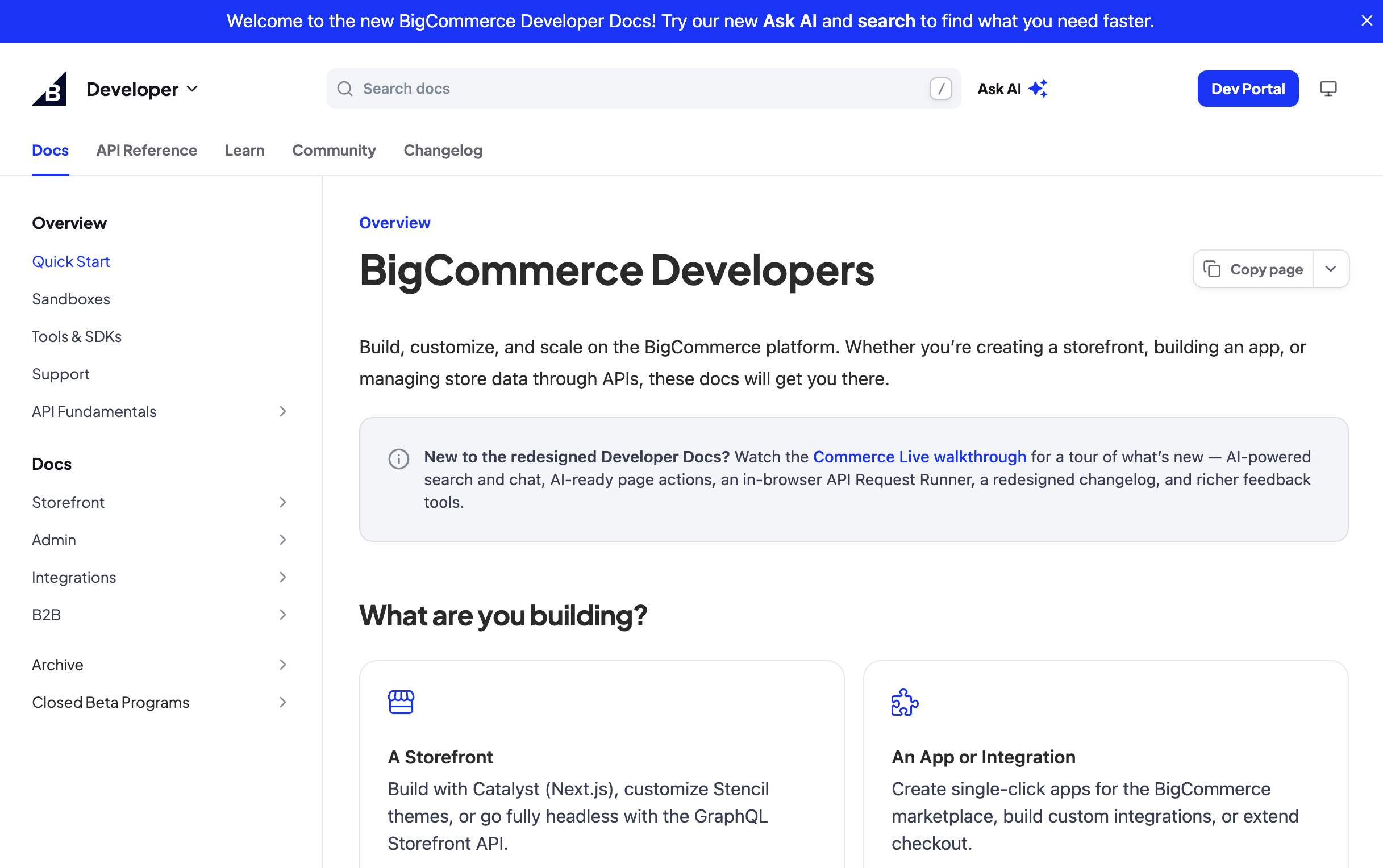
BigCommerce uses an announcement banner to welcome visitors to their developer docs and point them to Ask AI and search.
Setup
Add an announcement property with a message to your docs.yml:
The announcement message supports Markdown and HTML. You can include links, images, and other formatting, including custom CSS.
Configuring announcements at multiple levels
Announcements can be configured at multiple levels to target specific products or versions. The override hierarchy is:
- Version-level - Highest priority, always shown when defined for a specific version
- Product-level - Used when no version-level announcement exists for a product
- Config-level - Fallback announcement shown across all products/versions when no specific override is defined
Add the announcement property directly to items in the products: or versions: lists in your docs.yml file.
The below example shows a multi-product docs site where the Docs product displays “Docs product is in beta”, the SDKs v1 version shows “v1 is in maintenance mode”, and the SDKs v2 version inherits the product-level message “New SDK features available!”