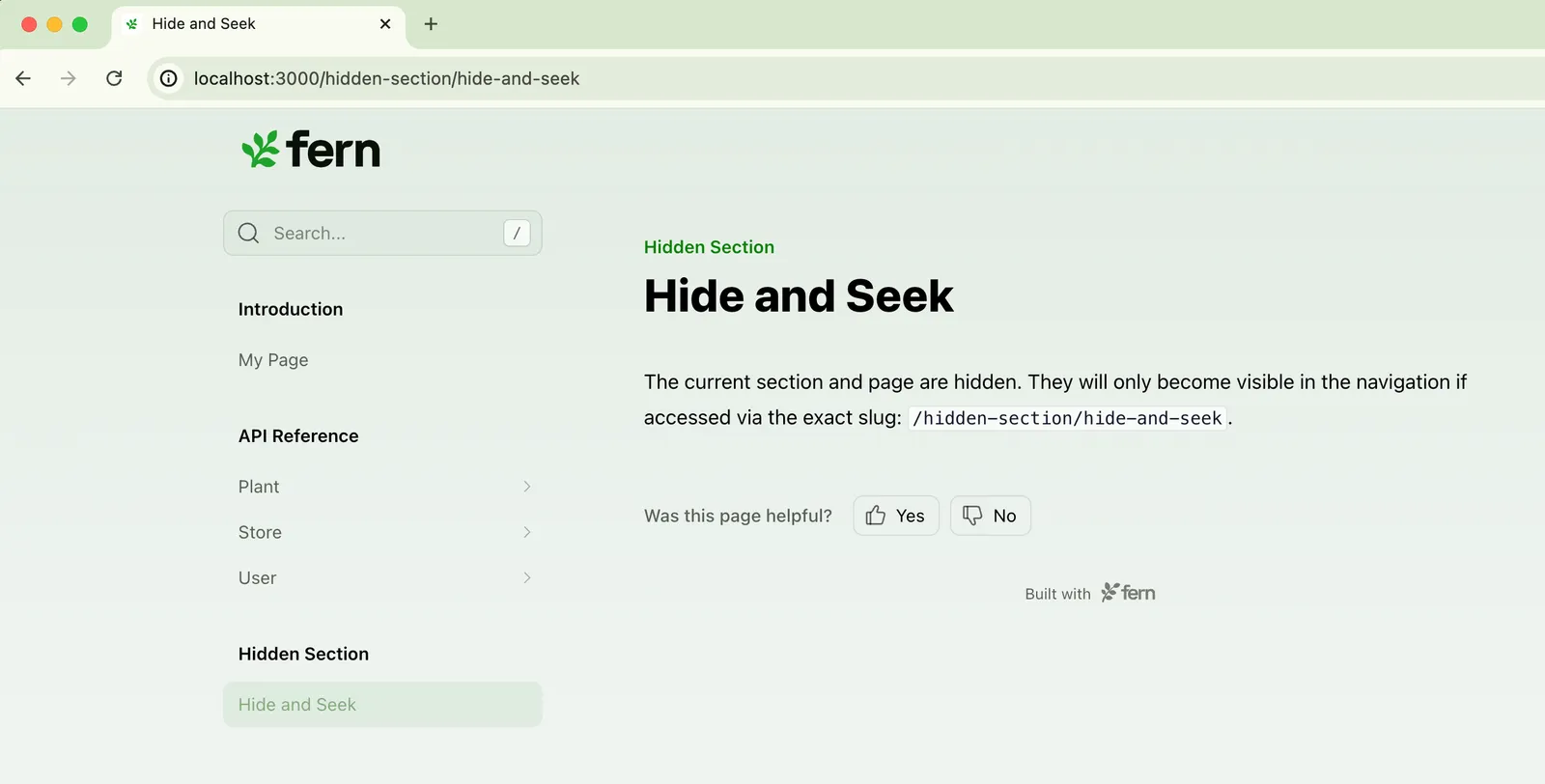
Hiding content in your site
Fern gives you two main tools for controlling content visibility: hidden: true in docs.yml removes content from your site’s sidebar and search results, while noindex: true in page frontmatter excludes a page from search without affecting navigation.
Hiding a page
Accessible only by direct URL
Set hidden: true in docs.yml to remove a page from the sidebar, search results, and llms.txt while keeping it accessible via direct link. This is useful for sharing draft documentation with reviewers or linking from external tools like support tickets. There’s no need to also set noindex — hidden: true handles both automatically.
Excluded from search only
Set noindex: true in a page’s frontmatter to exclude it from search engines and llms.txt while keeping it discoverable on your site. This is useful for early access documentation or content you want readers to find through navigation but not through search or AI tools.
For more SEO-related options, see SEO metadata.
Hiding an API endpoint
Set hidden: true in the endpoint’s layout configuration in docs.yml to hide it from the sidebar. Like page-level hidden, hidden endpoints are automatically excluded from search engine indexing so there’s no need to set noindex: true.
For full configuration details including examples for OpenAPI and WebSocket endpoints, see Hiding endpoints.
Hiding a section, tab, tab variant, or version
Hide an entire section, tab, tab variant, or version from navigation — for example, a legacy API version, an internal tab, or a section of internal tooling docs.
Unlike hiding a page or endpoint, hiding a section, tab, tab variant, or version only removes the group from navigation. The individual pages within it remain indexed by search engines and AI because hidden applies to the grouping, not to each page. To also exclude individual pages from search results, add noindex: true to each page’s frontmatter.
Section
Tab
Tab variant
Version